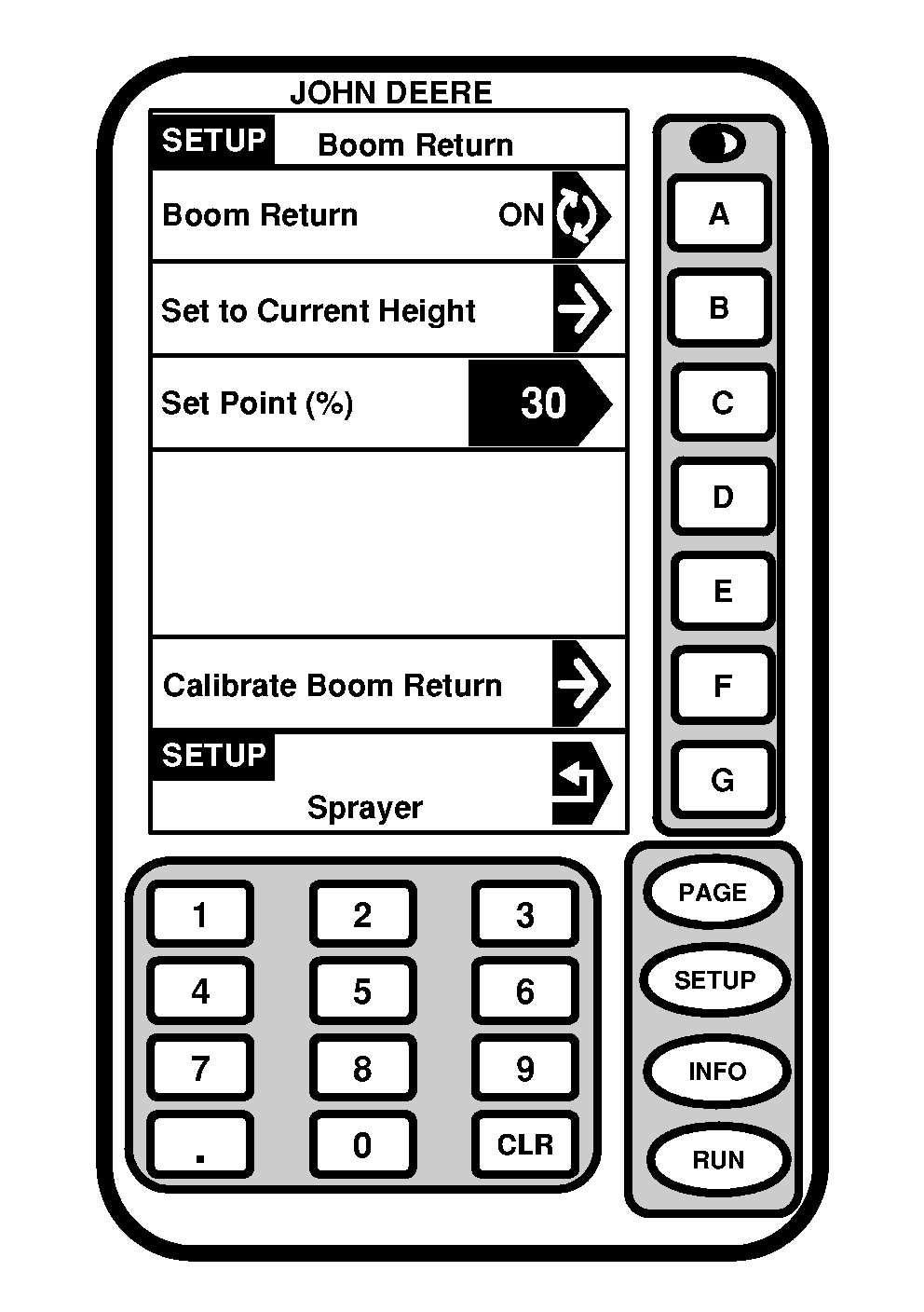
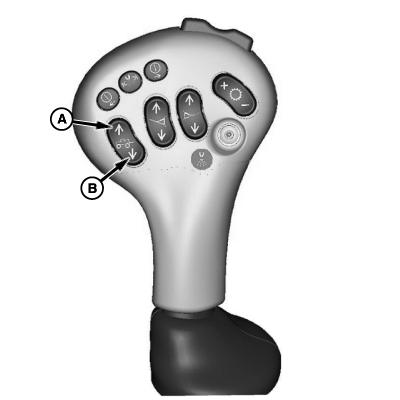
Using Boom Return to Height1. Press "SETUP".2. Press letter button next to "SprayStar". 3. Press "PAGE". 4. Press letter button next to "Boom Return to Height". 5. Press letter button next to "Boom Return" to toggle to "ON". 6. Move boom up or down to correct height. 7. Press letter button next to "Set to Current Height" to save this value. NOTE: The height of boom will be expressed as a percentage of the calibrated range. The system stores only one set point. 8. Start spraying operation. 9. At turnrow raise boom using top of switch (A) to avoid boom striking obstacles. 10. While turning in on next rows to be sprayed, press and hold bottom of switch (B) until boom is down to set point. NOTE: Boom will automatically stop at set point. Boom can be lowered beyond set point by pressing (B) again. |
|
OUO6092,0000713 -19-07OCT04-1/1 |