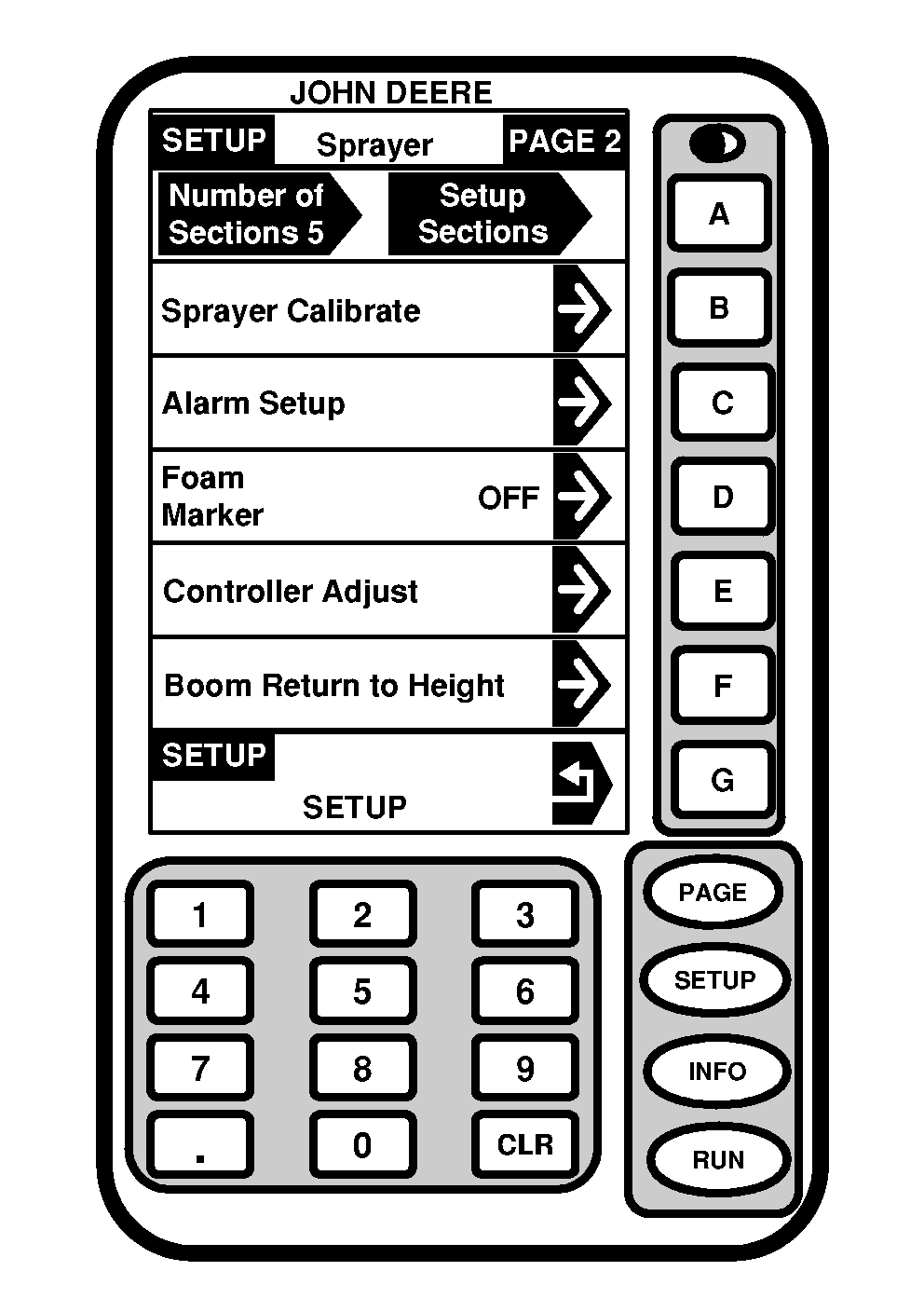
Setup Sprayer-Page 2On Page 2 of the Setup Sprayer menu, the following are displayed and can be changed: Number of Sections-Setup Sections- When the number of sections are entered, operator can go to the Setup Section of the boom. At this location, number of nozzles per section, nozzle spacing and nozzle spray width can be entered. The section spray width and total spray width is calculated by the SPRAYSTAR system. Sprayer Calibrate- Allows the operator to calibrate the flowmeter, pressure sensor, wheel speed sensor and radar speed sensor. Alarm Setup- Allows the operator to turn on or off a flow rate error, sections off and ladder alarms. Foam Marker- Allows the operator to change setting of foam marker from AUTO HIGH, AUTO LOW, MANUAL HIGH, MANUAL LOW, and OFF. Controller Adjust- Allows the operator to change performance of the SPRAYSTAR rate control system. The operator can change the sprayer's response time, perform an auto calibration, reset calibration values to factory settings, and turn boom charge AUTO, MANUAL, and OFF. Boom Return to Height- Allows the operator to turn boom return to height on/off, set height to current height or a set point, and calibrate boom return to height. |
|
OUO6092,0000716 -19-11OCT04-1/1 |