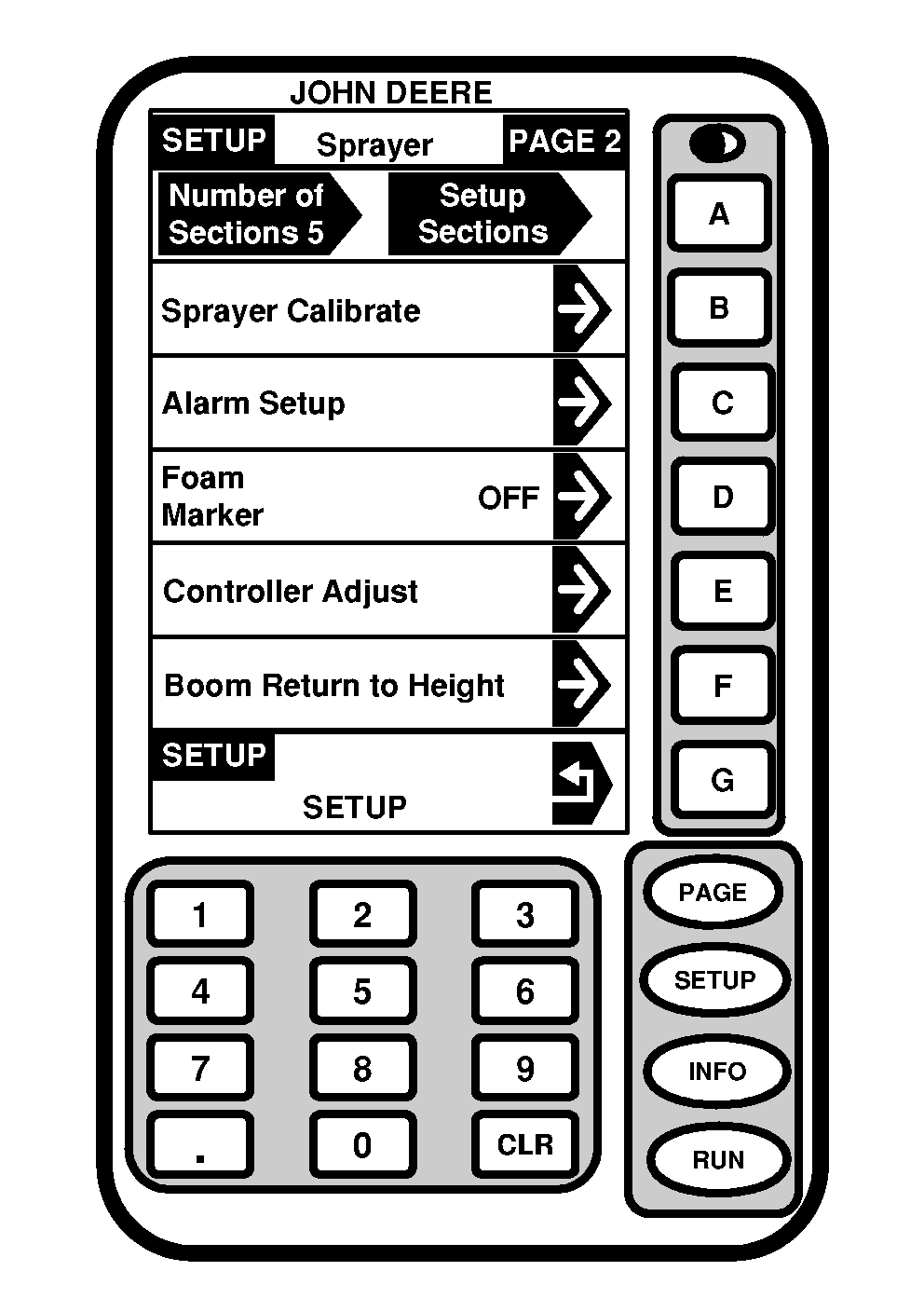
Foam Marker1. Press "SETUP" to display SETUP menu.2. Press letter button next to "SprayStar". 3. Press letter button next to "Foam Marker" to toggle between:
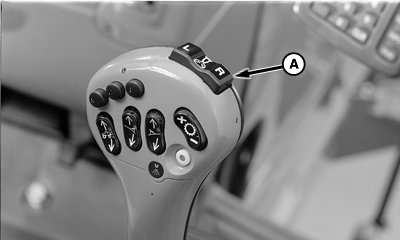
When "MANUAL - LOW" or "MANUAL - HIGH" is selected, the operator controls which side of the vehicle the marker is operating. When "AUTO - LOW" or "AUTO - HIGH" is selected, the foam marker automatically switches from one side to the other when the solution spray master ON/OFF switch is turned off and then on again, or if switch on top of multifunction control handle is pushed. Foam marker switch (A) on multifunction control handle is a two-function switch used to select right-hand or left-hand foam markers. Foam marker system is turned off by pressing both "L" and "R" switches at same time.
|
|
OUO6092,0000A15 -19-15JUN06-1/1 |