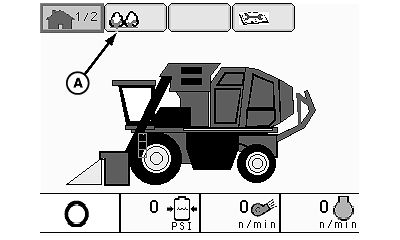
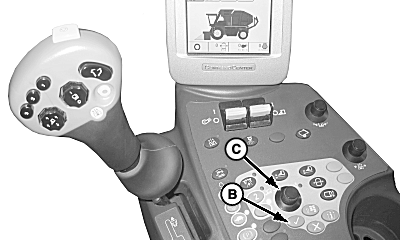
Machine Configuration Screens1. Highlight machine setup icon (A) using selection dial (C). Push confirm button (B).
|
|
OUO1078,0000008 -19-21OCT08-1/2 |
|
2.
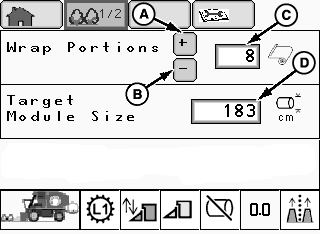
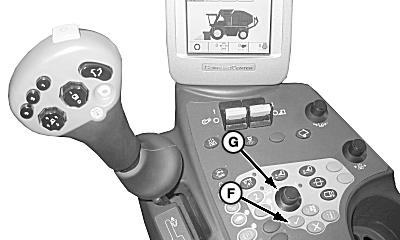
Highlight plus icon (A) using selection dial (G). Press confirm button (F) to increase number of wrap portions (C) on roll.
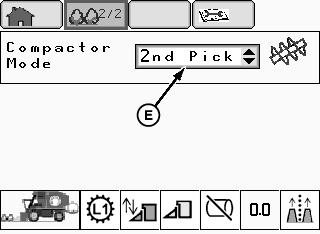
Highlight minus icon (B) using selection dial (G). Press confirm button (F) to decrease number of wrap portions (C) on roll. 3. Repeat procedure for setting number of wrap rolls (D). 4. Highlight compactor mode (E) and set to:
|
|
OUO1078,0000008 -19-21OCT08-2/2 |