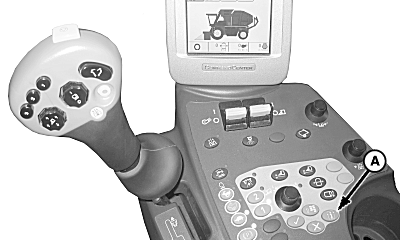
Harvest Mode Screen1. Push mode select button (A).
|
|
OUO1078,000000A -19-21OCT08-1/3 |
|
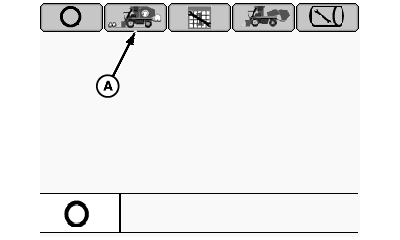
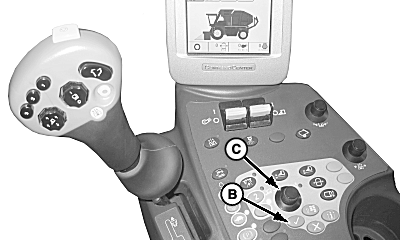
2.
Highlight harvest mode icon (A) using selection dial (C) and push confirm button (B).
|
|
OUO1078,000000A -19-21OCT08-2/3 |
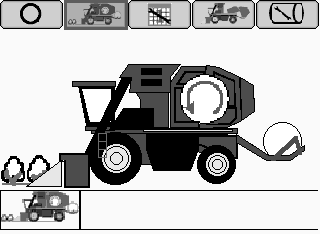
| 3. Harvest mode icon will appear in bottom left-hand corner when active. |
|
OUO1078,000000A -19-21OCT08-3/3 |