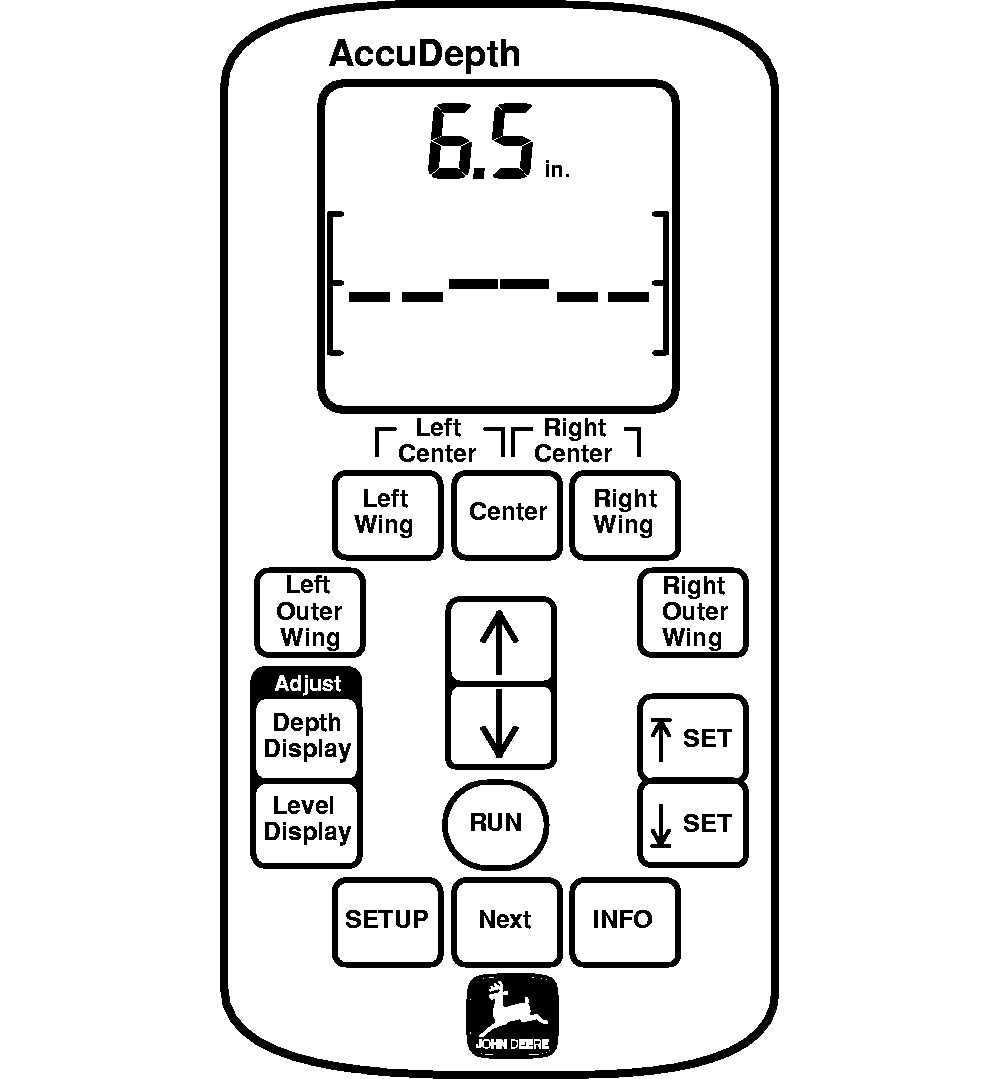
MonitorNOTE: Console can be an AccuDepth or GreenStar display depending on configuration. Console operating software is housed in electronic controller, located on machine. AccuDepth DisplayOperator is informed of machine activity by observing dedicated display screen. System, display and operator changes are made using various function keys on display. Display can be set to English or Metric units-of-measure. Operator entries must be made in same units-of-measure as display readout. Numbers shown in regular text display are either factory entered defaults or system generated totals or readings cannot be altered by operator. |
|
OUO6050,00009AC -19-13SEP07-1/6 |
|
GreenStar Display
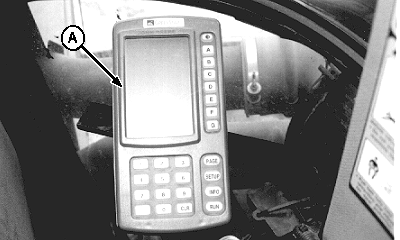
NOTE: Display console (A) is powered by attaching GreenStar ready display and communication harness. Operator is informed of machine activity by observing display screen(s). System, display and operator changes are made using function buttons (PAGE, SETUP, INFO, RUN). Machine functions are selected and/or turned ON and OFF using lettered buttons. Follow on-screen directions to use lettered buttons; their functions change from mode-to-mode and screen-to-screen. Display can be set to English or Metric units-of-measure. Operator entries must be made in same units-of-measure as display readout. Equipment and product specific information is entered using numbered buttons. High-lighted settings (displayed in an arrow) are operator adjustable. Follow on-screen directions to revise settings. CLR button is used to clear mis-keyed digits. Tractor Radar setting, units-of-measure and language selection are stored within display console. If a new or different display console is used with machine, tractor radar setting must be retrieved from old display and manually entered in new display or re-calibrated and stored. Units-of-measure and language selection will need to be reset on new display if different than factory defaults. Numbers shown in regular text display are either factory entered defaults or system generated totals or readings that cannot be altered by operator. |
|
OUO6050,00009AC -19-13SEP07-2/6 |
|
GS2 Display
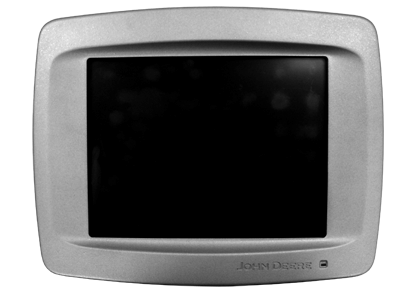
Operator is informed of machine activity by observing display screen. Machine functions are selected and/or turned ON and OFF using the touch-screen display or display control. Display can be set to English or Metric units-of-measure. Operator entries must be made in same units-of-measure as display readout. Tractor Radar setting, units-of-measure and language selection are stored within display console. If a new or different display console is used with machine, tractor radar setting must be retrieved from old display and manually entered in new display or re-calibrated and stored. Units-of-measure and language selection will need to be reset on new display if different than factory defaults. |
|
OUO6050,00009AC -19-13SEP07-3/6 |
|
Implement Controller
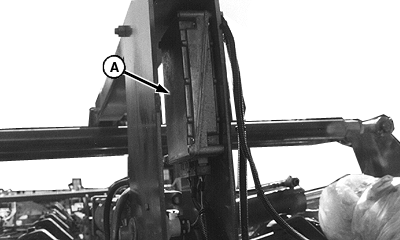
Controller (A) is located on machine, between wing stop plates. Contained within controller are: Display software is used by cab-mounted console. A microprocessor, takes impulse signals from height sensors, then translates and sends them to tractor-mounted console for display to operator. This includes valve drivers controlling current to each proportional valve. Factory defaults and operator entered settings are stored in controller's non-volatile memory. Controller checks actual position of machine relative to operator-commanded position from console every 10 milliseconds and makes depth corrections as required. Controller stores working set points, level calibration, displayed depth calibration and other system configuration settings to ensure they are available next time tractor is started. |
|
OUO6050,00009AC -19-13SEP07-4/6 |
|
Height Sensors
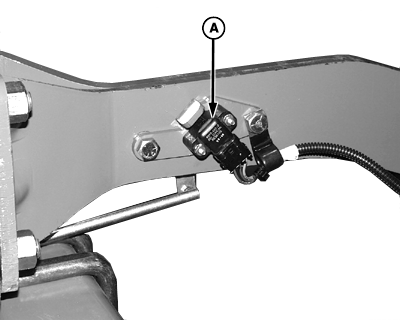
At each wheel location, potentiometer (A) is used as height sensor. As depth control cylinder extends or retracts, feedback signal from potentiometer changes to reflect position of each particular wheel module. Signal is used as an input to control depth control proportional valves.
|
|
OUO6050,00009AC -19-13SEP07-5/6 |
|
Depth Control Proportional Valves
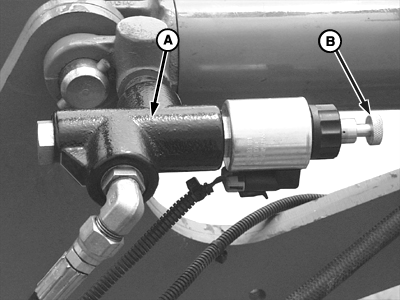
Depth control proportional valve (A) reacts to control signals to extend or retract cylinders and maintains operating depth or lift height at set points. Valve is equipped with mechanical override knob (B) which can be pushed in and turned clockwise to provide an open hydraulic path to cylinder. (See OVERRIDING ELECTRONIC DEPTH CONTROL in Overriding Electronic Depth Control section.)
|
|
OUO6050,00009AC -19-13SEP07-6/6 |