Set the Highlight Color—GS2 1800 Display
PC10857HB-UN-30OCT08

PC10857GJ-UN-28OCT08
Menu button

PC8654-UN-05AUG05
Display button

PC8792-UN-18OCT05
Settings button

PC10857HF-UN-30OCT08
Highlight Color Button
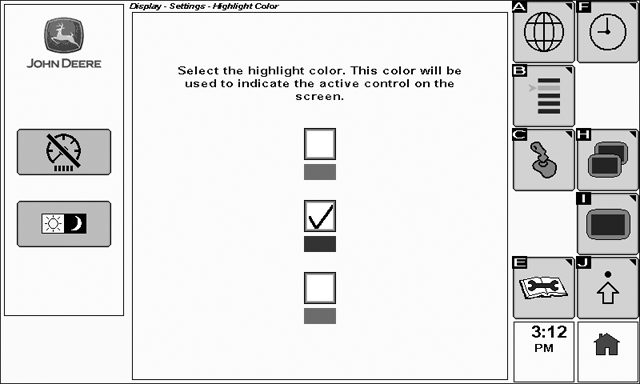
To view the Highlight Color page select: Menu > Display > Settings > Highlight Color
Cursor highlight color can be changed between green, blue, or red.
To change the Highlight Color:
Rotate the thumb wheel until the desired highlight color is selected.
Select the check button to activate the box.
OUO6092,0000206-19-20090709 |