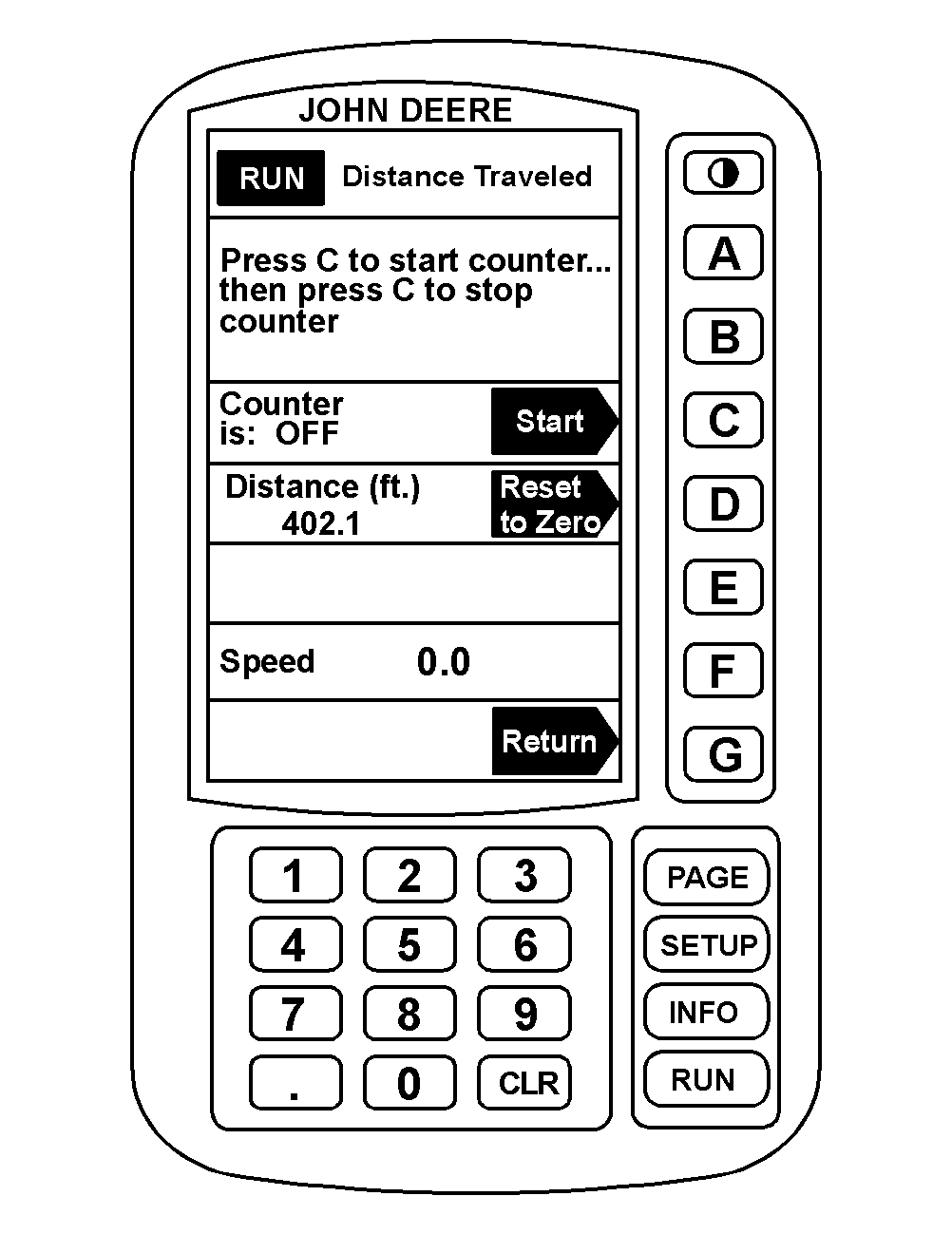
Operating Distance Counter1. Press "RUN" to display RUN menu. 2. Press "PAGE" to display Page 2 of RUN. 3. Press "F" to select Distance Counter. 4. Press "D" to "zero-out" Distance Counter. 5. Press "C" to start or stop Distance Counter. NOTE: Distance counter will automatically switch over to kilometers at 1000 m or miles at 5280 ft. |
|
AG,OUO1011,685 -19-06JUL99-1/1 |