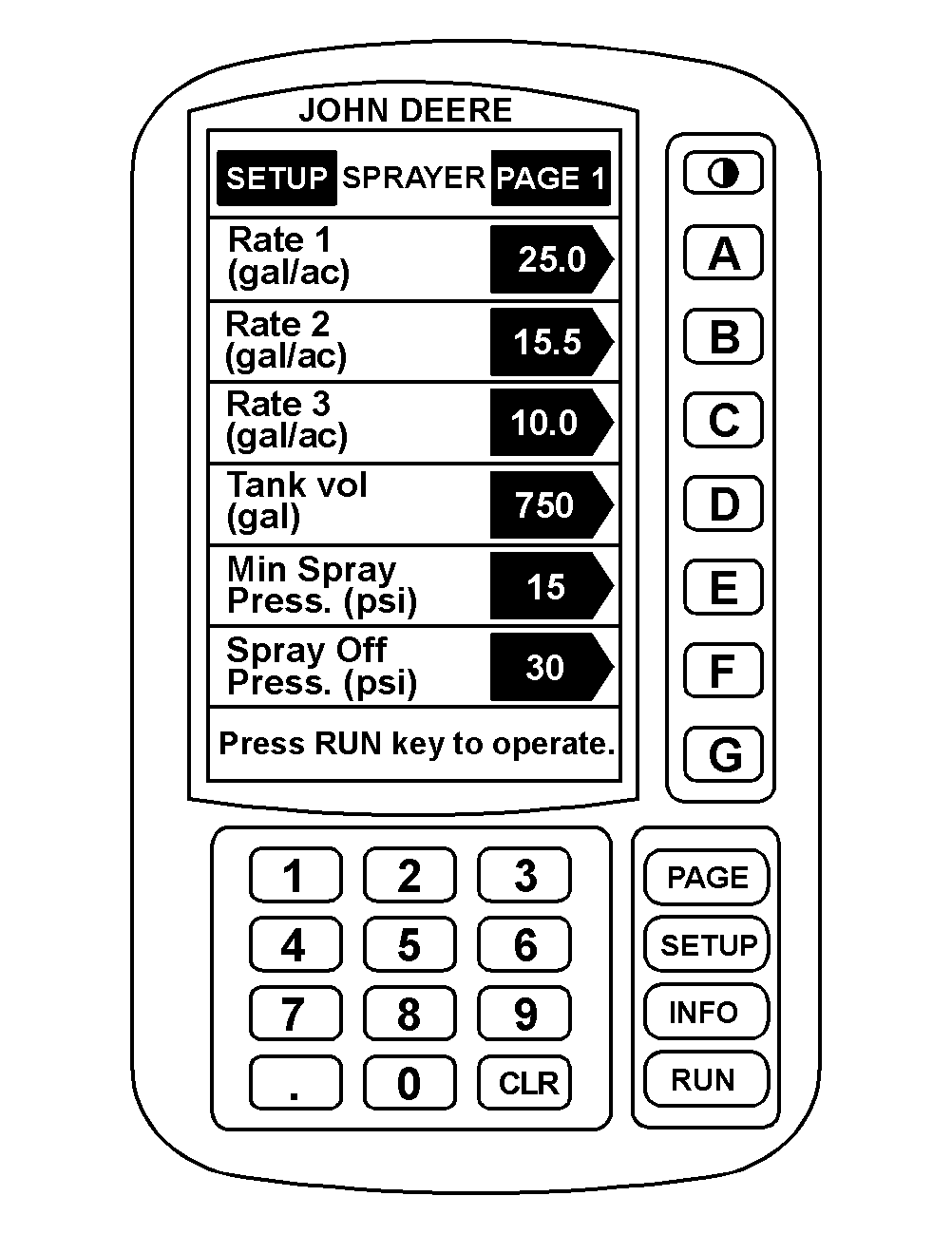
Setting Application Rates1. Press "SETUP" to display SETUP menu. 2. Press "A" to setup sprayer. 3. Press "A" to change Rate 1. 4. Enter the application rate. For example, to enter 25 gal/ac press 2, 5, 0 and then "A". Decimal point is already in place and does not need to be entered. 5. Press "B" to change Rate 2 and enter the desired rate. 6. Press "C" to change Rate 3 and enter the desired rate. 7. Press "RUN" to return to Page 1 of RUN. |
|
AG,OUO1011,686 -19-06JUL99-1/1 |