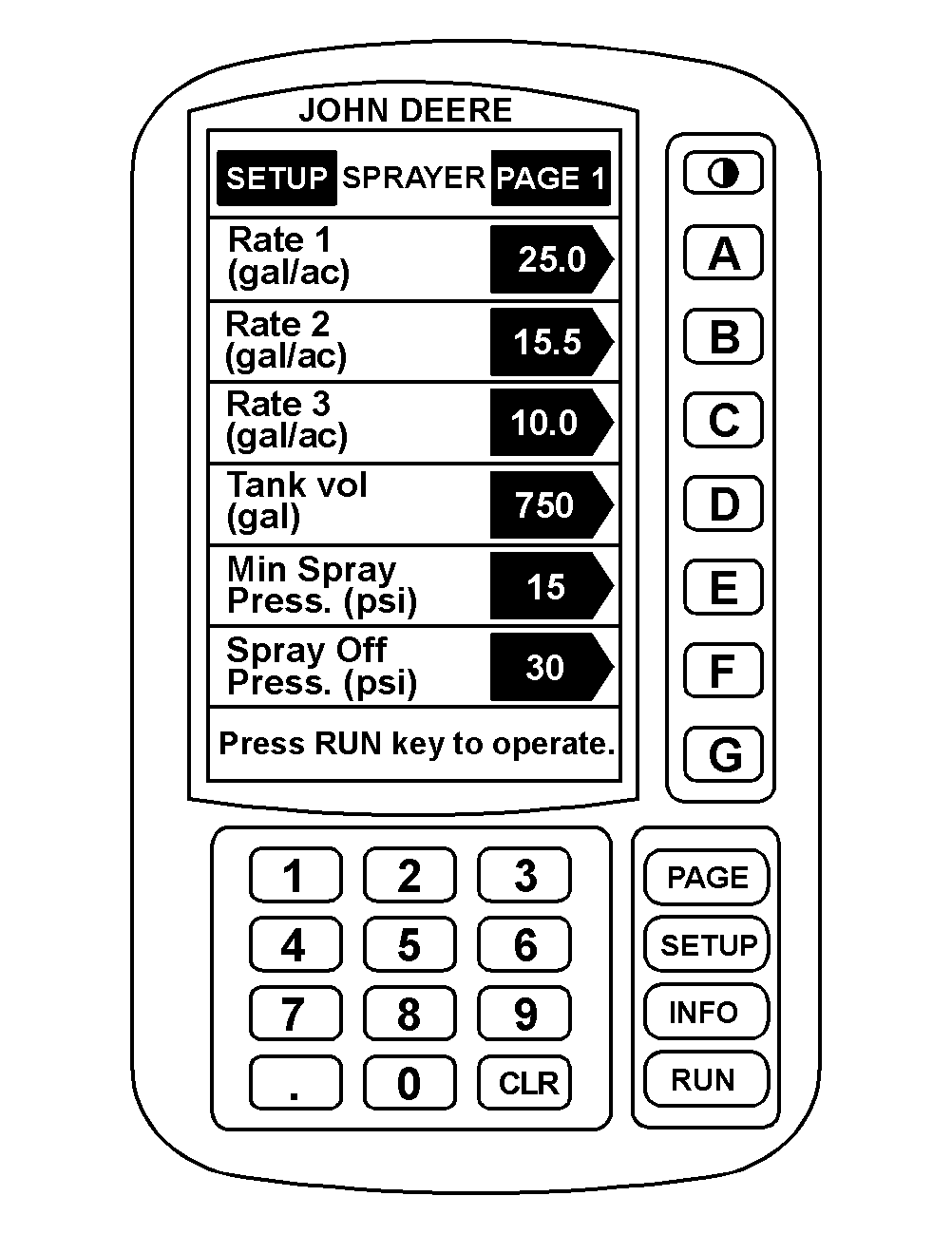
Setting Tank Reset VolumeNOTE: Each time "F" is pressed on page 1 of the RUN mode, tank volume is reset to current Tank Reset Volume. (750 gal in this example.) Tank volume does not count below 0. 1. Press "SETUP" to display SETUP menu. 2. Press "A" to setup sprayer. 3. Press "D" to change Tank Reset Volume. 4. Enter the desired Tank Reset Volume. For example, to enter 750 gal, press 7, 5, 0 and then "D". 5. Press "RUN" to display RUN page 1. |
|
AG,OUO1011,687 -19-06JUL99-1/1 |