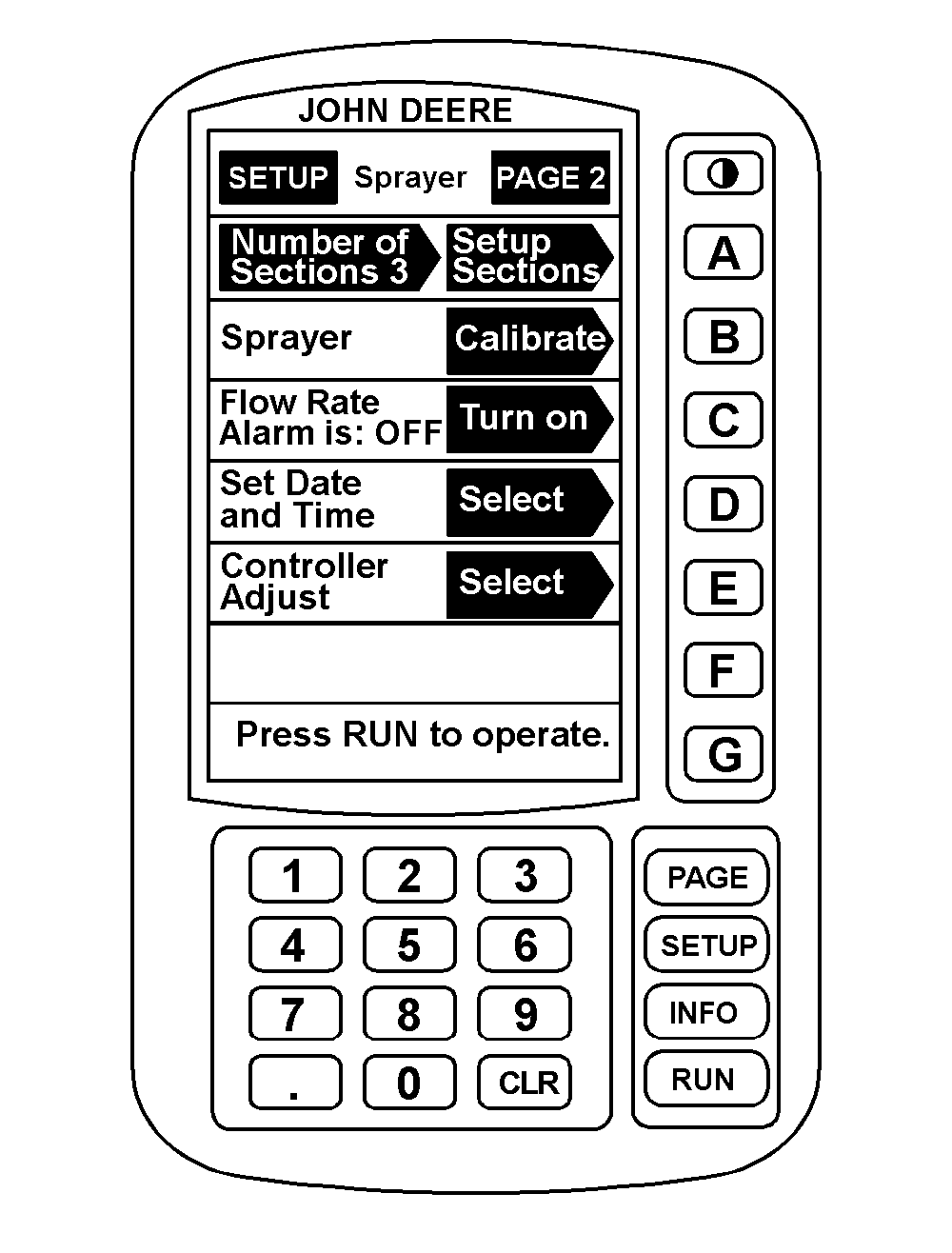
Turning Flow Rate Alarm On/OffThe flow rate alarm tells the operator when the sprayer applies more or less than 20% of the target application for 6 continuous seconds. "LOW SOLUTION FLOW" or "HIGH SOLUTION FLOW" also appears on the RUN pages. To turn the alarm ON or OFF: |
AG,OUO1011,699 -19-06JUL99-1/2 |
|
1. Press "SETUP". 2. Press "A" for Sprayer Setup. 3. Press "PAGE" to display Page 2 of Sprayer Setup. 4. Press "C" to turn flow error alarm ON or OFF. 5. Press "RUN" to return to Page 1 of RUN. |
|
AG,OUO1011,699 -19-06JUL99-2/2 |