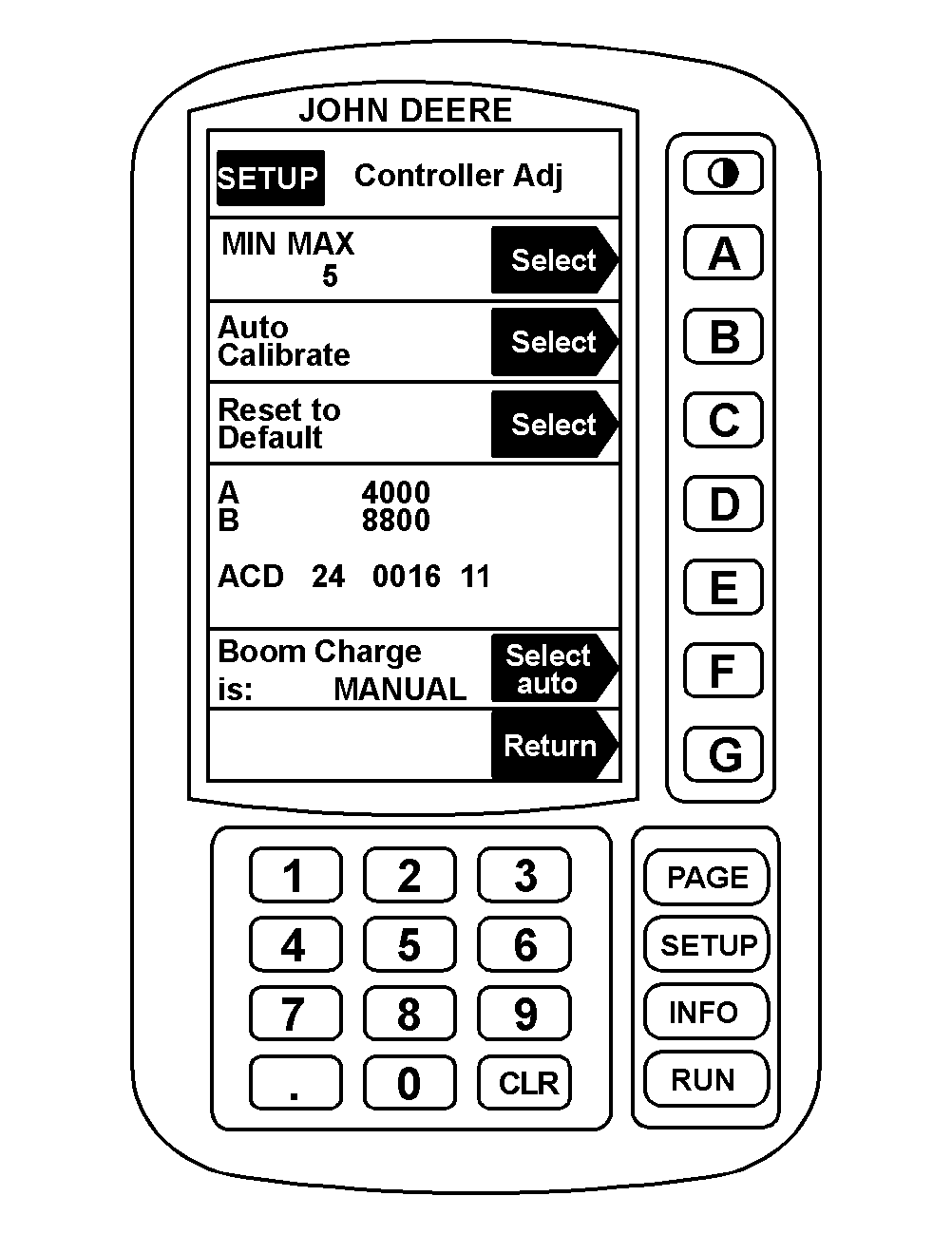
Boom ChargeBoom charge allows the operator to charge the boom at a manually specified or automatically calculated pressure (Boom Charge Pressure) for 3 seconds after the master ON/OFF switch is pressed "ON". After 3 seconds, the automatic rate control system will take over. This allows the spray rate control system to reach the target application rate faster when smaller flow rate nozzles are used. Turn boom charge ON when solution flow rate is under 100 Lpm (26 gpm). Determining Solution Flow Rate: When spraying, go to Page 2 of RUN and check solution flow rate on Line E. OR Determine size of nozzles and multiply by the total number of nozzles on the boom. Example: If 8003 type nozzles are installed and there are 37 on the boom: 0.3 gpm x 37 = 11.1 gpm (solution flow rate). Operator would turn boom charge ON. To turn boom charge on or off: |
AG,OUO1011,704 -19-06JUL99-1/2 |
|
1. Press "SETUP" to set up sprayer. 2. Press "A" for Sprayer Setup. 3. Press "PAGE" for Page 2 of Sprayer Setup. 4. Press "E" for Controller Adjust. 5. Press "F" to move Boom Charge to "AUTO", "MANUAL" or "OFF" positions. 6. See Setting Boom Charge Pressure in this section to set desired boom charge pressure. |
|
AG,OUO1011,704 -19-06JUL99-2/2 |