Screen Layout
|
|
|
|
|
|
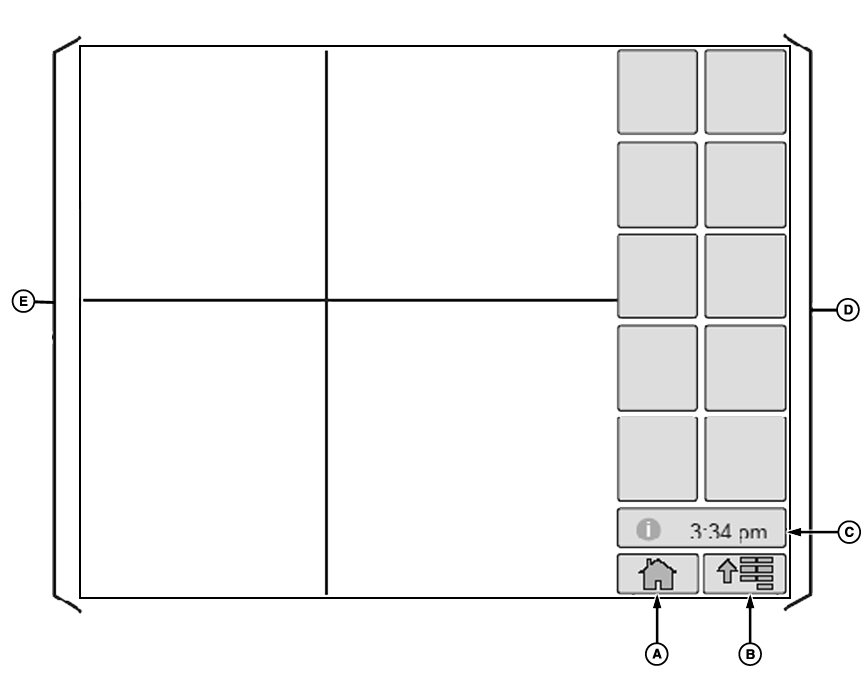
NOTE: Display screen illustrated on following pages are provided for reference only. Actual screens may appear differently due to connection of optional devices and/or software versions. Home (A), Menu (B) and Message Center (C) selections will be on every screen.
|
Selecting one of the softkeys (D) will cause a new page to appear or a process to be started. |
OUO6092,0000D3A -19-06DEC06-1/1 |