Layout Manager
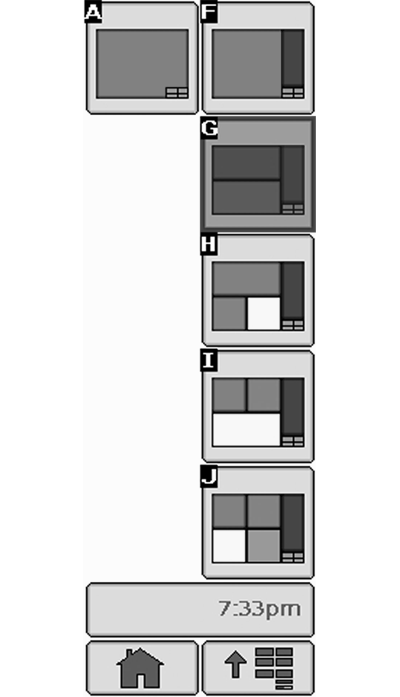
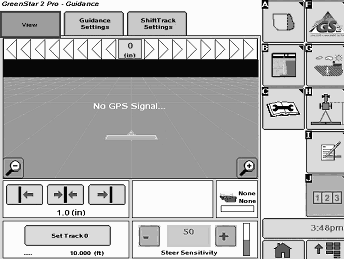
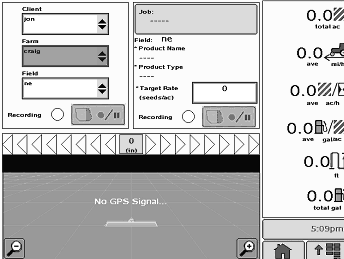
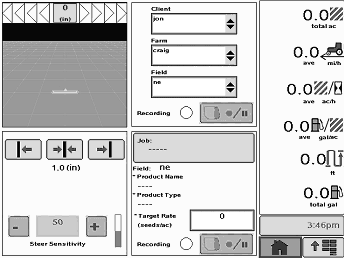
The Layout Manager provides the operator the ability to display user-defined screens in the home page layout. Once these screens are configured, the display will return to the configuration anytime the Home softkey is pressed.
|
Home Softkey
|
|
|
OUO6092,0000D44 -19-12NOV08-1/10
|
|
NOTE:
Original GreenStar Monitor Mode is only available in layout manager option A and F. Vehicle Bus is only available in layout manager option A.
Select Menu, then select Softkey I which is the Layout Manager Option.
|
MENU button
|
|
|
OUO6092,0000D44 -19-12NOV08-2/10
|
|
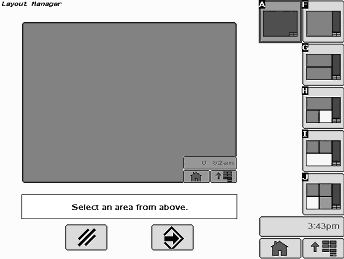
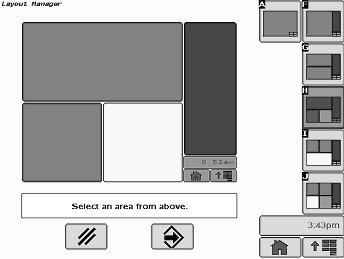
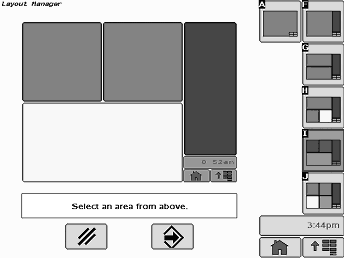
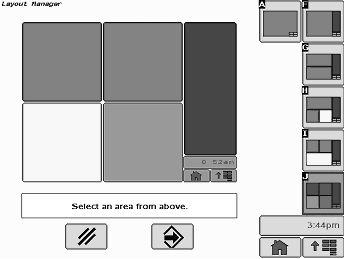
Press softkey A, then press the large red area in main screen, this will bring you to the selection of programs to operate in that defined red area. You will see that Layout Manager A and F will have the largest selection of choices and layouts available.
|
|
|
|
OUO6092,0000D44 -19-12NOV08-3/10
|
|
If you are satisfied with the selection, press the ENTER button. If the selection is not what was intended, press the large block area again or press the CANCEL button to start over.
|
ENTER Button
CLEAR Button
|
|
|
OUO6092,0000D44 -19-12NOV08-4/10
|
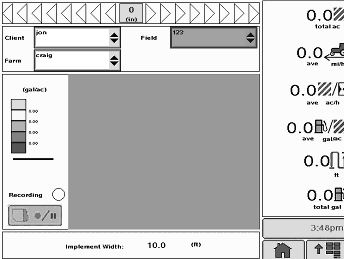
Layout Manager Option A
|
Example of Layout Option A
|
|
Layout Manager Options with Example Layouts
|
|
|
|
OUO6092,0000D44 -19-12NOV08-5/10
|
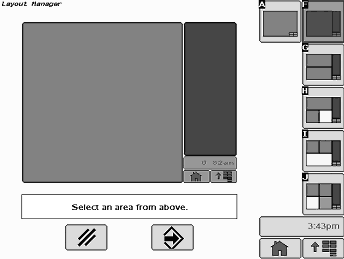
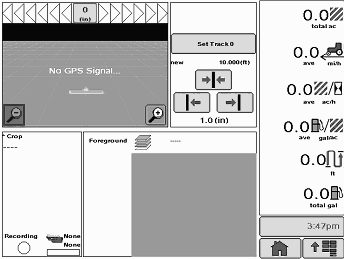
Layout Manager Option F
|
Example of Layout Option F
|
|
|
OUO6092,0000D44 -19-12NOV08-6/10
|
Layout Manager Option G
|
Example of Layout Option G
|
|
|
OUO6092,0000D44 -19-12NOV08-7/10
|
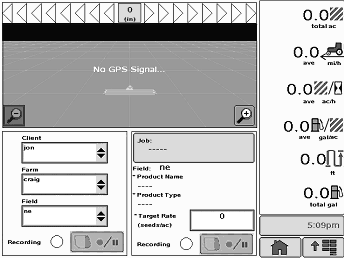
Layout Manager Option H
|
Example of Layout Option H
|
|
|
OUO6092,0000D44 -19-12NOV08-8/10
|
Layout Manager Option I
|
Example of Layout Option I
|
|
|
OUO6092,0000D44 -19-12NOV08-9/10
|
Layout Manager Option J
|
Example of Layout Option J
|
|
IMPORTANT:
When setting up the display with vehicle key in the accessory position (power on, engine off), turn key to OFF position for 20 seconds BEFORE starting the vehicle. This will ensure the setup data is saved to the data card prior to operating.
If the vehicle is running during setup and programming, turn the vehicle off with key in the OFF position and wait 30 seconds before restarting.
|
This ensures that all data is saved to the data card.
DO NOT turn the key to the start position directly from the accessory position. The reduction in voltage during the starting phase could result in a loss of all setup data.
NOTE:
The Original GreenStar Monitor function is only available as a full screen.
|
|
|
OUO6092,0000D44 -19-12NOV08-10/10
|
|