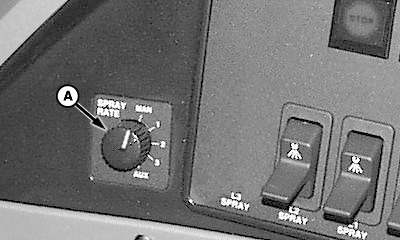
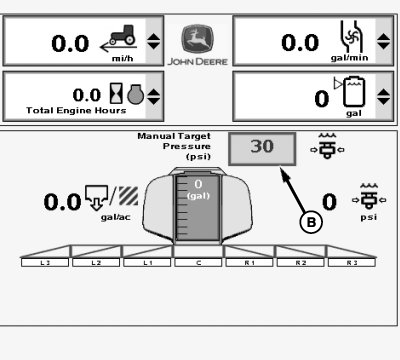
Setting Manual PressureThe manual pressure setting allows the operator to spray at a given pressure, independent of speed and application rate. 1. Turn rate select switch (A), located on side console, to "MAN" for manual pressure setting.2. Select each input box (B) next to "Manual Target Pressure (psi) and enter a new value using pop-up keyboard. Select the enter button to accept new value.
|
|
OUO6092,0000DA3 -19-05FEB07-1/1 |