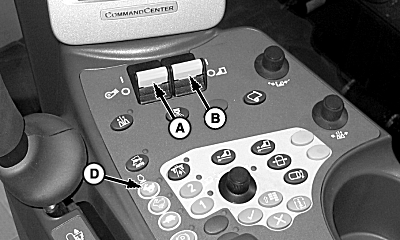
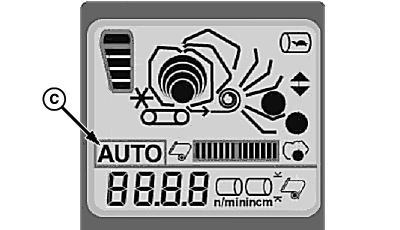
Harvesting In Auto ModeIMPORTANT: Do not operate machine at full speed (Range 2) if machine is in harvest mode. 1. Start machine with engine running at a low idle. Ensure park brake is engaged.2. Enable fan switch (A) and row units switch (B). Auto Mode indicator (C) will begin flashing on cornerpost display. NOTE: Picking units will not operate unless machine is in motion or park brake is engaged. 3. Engage high idle (D).
|
|
OUO1078,000023C -19-18MAR09-1/2 |
|
4.
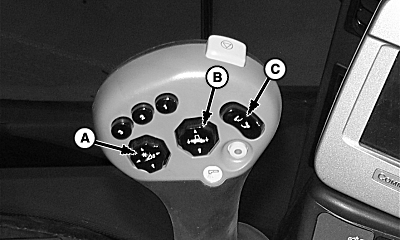
Lower picking units with switch (A).
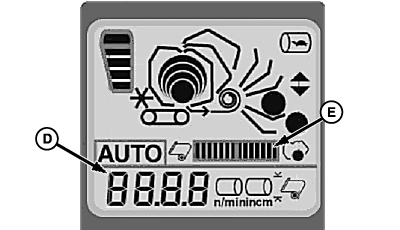
5. Press and release top of auto mode enabler button (B) to enter Auto Mode. Auto Mode indicator will stop flashing and remain on. 6. Module will automatically wrap when set module diameter (D) is reached. NOTE: Auto Mode must be enabled before accumulator gets full. 7. Cornerpost display shows progress of wrap sequence (E). NOTE: A notice will appear every time a wrap sequence has completed and a module is ready to eject. 8. To eject module to handler:
NOTE: Module must be ejected before next module sequence can begin. 9. To drop module:
10. Press top of handler button (C) to return handler to harvest position. |
|
OUO1078,000023C -19-18MAR09-2/2 |