Sprayer Main Page Information Drop Down Lists
N74381-UN-04JAN07
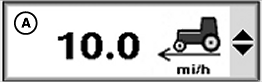
Information Drop Down Lists
N74380-UN-04JAN07
N74382-UN-19JAN07
A - Information Drop Down Lists
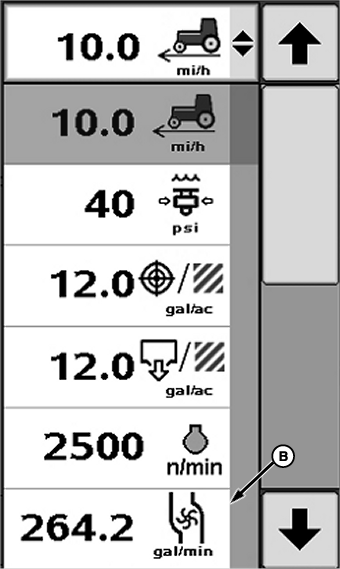
B - Information Item
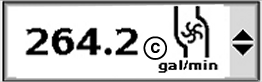
C - New Selection
The sprayer main page allows operator to view four drop down lists where information is displayed. The following procedure explains how to customize the information displayed in these sections.
Select drop down box (A) to be changed. Drop down menu will appear.
Select new information item (B) to display from list. Drop down will close and new selection (C) will be displayed.
OUO6092,0000D48-19-20070328 |