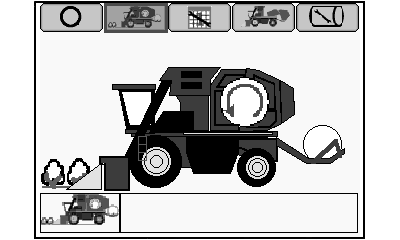
Harvest Mode Screen
N87838-UN-26FEB10
N87841-UN-01MAR10
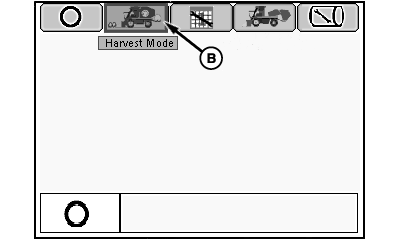
Mode Management Screen
N87848-UN-01MAR10
Harvest Mode Screen
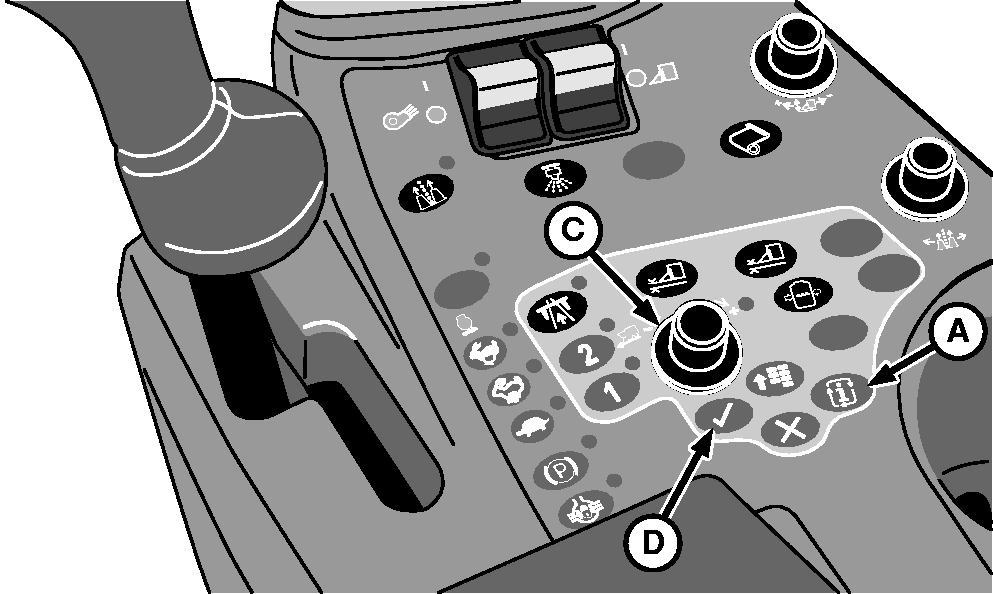
A - Mode Select Button
B - Harvest Mode Icon
C - Selection Dial
D - Confirm Button
-
Press mode select button (A) on control console. Mode management screen appears on the armrest display unit (ADU).
-
Highlight harvest mode icon (B) using selection dial (C).
-
Press confirm button (D). Harvest mode screen appears on ADU.
|
DP99999,000050A-19-20100303 |