Diagnostics and Calibration Screens
N93042-UN-20JUN11
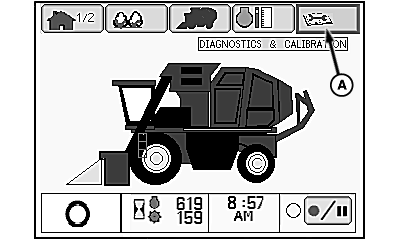
Home Screen
N87833-UN-26FEB10
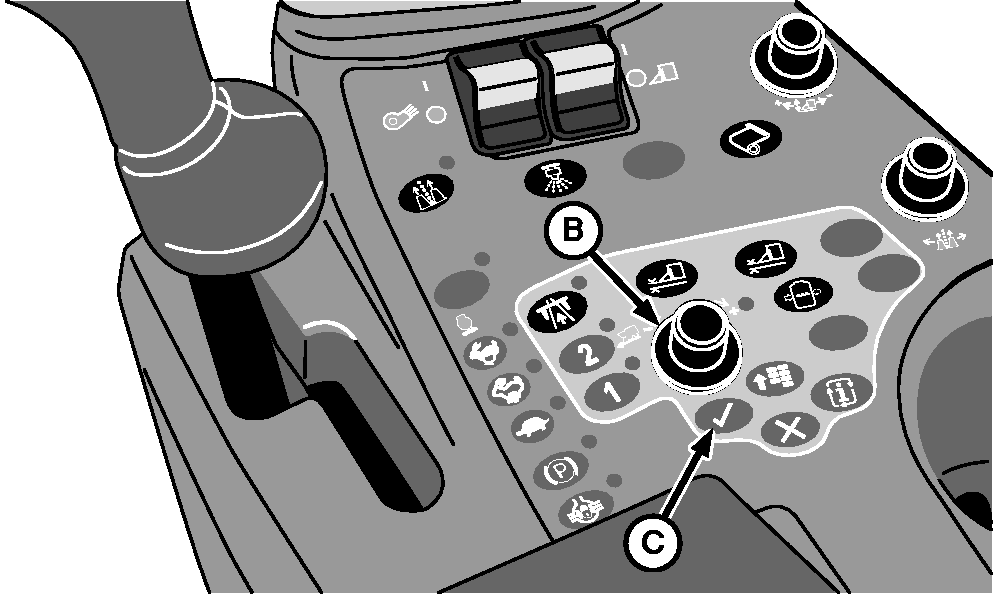
Control Console
N93043-UN-20JUN11
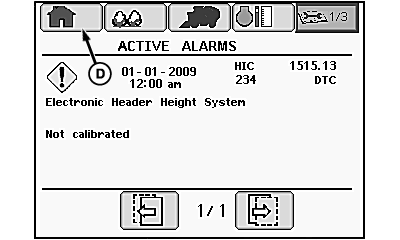
Active Alarms Screen
N93044-UN-20JUN11
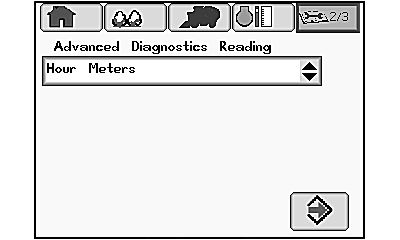
Diagnostic Readings Main Page
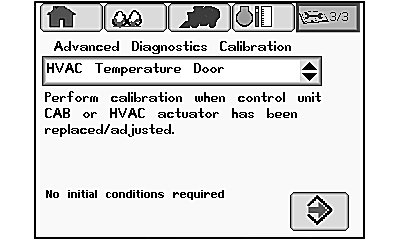
N93045-UN-20JUN11
Calibration Main Screen
A - Diagnostics and Calibration Tab
B - Selection Dial
C - Confirm Button
D - Home Icon
The diagnostics and calibration tab on the home screen provides access to the following:
- Active alarms main screen
- Diagnostic readings main screen
- Calibration main screen
-
Highlight diagnostics and calibration tab (A) on home screen using selection dial (B).
-
Press confirm button (C) and active alarms screen appears.
-
Press and release confirm button again to open diagnostic readings main screen.
-
Press and release confirm button a third time to open calibration main screen.
-
To exit diagnostics and calibration mode and return to home page, select home icon (D) on current active screen using selection dial and press confirm button.
|
DP99999,000076B-19-20110622 |