Loading Module Builder Wrap
N96274-UN-05JAN12
N96732-UN-27JAN12
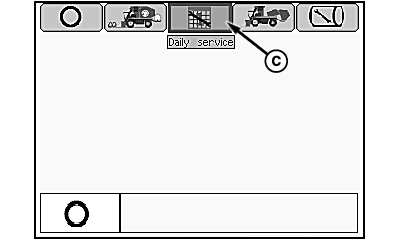
Mode Management Screen
N96733-UN-27JAN12
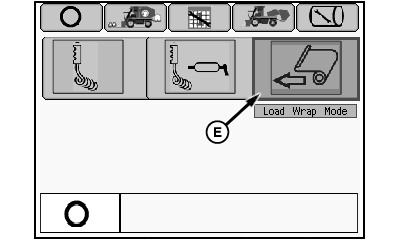
Daily Service Menu
N96267-UN-27JAN12
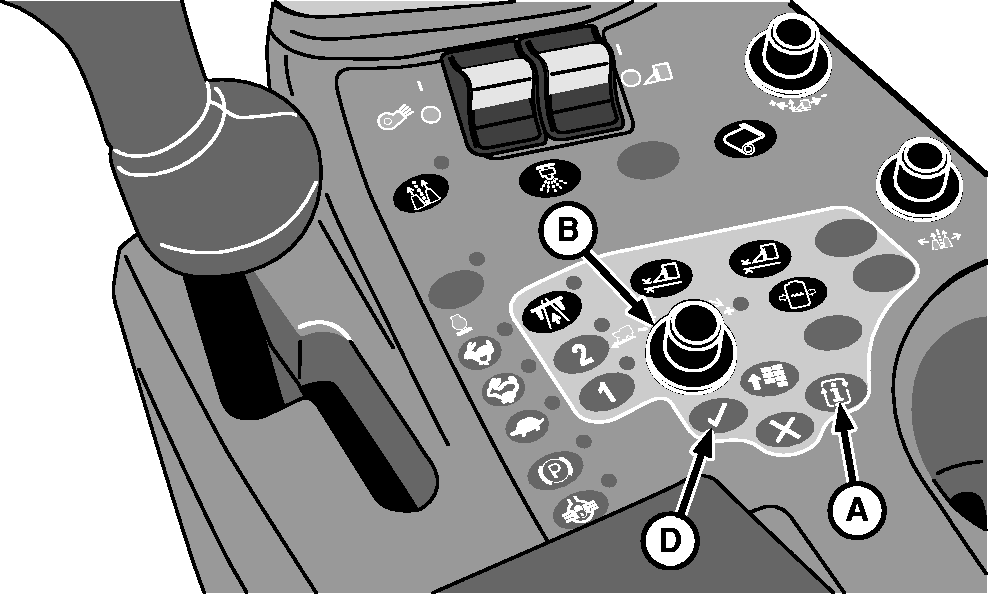
A - Mode Select Button
B - Selection Dial
C - Daily Service Tab
D - Confirm Button
E - Load Wrap Mode Icon
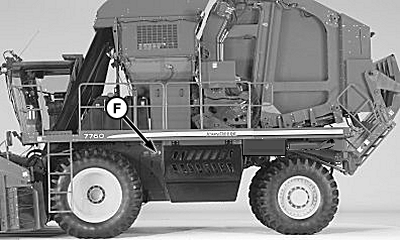
F - Power Module
-
Start engine and wait for control units and display unit to initialize.
-
Press mode select button (A) on armrest control console. Mode management screen appears.
-
Rotate selection dial (B) to highlight daily service tab (C).
-
Press confirm button (D). Daily service menu appears.
-
Using selection dial, highlight load wrap mode icon (E).
-
Press confirm button. External tether control unit is now active.
-
Remove control unit and tether from storage bracket on front side of power module (F).
-
 CAUTION: Module builder gate and handler are heavy and can cause
serious injury or death. Before operating module builder tether control,
make sure that no one is on or near accumulator, module builder, or
handler.
CAUTION: Module builder gate and handler are heavy and can cause
serious injury or death. Before operating module builder tether control,
make sure that no one is on or near accumulator, module builder, or
handler.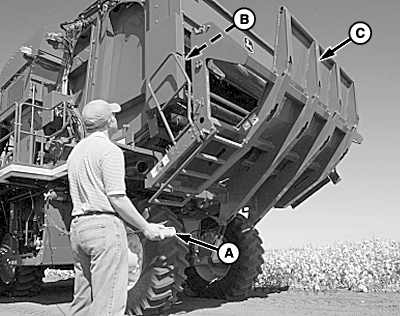
N97062-UN-25FEB12A - Tether Control
B - Wrap Hoist
C - Handler
Press and hold button A on tether control (A) to raise wrap hoist (B). Make sure that wrap hoist is fully raised. -
NOTE: To prevent machine damage, position sensors lock out handler movement at full up position unless wrap hoist is fully raised. If handler does not move, check that wrap hoist (scissor lift) is fully raised.
Press button D on tether control to lower handler (C).
-
N96268-UN-03JAN12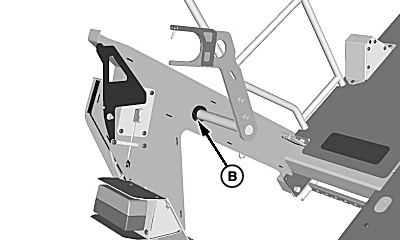
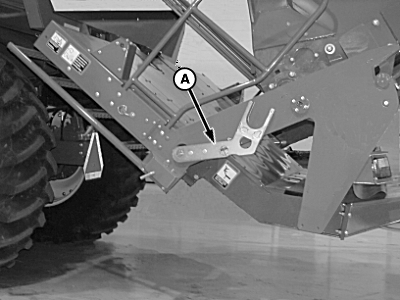
N83901-UN-08APR09A - Storage Position
B - Load Position
Remove wrap load arms from storage position (A) and install in wrap load position (B). -
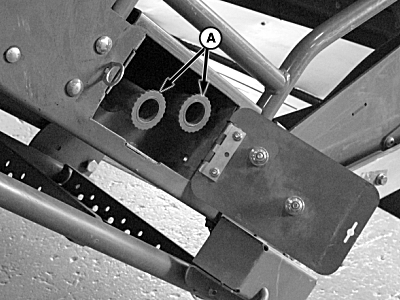
N93512-UN-11JUL11Wrap Handles Storage Compartment
A - Wrap Handles
Remove wrap handles (A) from storage location. Install handles in ends of wrap roll to assist in loading wrap. -
IMPORTANT: A second person is required to assist in placing wrap in holders. Approximate weight of wrap roll is 91 kg (200 lb.).
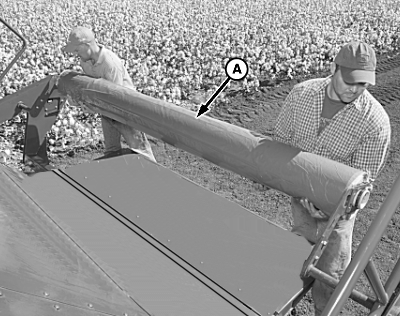
N76985-UN-08JUL08A - Wrap Roll
Place wrap roll (A) in load arms with blue end of wrap core on left-hand side of machine. -
IMPORTANT: Wrap box capacity is four rolls. Mechanical indicator drops into view when wrap box is full. To prevent damage to machine, DO NOT attempt to load more than four rolls.
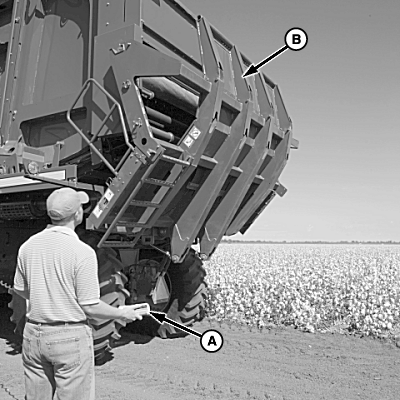
N76987-UN-11JUL07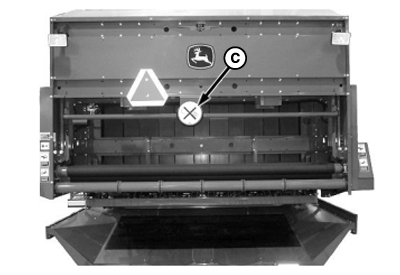
N96269-UN-30JAN12A - Tether Control
B - Handler
C - Wrap Box Full Indicator
Raise handler (B) by pressing button C on tether control (A), until handler motion stops. -
Press button B on tether control to lower wrap hoist. Lifting links on hoist are connected to wrap roll lift tubes in a scissors pattern which allows tubes to go around wrap roll being loaded.
-
Press button A on tether control to raise wrap hoist and wrap roll. Hold button until hoist motion stops.
-
Press button D on tether control to lower handler.
-
Repeat preceding steps to load additional rolls of wrap as needed. Wrap box full indicator (C) drops into view when wrap box is full.
-
When loading is complete, install wrap load arms in storage position.
-
Place wrap handles in storage compartment. Close and latch cover.
-
Return tether control to storage bracket.
-
Enter cab and return machine to harvest mode. Press top of handler raise/lower switch on multifunction control handle to raise handler into full up position.
|
DP99999,00007EA-19-20120225 |