Operating Onboard Lubrication System
-
N96273-UN-05JAN12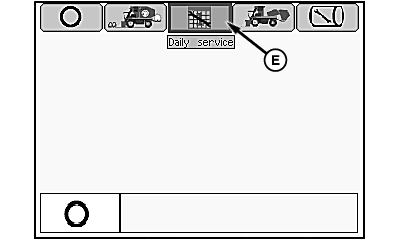
N88342-UN-09APR10Mode Management Screen
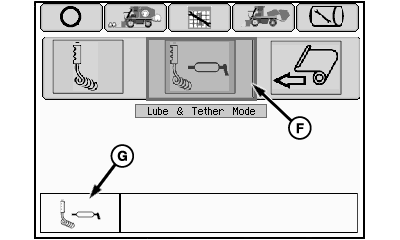
N88343-UN-09APR10Mode Selection Screen
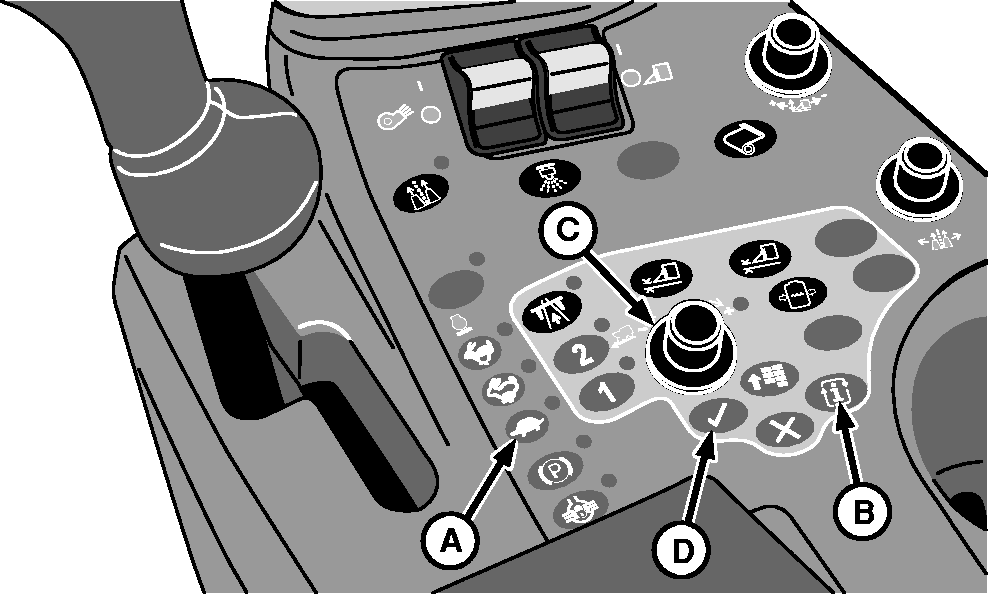
A - Low Engine Speed Button
B - Mode Select Button
C - Selection Dial
D - Confirm Button
E - Daily Service Mode Icon
F - Lube and Tether Mode Icon
G - Confirmation Icon
Place multifunction control handle in neutral. -
Press low engine speed button (A) to operate engine at slow idle.
-
Press mode select button (B) to bring up mode management screen.
-
Highlight daily service mode icon (E) using selection dial (C). Press confirm button (D) and mode selection screen appears.
-
Highlight lube and tether mode icon (F).
-
Press confirm button to activate mode. Confirmation icon (G) appears on screen.
-
 CAUTION: Unexpected machine movement can cause serious injury
or death to you or others. Verify that park brake is engaged.
CAUTION: Unexpected machine movement can cause serious injury
or death to you or others. Verify that park brake is engaged.Before leaving cab, verify that park brake is engaged (indicator light on).
-
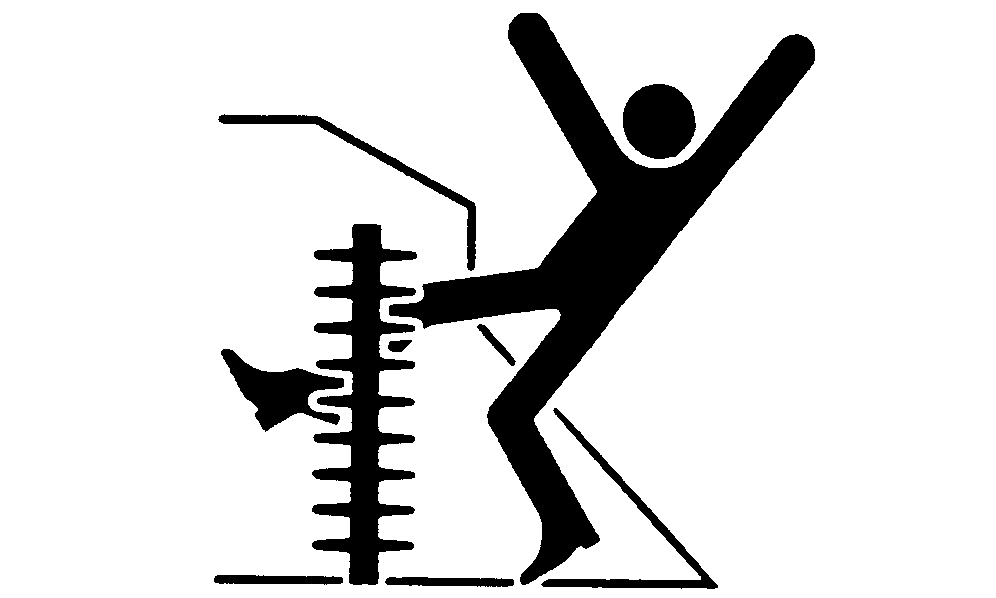
CAUTION: If you or others become entangled or are drawn into
moving parts of unit, serious injury or death can result. Keep away
from all moving parts to prevent injury or death. Always keep inspection
bypass cord away from moving parts on row units. If inspection bypass
system does not operate exactly as described below, see your John
Deere dealer.
TS675-UN-21SEP89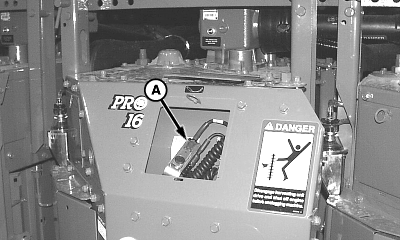
N57061-UN-17MAY01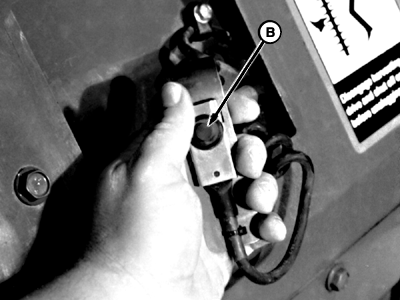
N84850-UN-11SEP09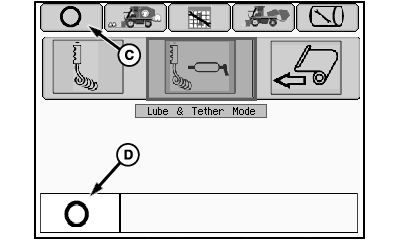
N88344-UN-09APR10OFF Icon
A - Tether Switch
B - Tether Switch Button
C - OFF Icon
D - Confirmation Icon
Open cover plate and remove tether switch (A) and cord from storage position in Unit No. 3. Stand clear of units. Keep thumb free of tether switch. -
CAUTION: NEVER operate lubrication system while standing on
top of row units. If you or others fall and become entangled in moving
parts of unit, serious injury or death can result. Stay away from
moving parts on an operating row unit. ALWAYS keep inspection bypass
cord away from moving parts on row units.
NOTE: Due to seat safety interlock, seat must be empty for tether switch to operate.
Establish solid footing and clearance from moving parts, then depress tether switch button (B). Units begin rotating slowly and continue rotating until button is released.
-
Verify that fresh grease is present at two of the top six spindles at the dust collars. Verify that every bar of every unit is greased properly.
-
Release tether switch button and wait for units to stop.
-
Check for fresh grease in upper drive gear area and cam tracks of all drums.
-
Place tether switch and cord into Unit No. 3 for storage. Close unit plate.
-
Select OFF icon (C) using selection dial. Press confirm button and confirmation icon (D) appears in lower left-hand corner of screen.
-
Press main menu button on control console to return to home page.
|
DP99999,00007EC-19-20120105 |