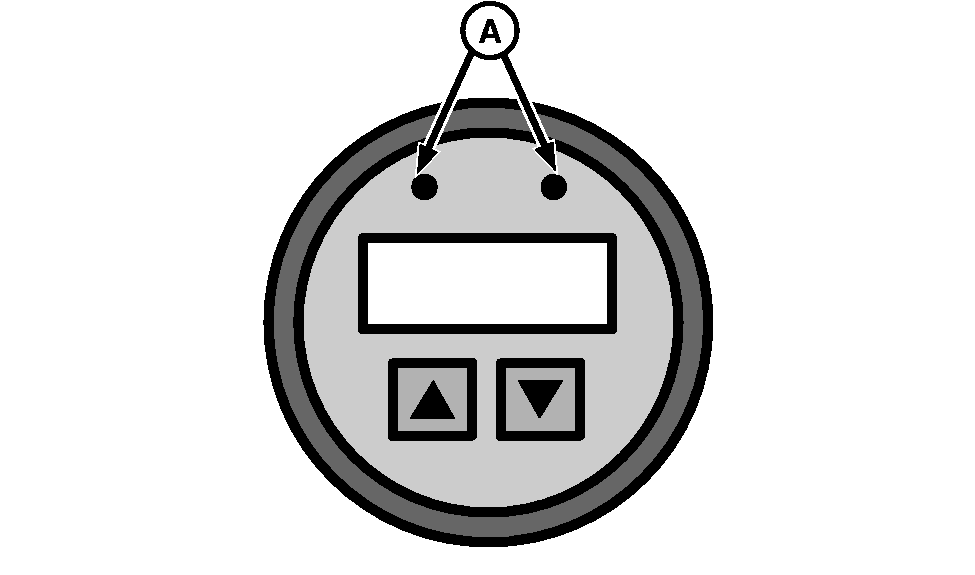
Engine Electronic System Diagnostic MonitorThis monitor has two LEDs (A) that indicate the existence of active diagnostic trouble codes. Red LED Activated: This means corrective action is immediately required. Do not operate harvester until the problem is corrected. Yellow LED Activated: This means a diagnostic trouble code has been generated. Stop the harvester when convenient and determine the cause. The reading of engine electronic system diagnostic trouble codes can be carried out as described below in this section. For further information on active codes consult your John Deere dealer. |
|
OU64006,000014B -19-24AUG06-1/2 |
|
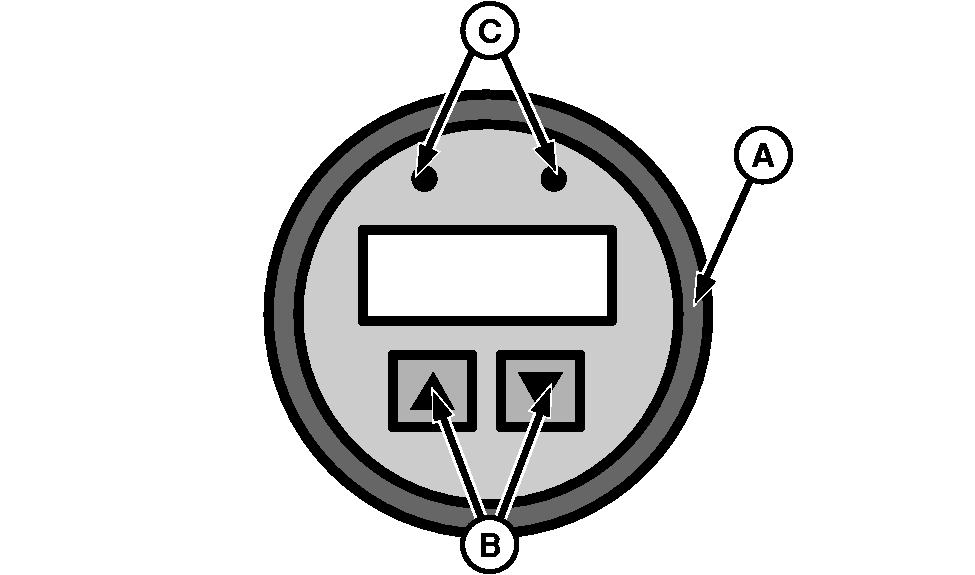
Accessing Active Diagnostic Trouble Codes (DTCs): 1. Scroll through the main menu of engine parameters by pressing the right or the left touch switch2. Select the "SrvcCodes" sub-menu by simultaneously pressing the right and the left touch switch. 3. Scroll through the "Srvc Codes" sub-menu to view active DTCs by pressing the left or the right touch switch until all codes are found. 4. To exit the "SrvcCodes" sub menu, simultaneously press the right and left touch switch. |
|
OU64006,000014B -19-24AUG06-2/2 |