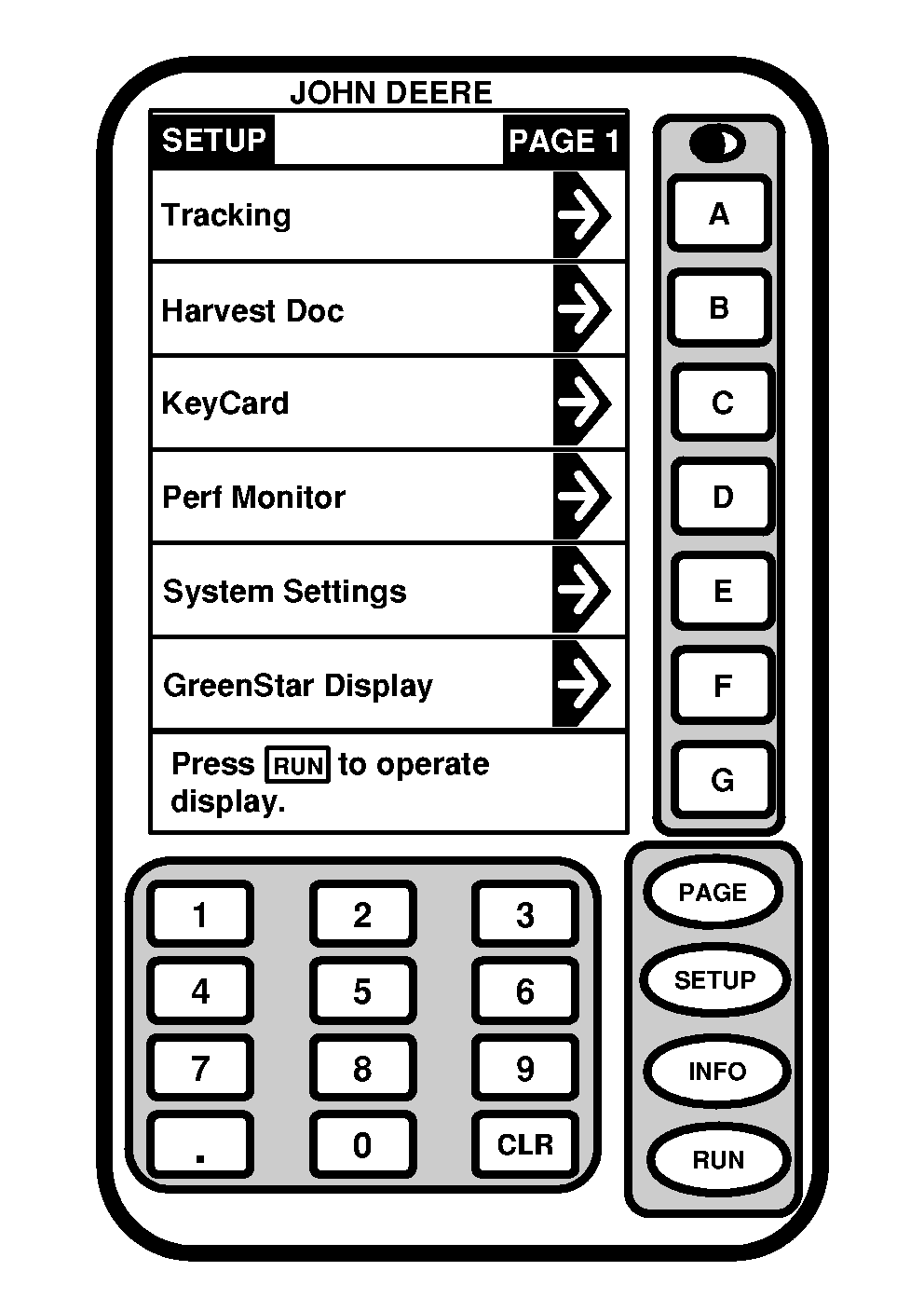
SETUP ScreenScreen: SETUP - PAGE 1 Press: SETUP NOTE: Depending on the number of programs loaded on KeyCard some selections may not appear on current page. Press PAGE button to access additional screens. These screens allow operator to change operating information. When SETUP button has been pushed SETUP screen will appear. Selection of any cell will allow operator to change or select operating information. This screen allows operator to view and change the following items:
|
|
OUO6050,0000735 -19-14JUN04-1/1 |