RUN Screen
|
|
|
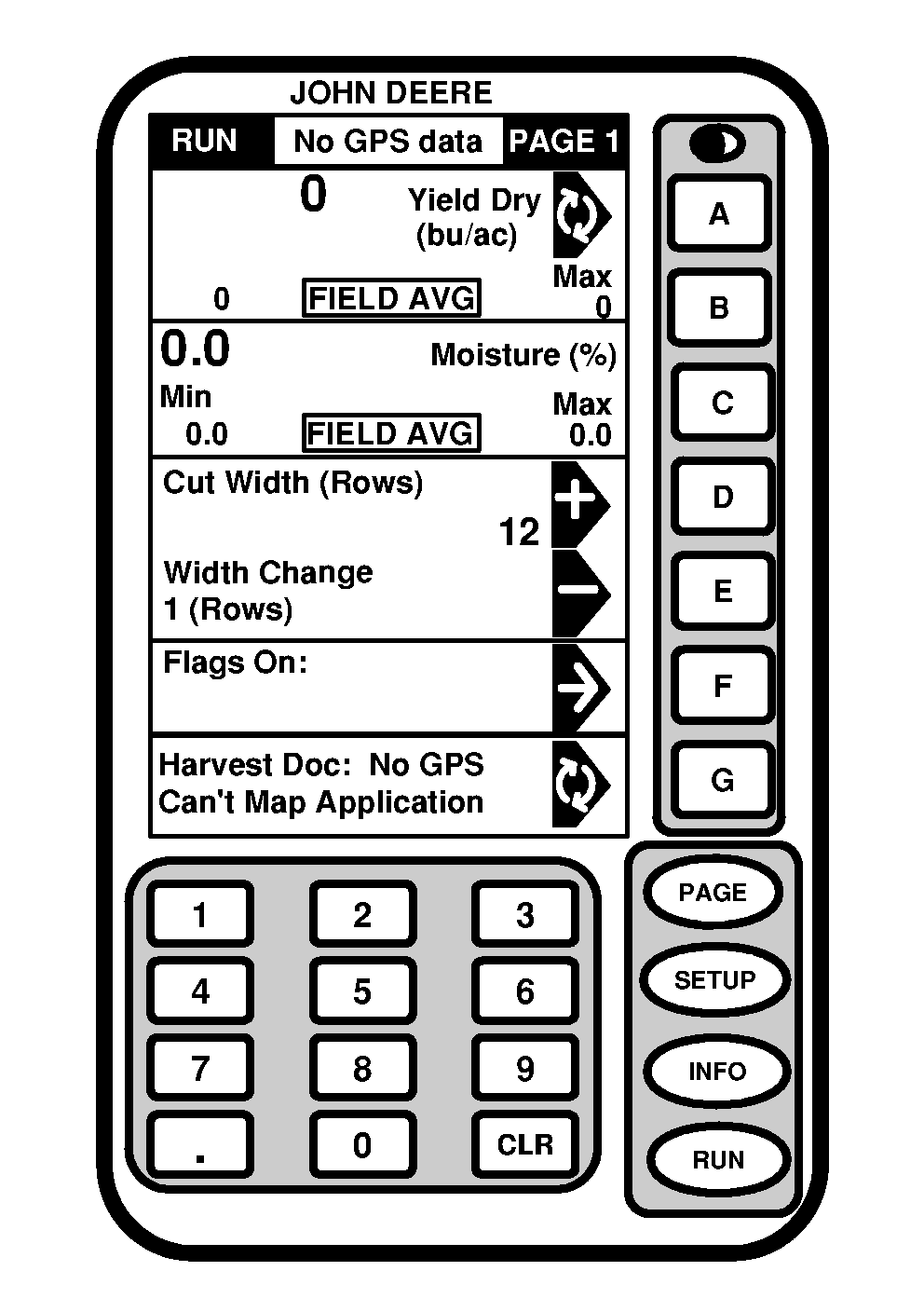
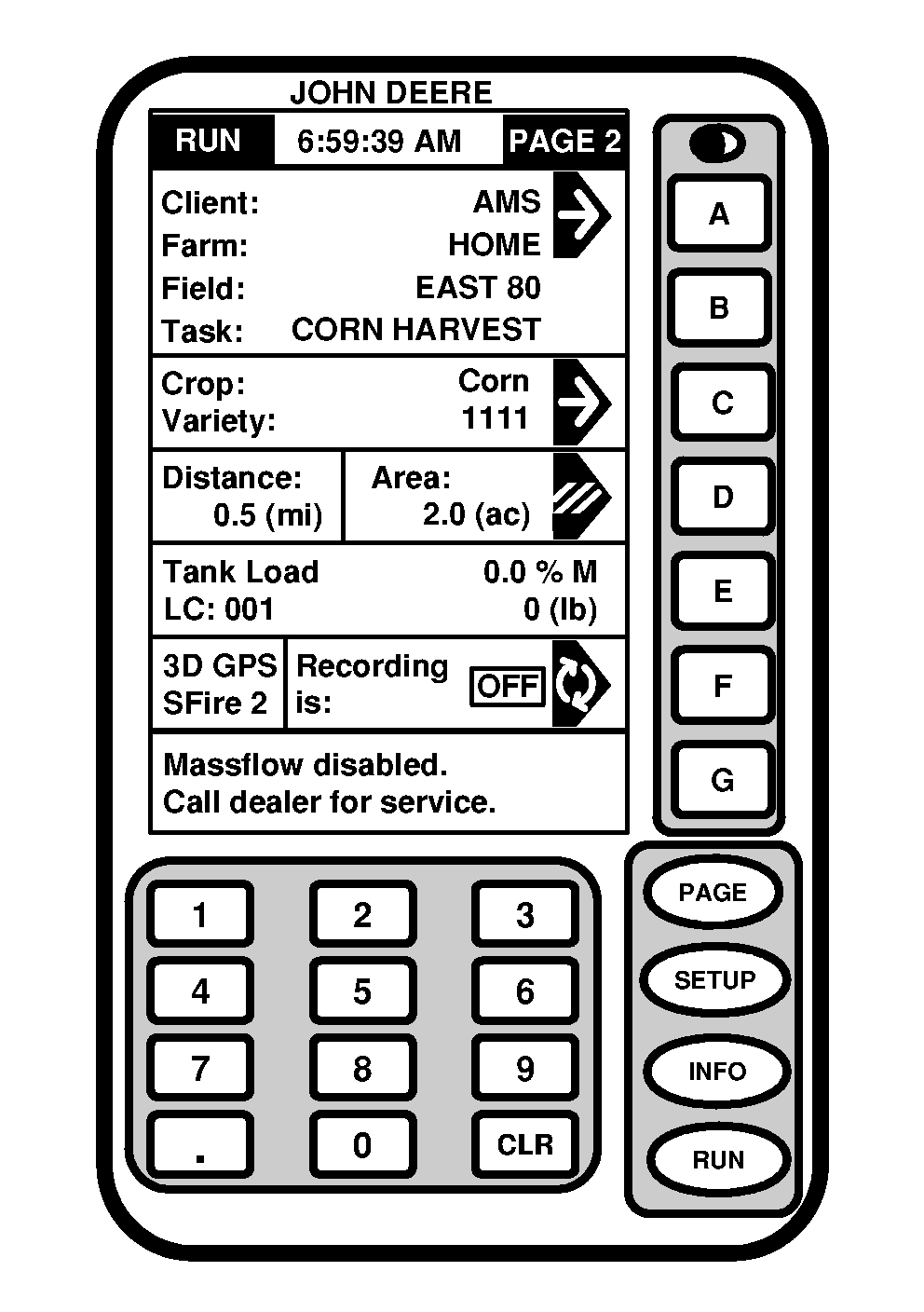
Screen: RUN - PAGE 1 Screen: RUN - PAGE 2 Press: RUN NOTE: Depending on programs loaded to KeyCard and if Tracking is enabled RUN - PAGE 1 screen may appear different. RUN - PAGE 1 screen shown has Tracking enabled. Press PAGE button to access additional run items. |
These screens are basic operating screens. They are accessed by pressing RUN button. PAGE button toggles display between two available RUN screens. Harvest Doc information appears on RUN - PAGE 1 and RUN - PAGE 2 screen. RUN - PAGE screen can be customized by operator to display various tasks and operation. |
OUO6050,0000736 -19-11JUN04-1/1 |