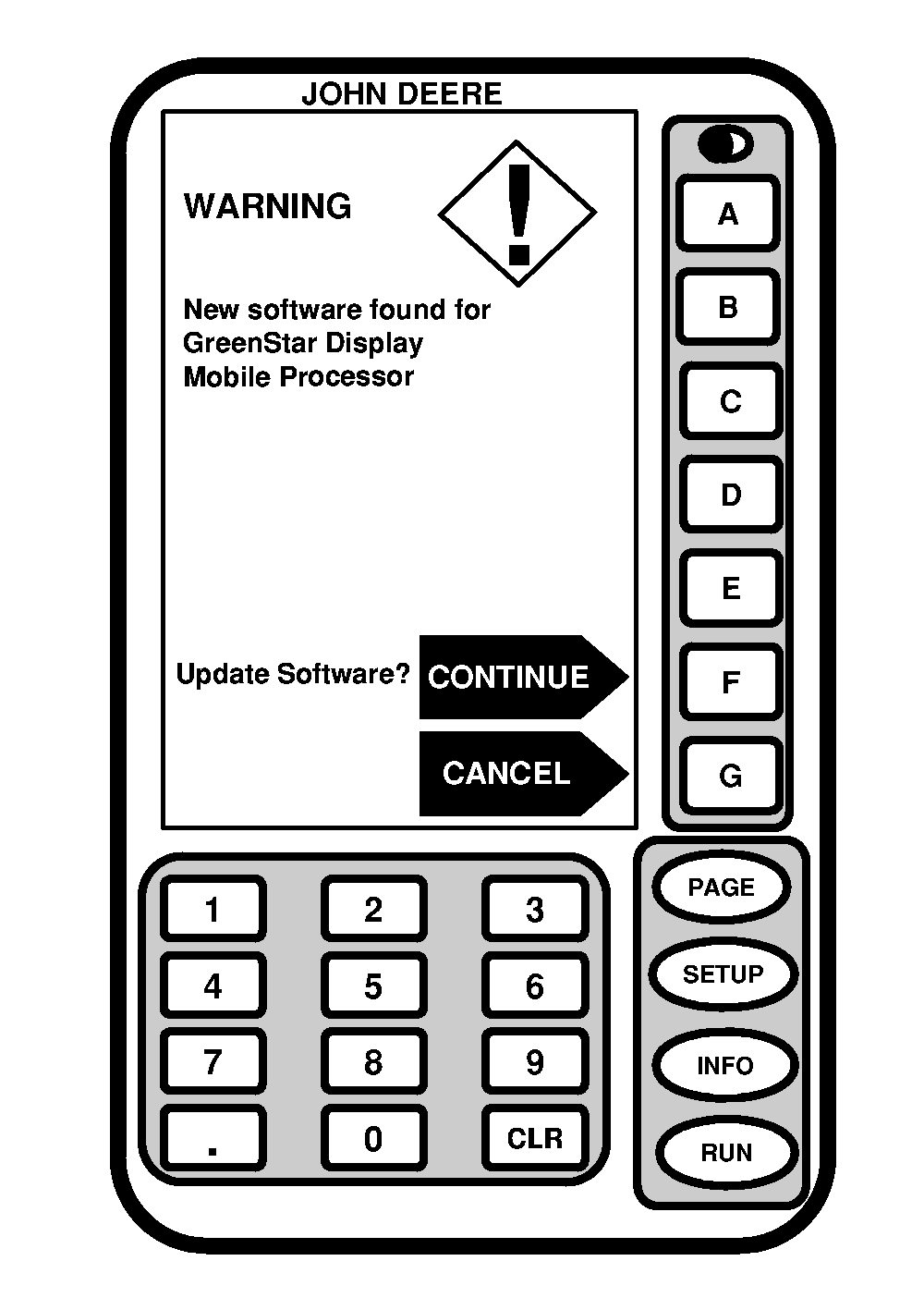
Automatically Loading SoftwareNOTE: When KeyCard software is installed in mobile processor and power is ON, system will check version of software on mobile processor, GreenStar display, and position receiver and any other devices. If KeyCard contains a more recent version of software, system will ask operator if they want to update with most recent version of software. Reprogramming will take a few minutes for each of the components. 1. Press CONTINUE button if new mobile processor loader update software is found for mobile processor. 2. Press CONTINUE button if new software is found for GreenStar display and other devices. |
|
OUO6050,0000745 -19-08JUN04-1/3 |
|
3.
Press CONTINUE button if new software is found for position receiver.
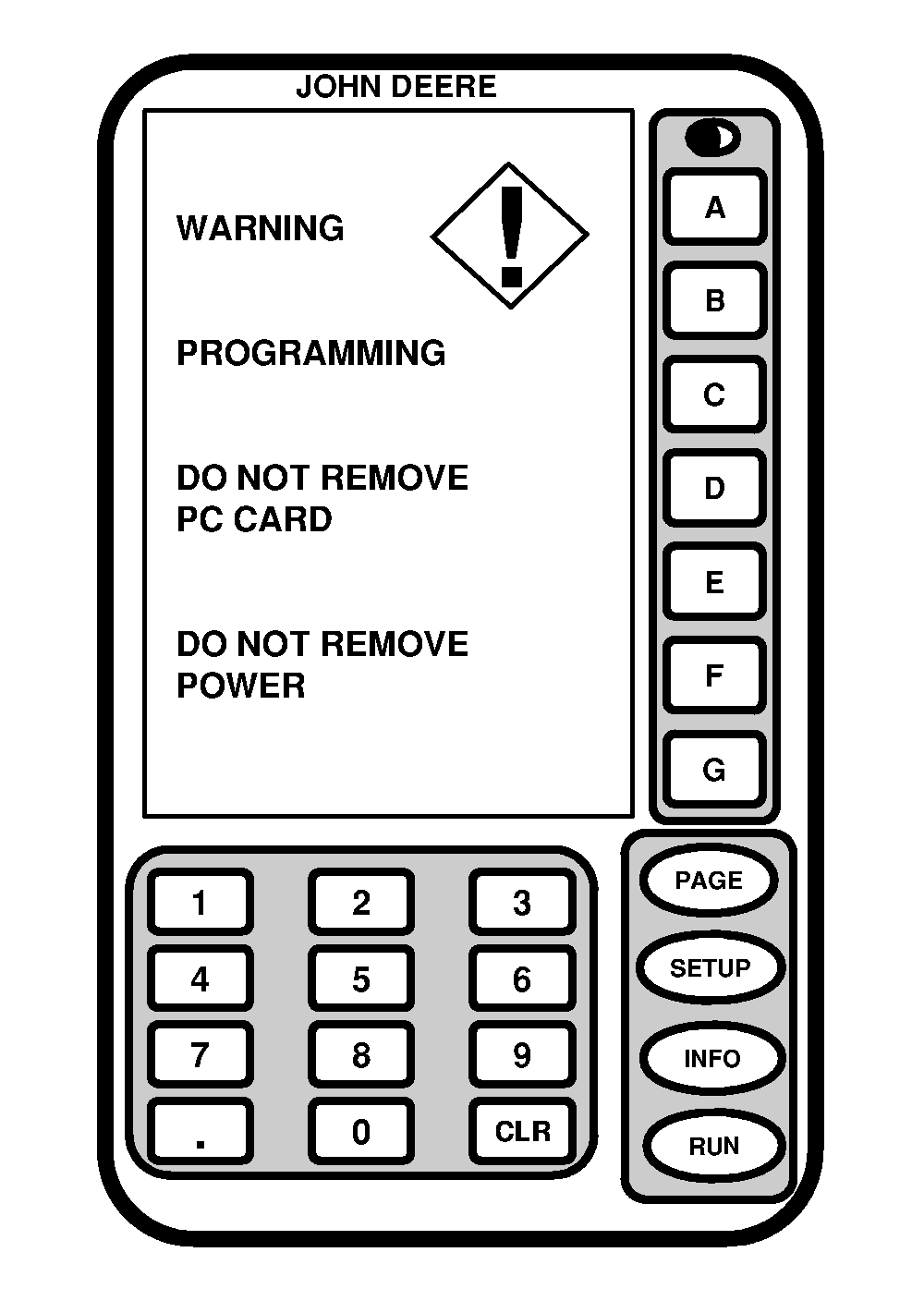
4. Wait until WARNING PROGRAMMING screen appears and follow directions on screen. DO NOT REMOVE PC CARD DO NOT REMOVE POWER |
|
OUO6050,0000745 -19-08JUN04-2/3 |
|
5.
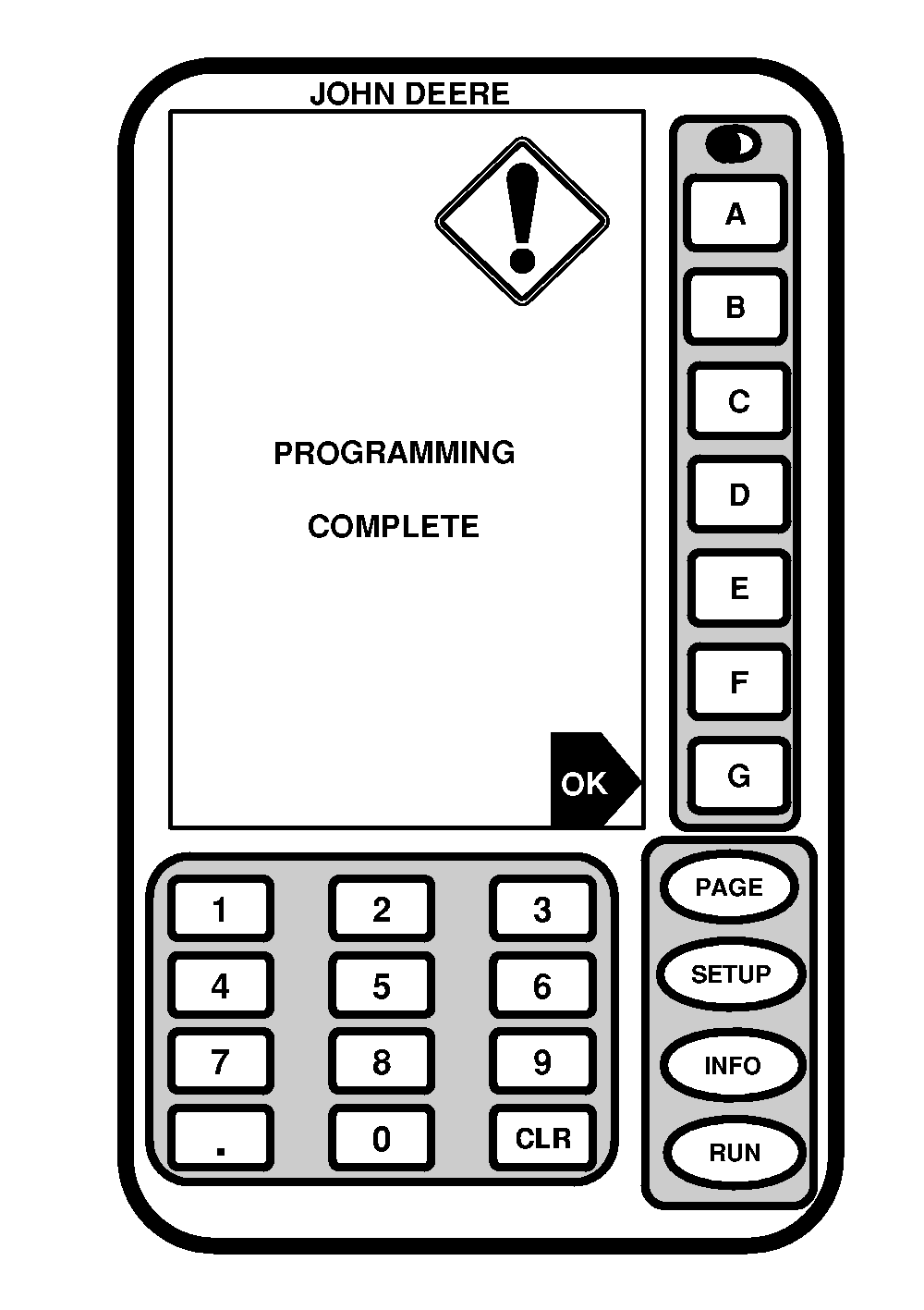
When programming is complete, PROGRAMMING COMPLETE screen will appear. OK will be displayed in lower right corner.
6. Press OK button. 7. SETUP - HARVEST DOC screen will appear. (See SETUP - HARVEST DOC section). |
|
OUO6050,0000745 -19-08JUN04-3/3 |