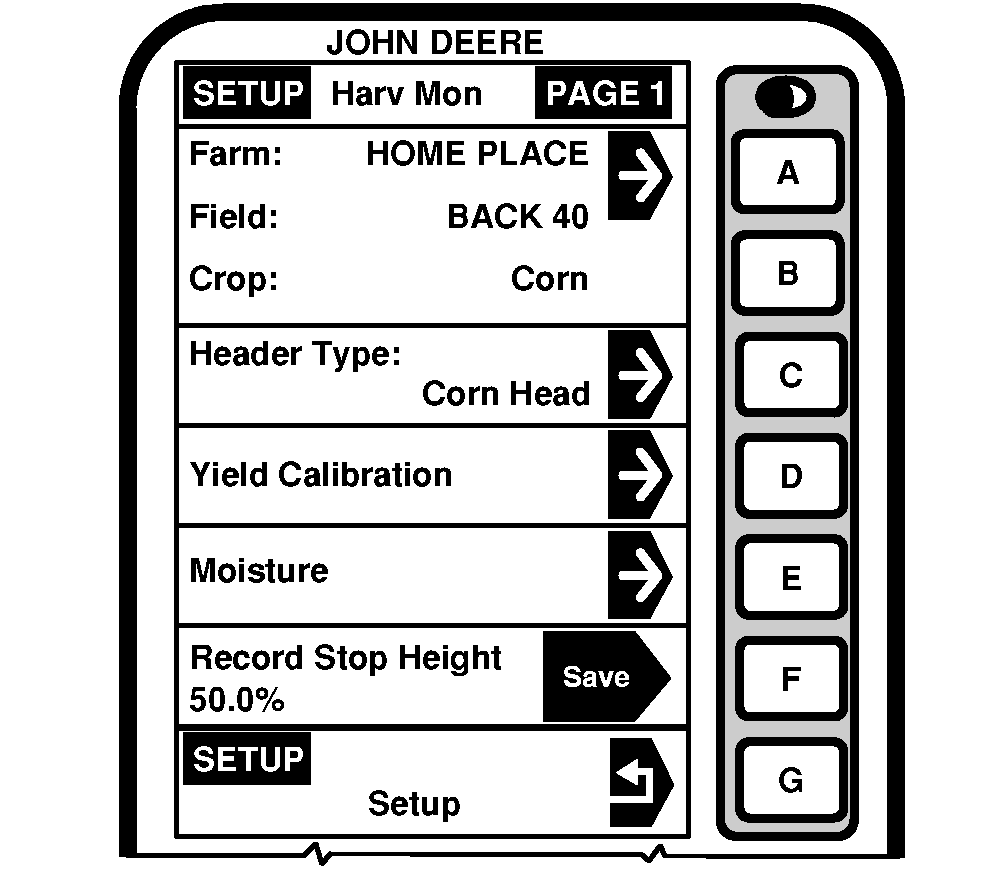
StartingScreen: SETUP - HARV MON - PAGE 1 Press: SETUP >> HARVEST MONITOR IMPORTANT: Farm/Field/Crop is setup in Harvest Doc (see SETUP - HARVEST DOC for Client/Farm/Field/Crop section later in this manual). When operating both Harvest Monitor and Harvest Doc, operator will need to setup information in HARVEST MONITOR on SETUP - HARV MON - PAGE 1 screen:
|
|
OUO6050,0000746 -19-11JUN04-1/1 |