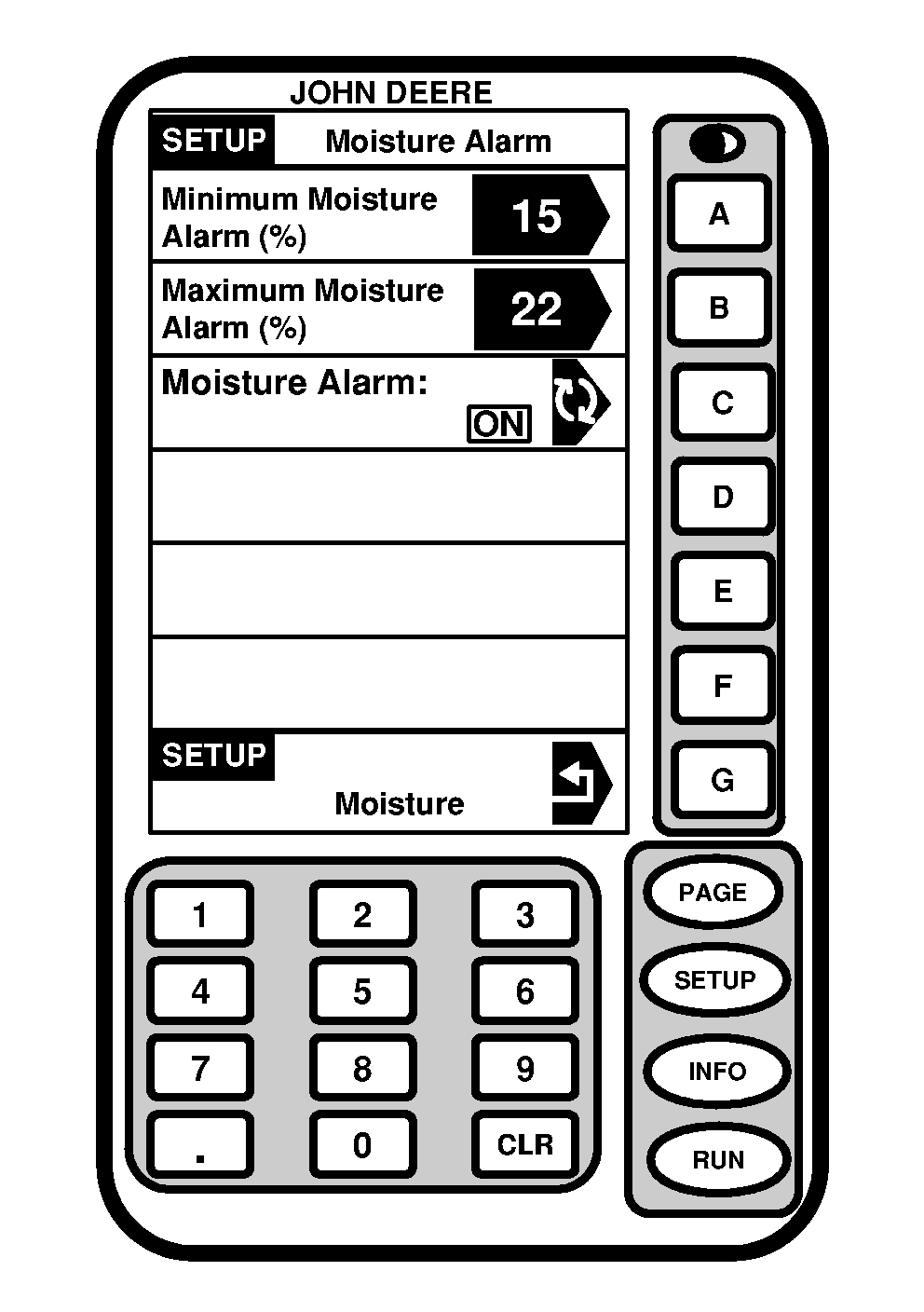
Setting Moisture AlarmScreen: SETUP - MOISTURE ALARM Press: SETUP >> HARVEST MONITOR >> MOISTURE >> MOISTURE ALARM IS This screen is used to determine set points (minimum and maximum) for activation of moisture alarm. Press MINIMUM MOISTURE ALARM (%) button. Use numeric keypad to enter new minimum setting. Press MAXIMUM MOISTURE ALARM (%) button. Use numeric keypad to enter a new maximum setting. Press MOISTURE ALARM button to toggle moisture alarm ON/OFF. |
|
OUO6050,000074E -19-08JUN04-1/1 |