Options
|
|
|
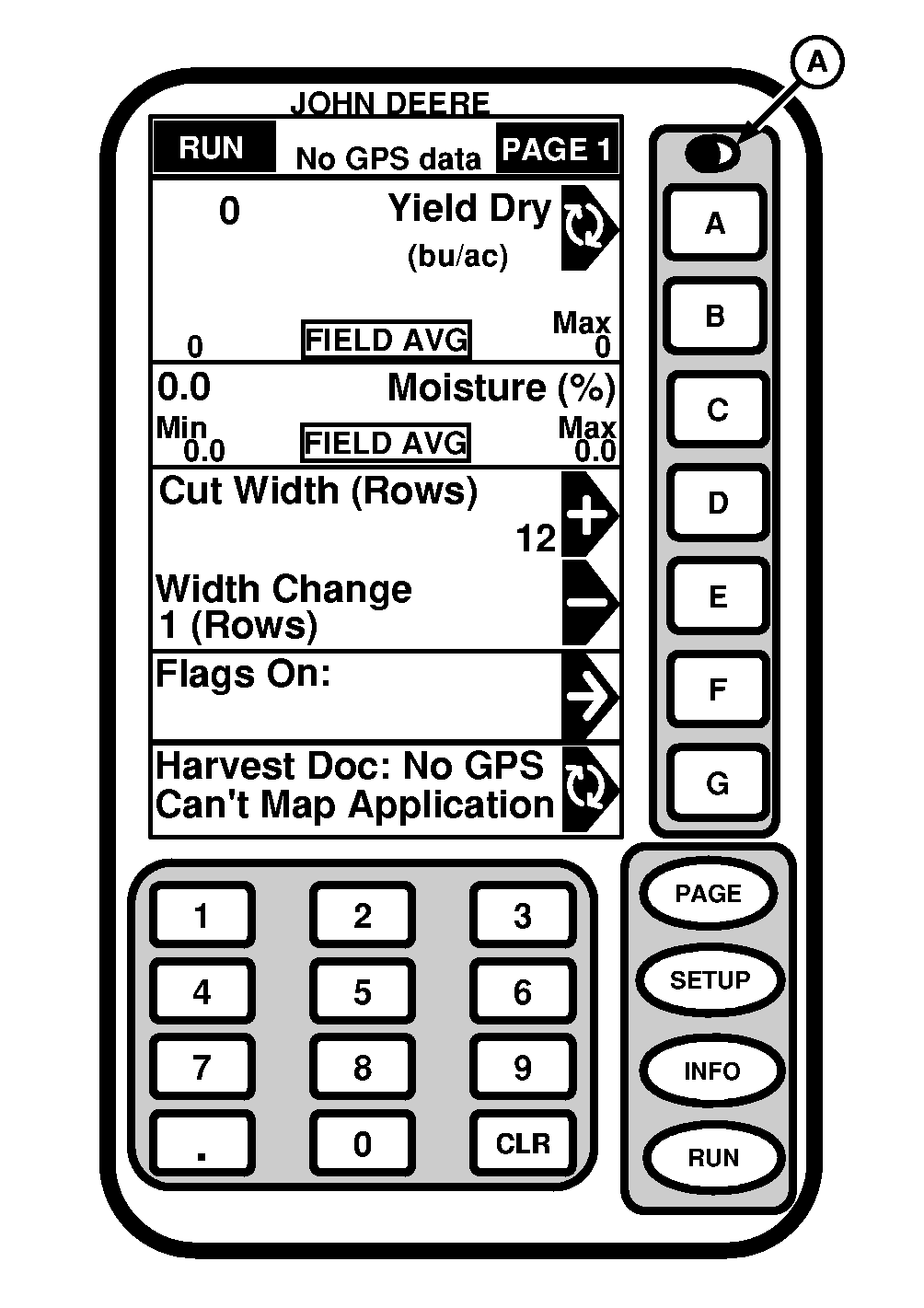
IMPORTANT: For Harvest Doc to function properly setup data form JDOffice must be saved to PC data Card. NOTE: RUN - PAGE 1 screen shown is with Parallel Tracking enabled on KeyCard. Default screen will not display Parallel Tracking or if Parallel Tracking is not loaded on operator's KeyCard. At power up display will show RUN - PAGE 1 screen if that mode was active when machine was powered down. If full page mode was in use when machine was powered down, when machine is powered up it will return to full page mode. RUN - PAGE 1 screen is customized to display information required by operator. See SETUP section |
for detailed information on setting up and customizing RUN - PAGE 1 screen.
NOTE: See Setup Run Pages section to arrange run items. RUN - PAGE 1 screen displays the following information as a default.
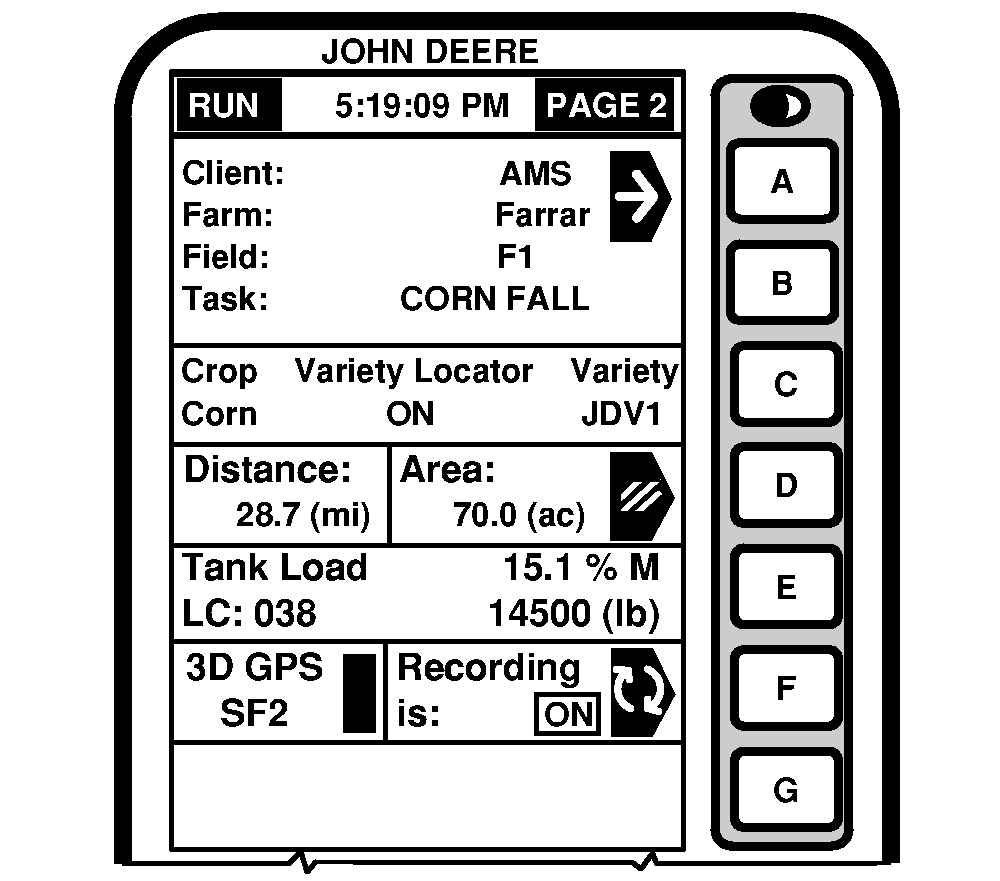
Press PAGE button to access RUN - PAGE 2 screen. |
OUO6050,0000760 -19-20JUN04-1/4 |
|
|
|
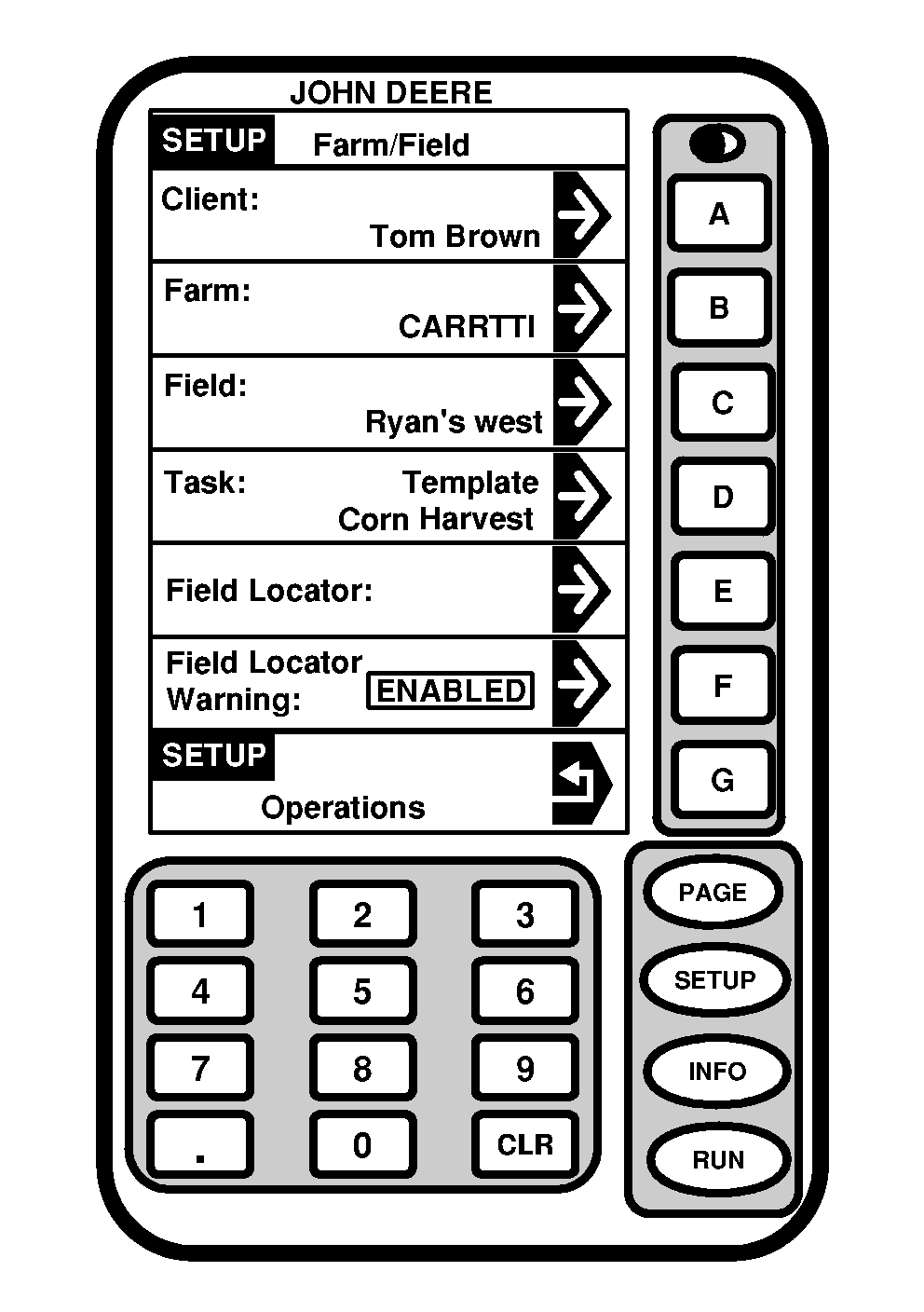
Press CLIENT/FARM/FIELD/TASK button. NOTE: Field Locator, if ENABLE, will automatically select field from PC card. Field needs to be previously mapped and saved to a PC card. SETUP - FARM/FIELD screen allows an operator to define Client/Farm/Field/Task and enable/disable Field Locator. |
NOTE: Client/Farm/Field/Task can be setup in JDOffice and saved to a PC card or can be setup as a Custom Name (see SETUP - CUSTOM NAME section in this manual). Press button of desired cell. |
OUO6050,0000760 -19-20JUN04-2/4 |
|
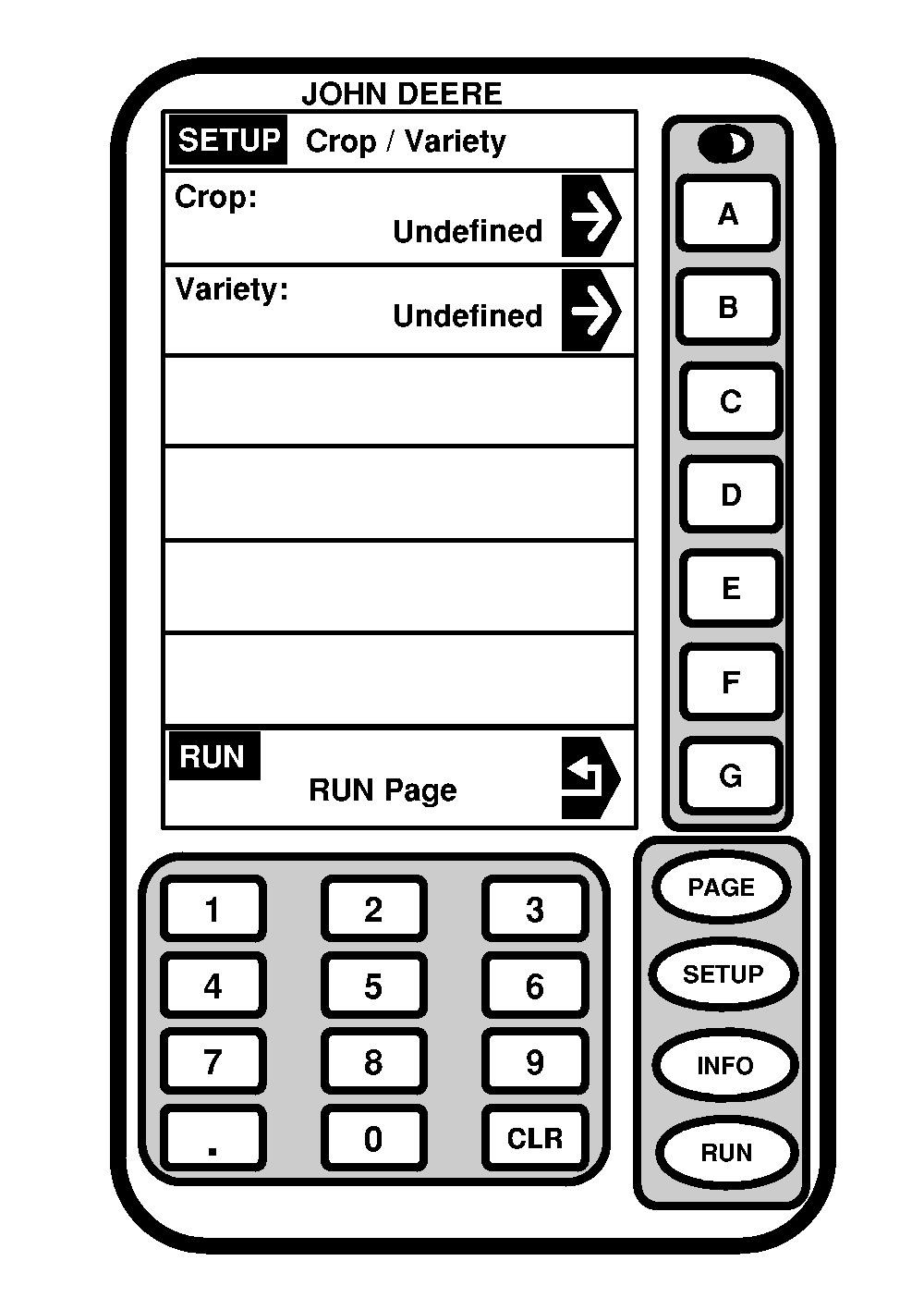
NOTE: Crop and Variety can be setup in JDOffice and saved to a PC card or select Custom Name (see SETUP - CUSTOM NAME section in this manual). Press CROP/VARIETY button on RUN - PAGE 2 screen and SETUP - CROP/VARIETY screen will appear. Press CROP button and select desired crop. NOTE: Variety Locator, if ENABLE, will automatically select variety from PC card. Varieties need to be previously setup in JDOffice and/or mapped from Field Doc and saved to a PC card. Press VARIETY button and select desired variety. |
|
OUO6050,0000760 -19-20JUN04-3/4 |
|
Cell E allows operator to view loads. NOTE: Recording can be turned ON/OFF manually by pressing F when operating in a field. Cell F allows operator to view GPS recording status. Cell G is reserved for cautions and warnings. |
|
OUO6050,0000760 -19-20JUN04-4/4 |