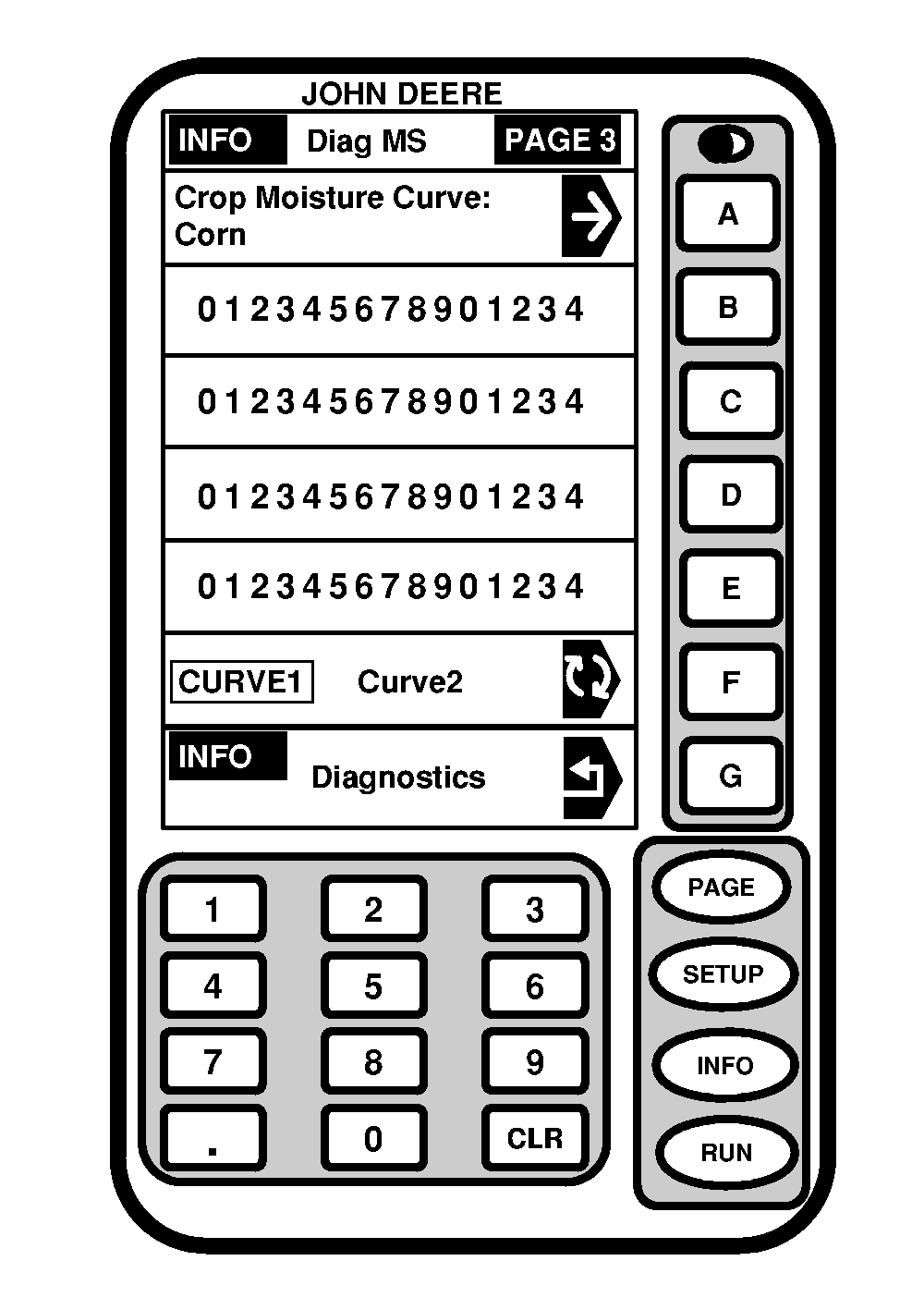
Moisture Sensor - PAGE 3Screen: INFO - DIAG MS - PAGE 3 Press: INFO >> HARVEST MONITOR >> DIAGNOSTICS >> MOISTURE SENSOR >> PAGE >> PAGE This screen displays current moisture curve selected for crop shown. To view moisture curves for other crop press CROP MOISTURE CURVE button and INFO - CROP - PAGE 1 screen will appear. Press button of desired crop. To view other moisture curves for current crop press F button and selection will appear boxed in capital letters. NOTE: See Specification section for crop calibration curves. For curve updates check StellarSupport ™ website, www.stellarsupport.com. |
|
|
StellarSupport is a trademark of Deere & Company | OUO6050,0000767 -19-10JUN04-1/1 |