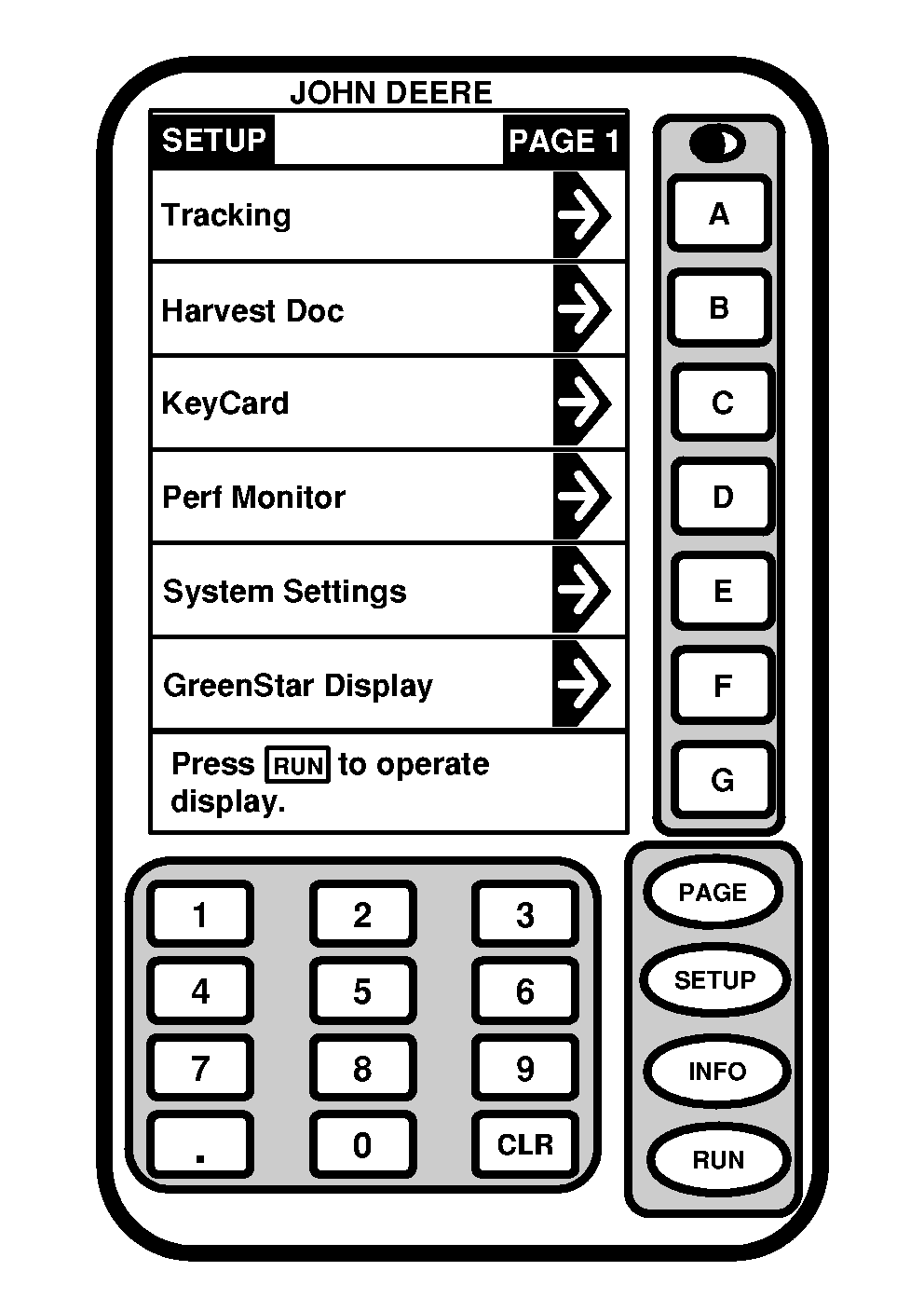
SETUP - PAGE 1Screen: SETUP - PAGE 1 Press: SETUP Before initial operation Yield Mapping system must be setup to operator's specifications. Some of information used by the Yield Mapping system is setup in JDOffice and transferred to Yield Mapping system via PC Card. The following procedures will take operator through the setup process. Depending on type of operation certain information may or may not be displayed on display. RUN pages can be customized by operator to display necessary information for operation being performed. NOTE: Depending on number of programs loaded on KeyCard some selections may not appear on current page. Press PAGE button to access additional screens (i.e. Tracking may not appear on your SETUP - PAGE 1 screen. Tracking requires purchase to be listed in a cell space). Operator can access YIELD MAPPING, STARFIRE RECEIVER (see StarFire Receiver section), KEYCARD, PERF MONITOR, GREENSTAR DISPLAY, and RUN - PAGE LAYOUT screens from SETUP - PAGE 1. (See following pages for setup of each of these screens.) |
|
OUO6050,0000798 -19-14JUN04-1/1 |