Changing Display Address
|
|
|
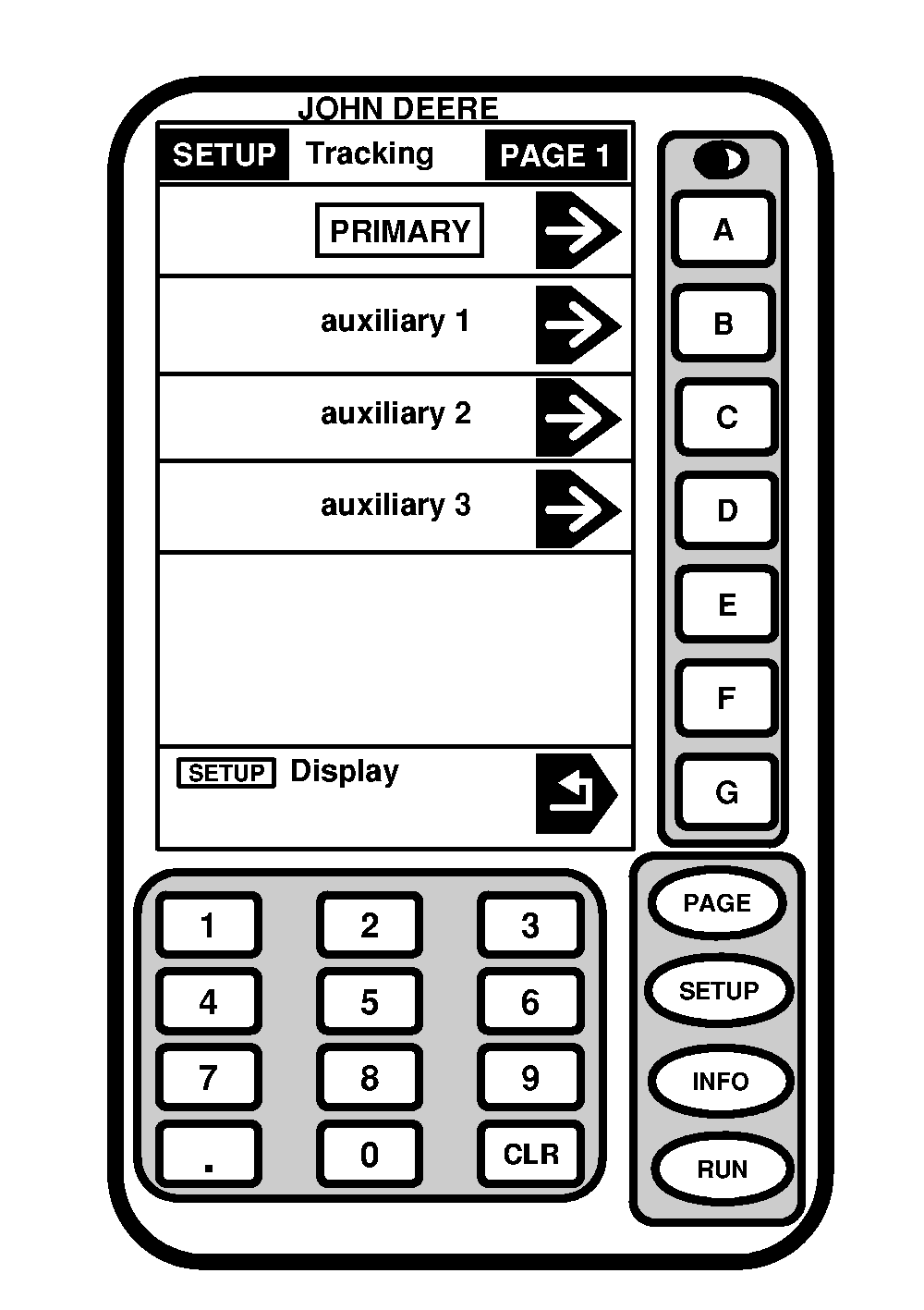
Screen: SETUP >> TRACKING >> PAGE 1 Press: SETUP >> GREENSTAR DISPLAY >> DISPLAY ADDRESS It is possible to operate GreenStar system with more than one GreenStar display. In order to use multiple GreenStar displays, each display must have a different name. The main display for system is called primary display. The secondary display (Parallel Tracking) is set to auxiliary. NOTE: System requires GreenStar displays when operating with multiple displays. System will |
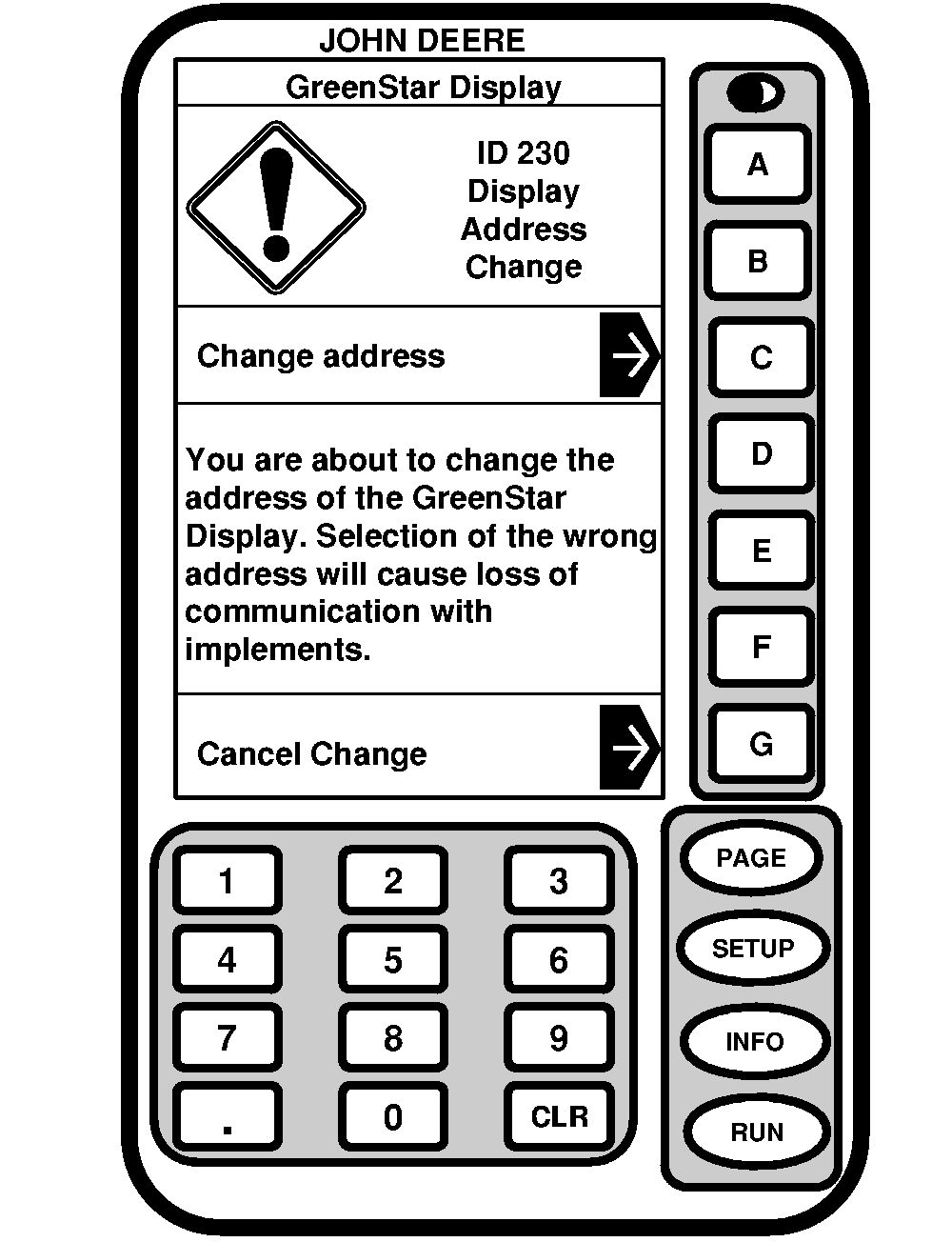
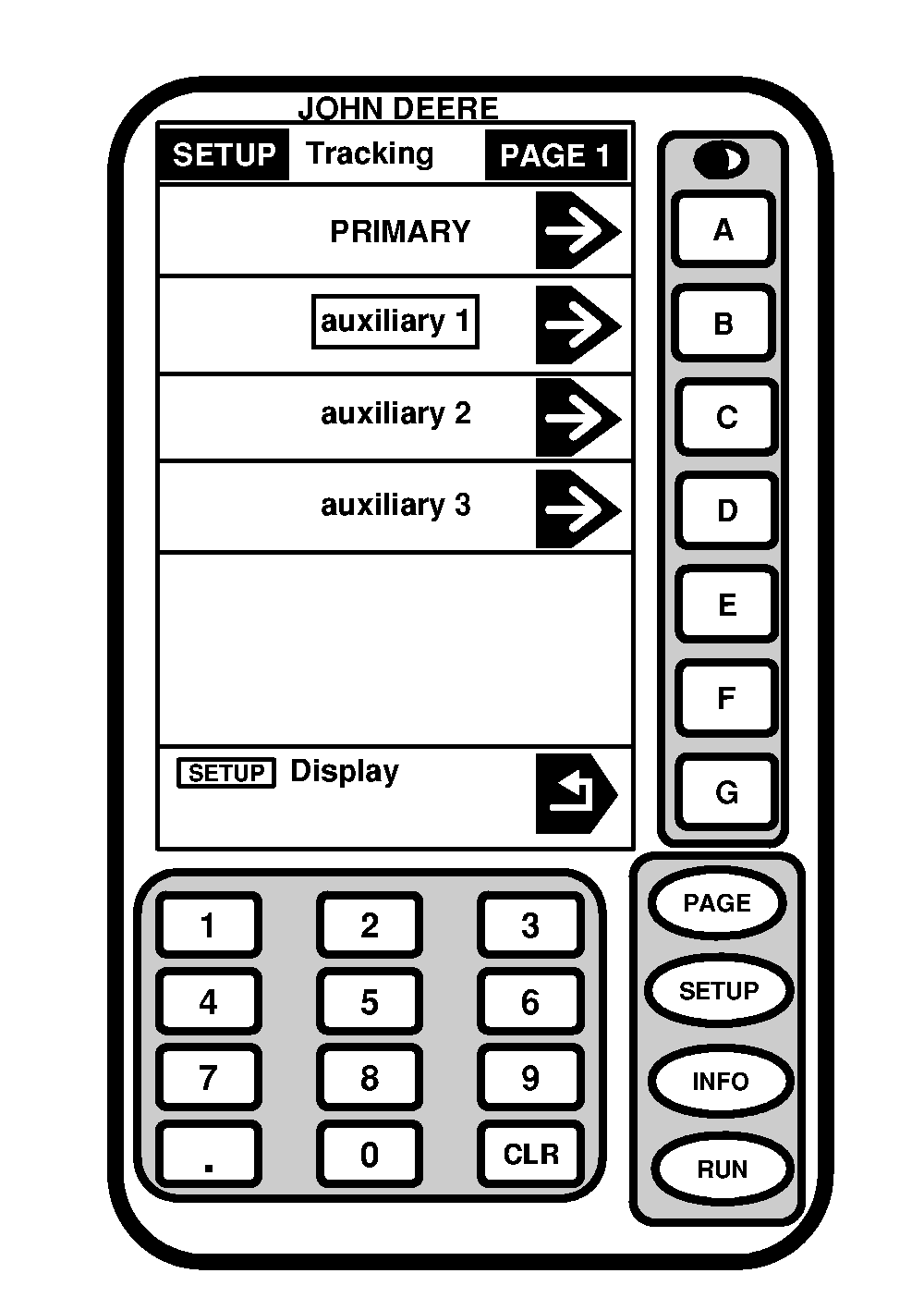
not allow a GreenStar display to be operated along with an ACCUDEPTH display. Parallel Tracking display must be changed back to primary when operating as a stand alone display. 1. Press AUXILIARY 1 button.2. Press CHANGE ADDRESS button to change address or CANCEL CHANGE button to cancel change. |
OUO6050,000079B -19-11JUN04-1/2 |
| 3. Press SETUP DISPLAY button to exit and return to SETUP screen or RUN button to return to RUN - PAGE 1 screen. |
|
OUO6050,000079B -19-11JUN04-2/2 |