Setting Page Layout
|
|
|
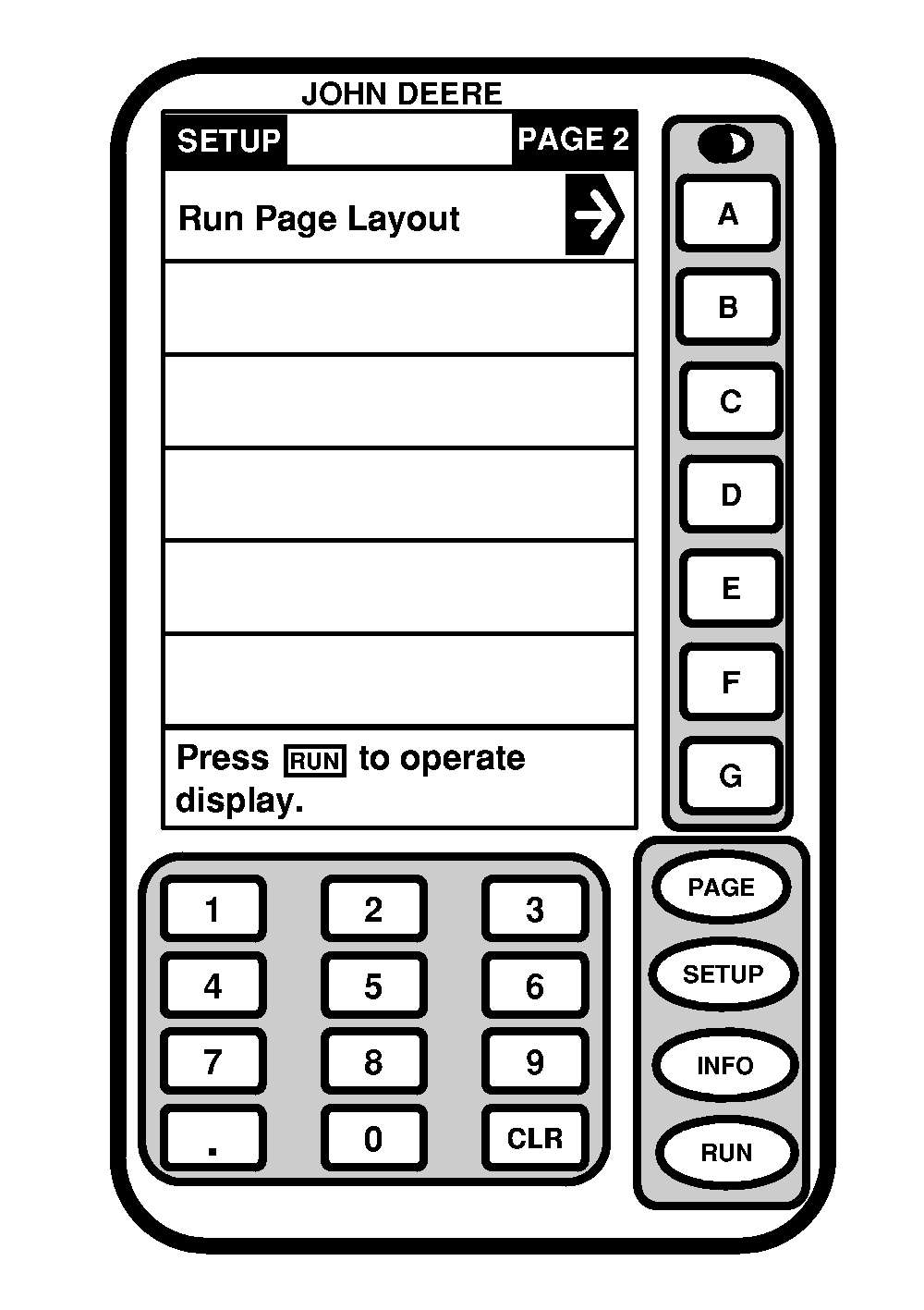
NOTE: Depending on the number of programs loaded on KeyCard some selections may not appear on SETUP - PAGE 1 screen. Press PAGE button to access additional setup information. RUN - PAGE LAYOUT screen allows mobile processor and other implement controllers to negotiate for DISPLAY screen space. When implements are connected and disconnected it may be necessary to repeat RUN - PAGE LAYOUT procedures. |
1.
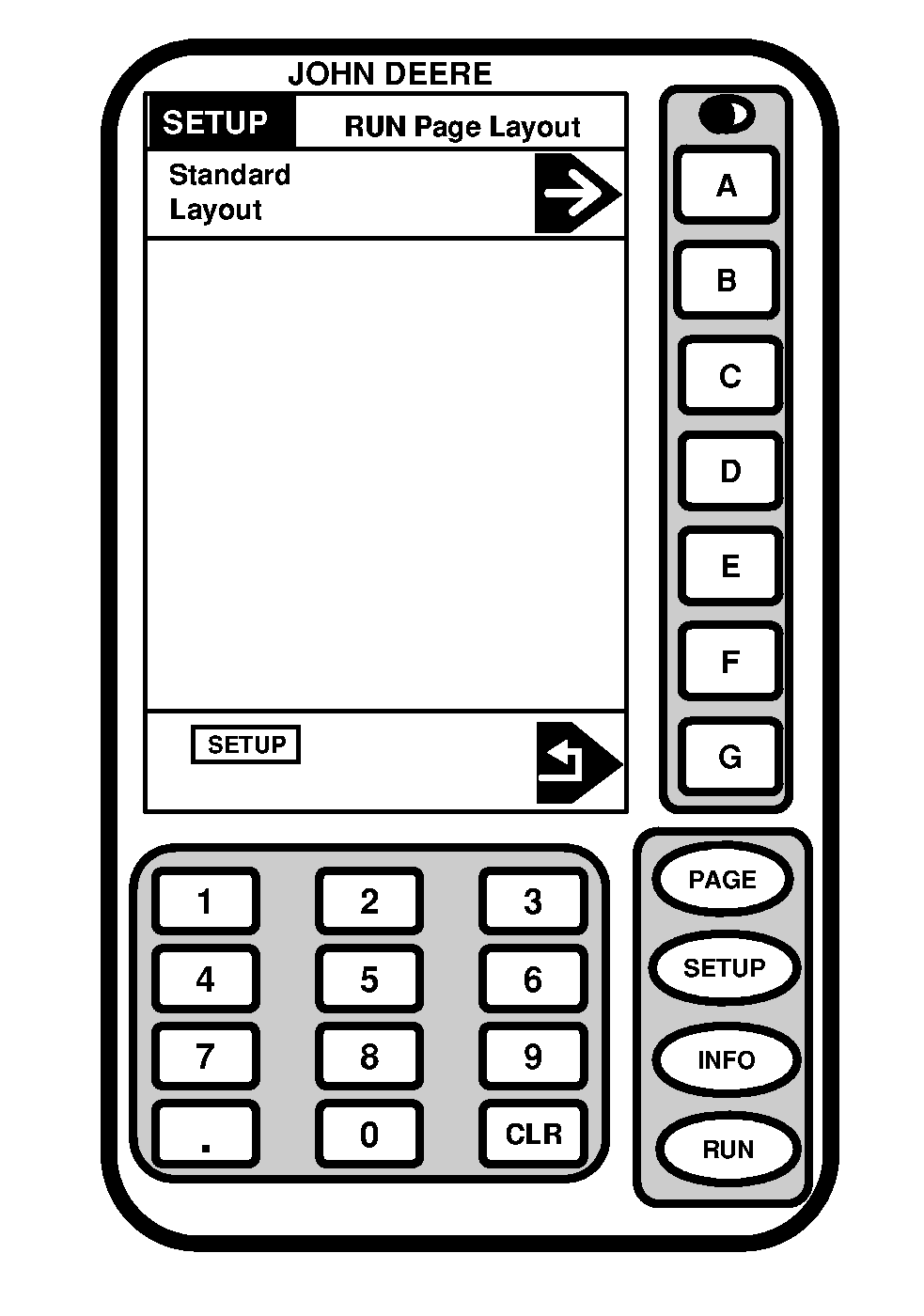
Press RUN PAGE LAYOUT button on SETUP screen. SETUP - RUN PAGE LAYOUT screen will appear.
2. Press STANDARD LAYOUT button on SETUP - RUN PAGE LAYOUT screen. 3. Press SETUP button to return to SETUP screen. SETUP - RUN PAGE LAYOUT screen will indicate that Standard Layout is complete. |
OUO6050,000079C -19-14JUN04-1/1 |