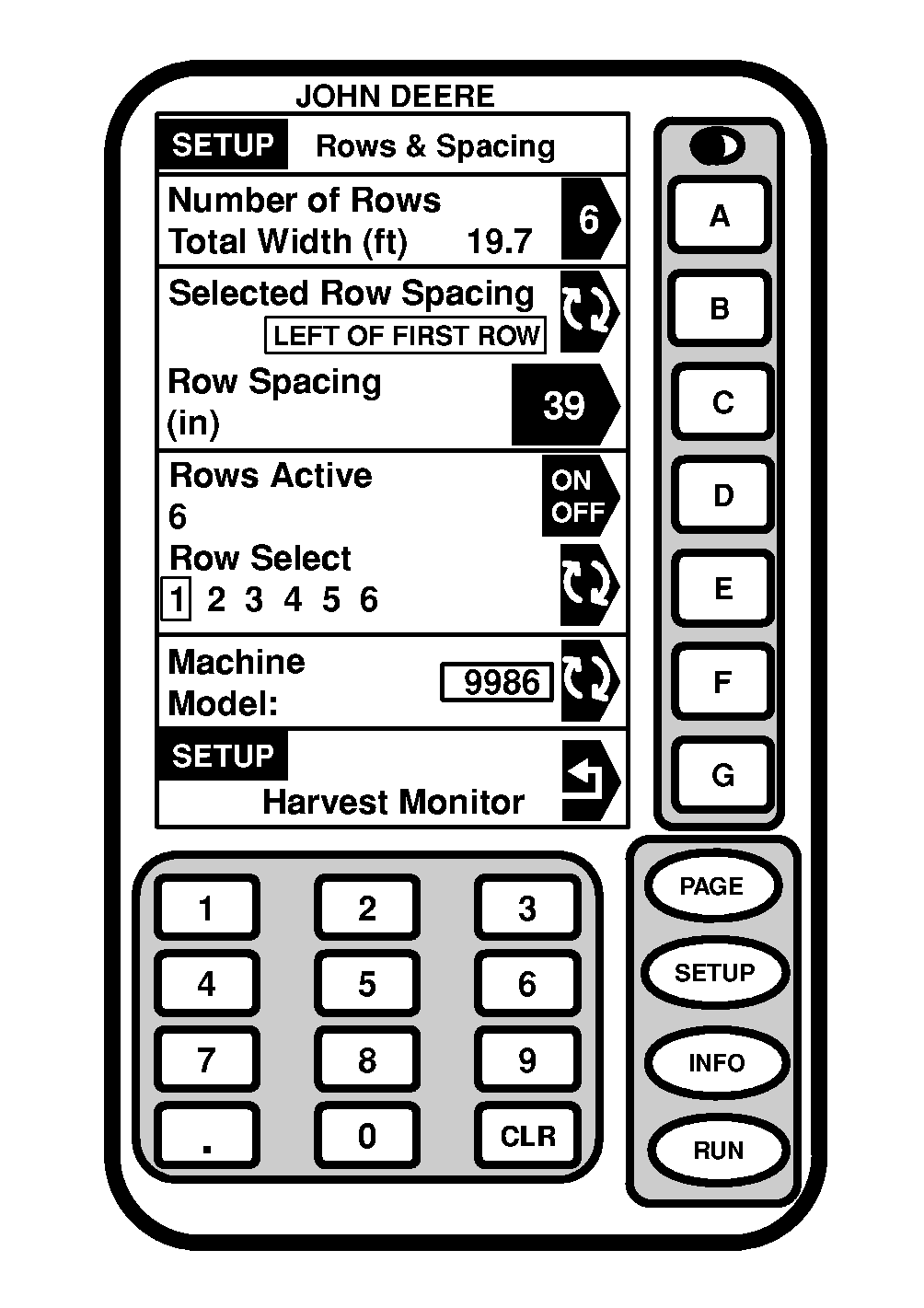
Setting Rows and SpacingScreen: SETUP - ROWS & SPACING Press: SETUP >> HARVEST MONITOR >> SET ROW & SPACINGS IMPORTANT: Make certain rows and spacings are correct. The wrong row spacing will result in inaccurate area calculation. 1. Press NUMBER OF ROWS button.2. Enter number of rows and press NUMBER OF ROWS button again to enter value. NOTE: A caution will be displayed in section G to state the limits for row spacings. |
|
OUO6050,00007A4 -19-17JUN04-1/3 |
|
|
|
|
|
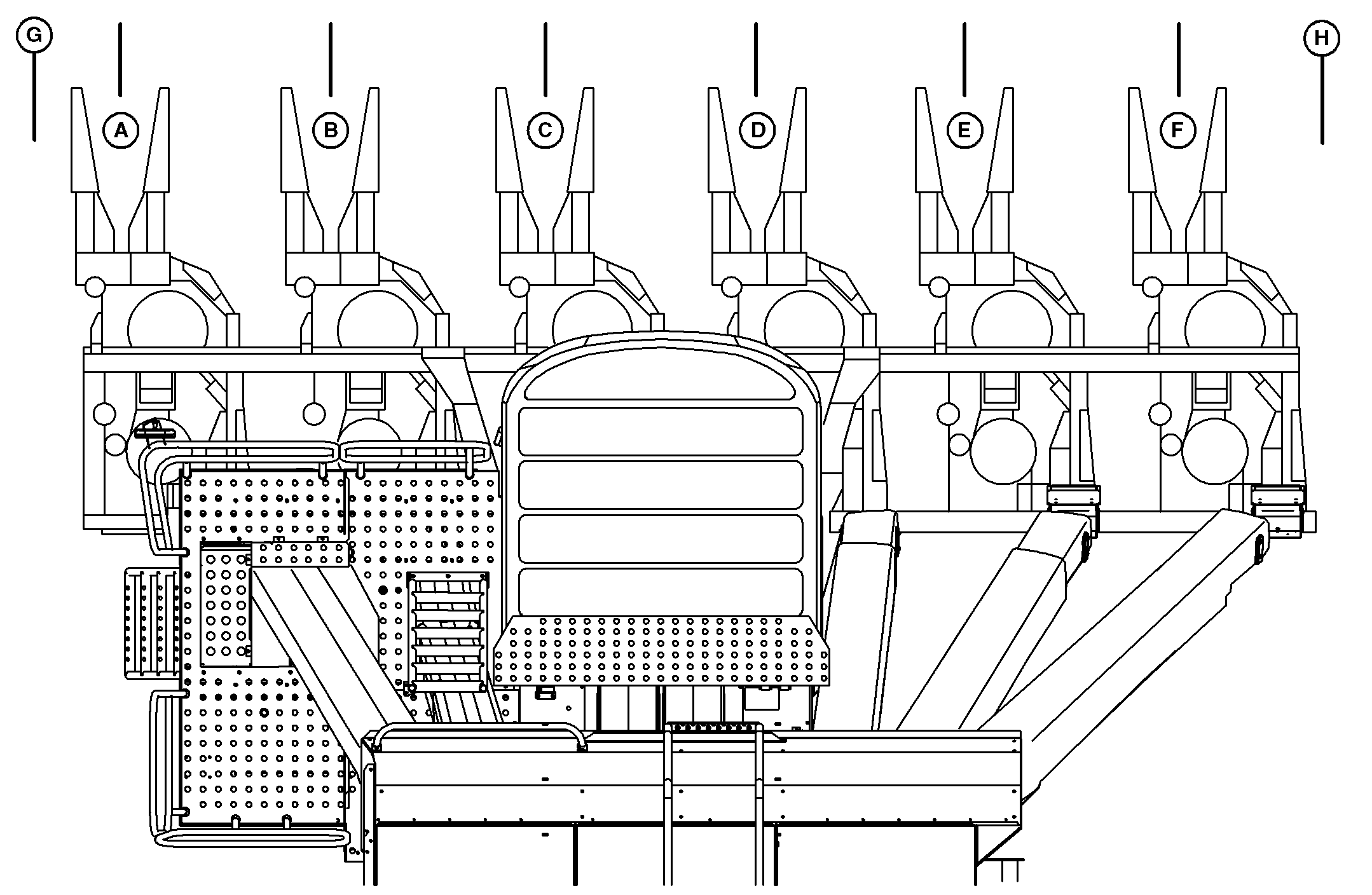
| 3. Enter row spacing for all rows starting with LEFT OF FIRST ROW. Press SELECTED ROW SPACING button to toggle from one row spacing to the next. Press ROW SPACING button to enter the distance between the rows. |
4. Verify TOTAL WIDTH: is shown correctly after entering all the row spacings. |
OUO6050,00007A4 -19-17JUN04-2/3 |
|
5.
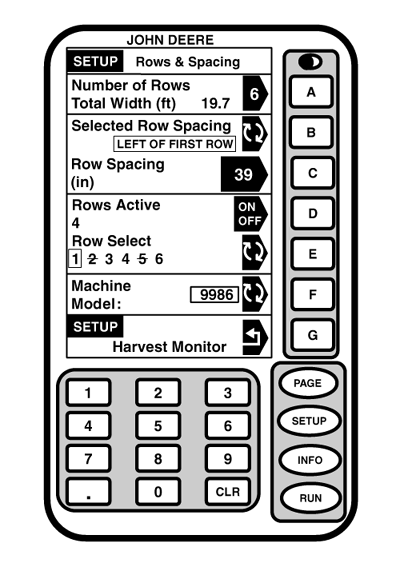
To make a row inactive press ROW SELECT button until number of desired row appears boxed in. Press ROWS ACTIVE button to toggle selected row between ON/OFF. When a row is inactive its number will appear on the display with a slash through it.
6. Press MACHINE MODEL button to toggle to proper machine model. There may be only one machine model available depending on software version. |
|
OUO6050,00007A4 -19-17JUN04-3/3 |