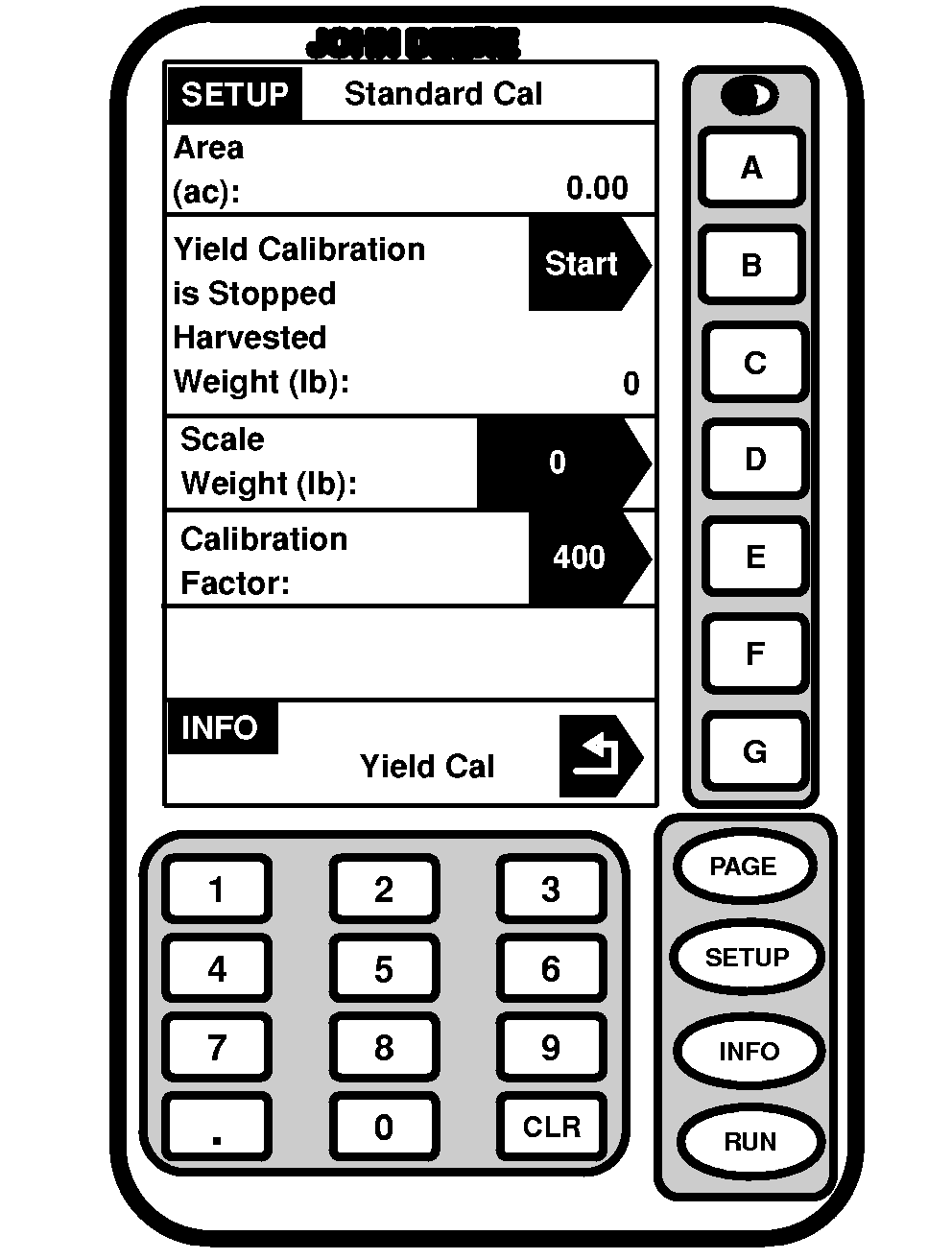
Standard CalibrationScreen: SETUP - STANDARD CAL Press: SETUP >> HARVEST MONITOR >> YIELD CALIBRATION >> STANDARD CALIBRATION 1. Press START button.NOTE: If Quick Calibration Procedure is started (on prior page) weight will count up on SETUP - STANDARD CAL screen. 2. Harvest a yield sample. 3. Press STOP button to end procedure. 4. Enter scale weight for sample just harvested. Harvested Weight-Approximate weight of grain that has been harvested during the calibration process. Scale Weight-Allows scale weight to be entered after a calibration run is complete. During calibration run, indicates approximate weight of grain that has been harvested. Calibration Factor-Allows mass flow sensor to read accurately. Value will be updated automatically by calibration procedure. This value can also be adjusted manually. |
|
OUO6050,00007A9 -19-10JUN04-1/1 |