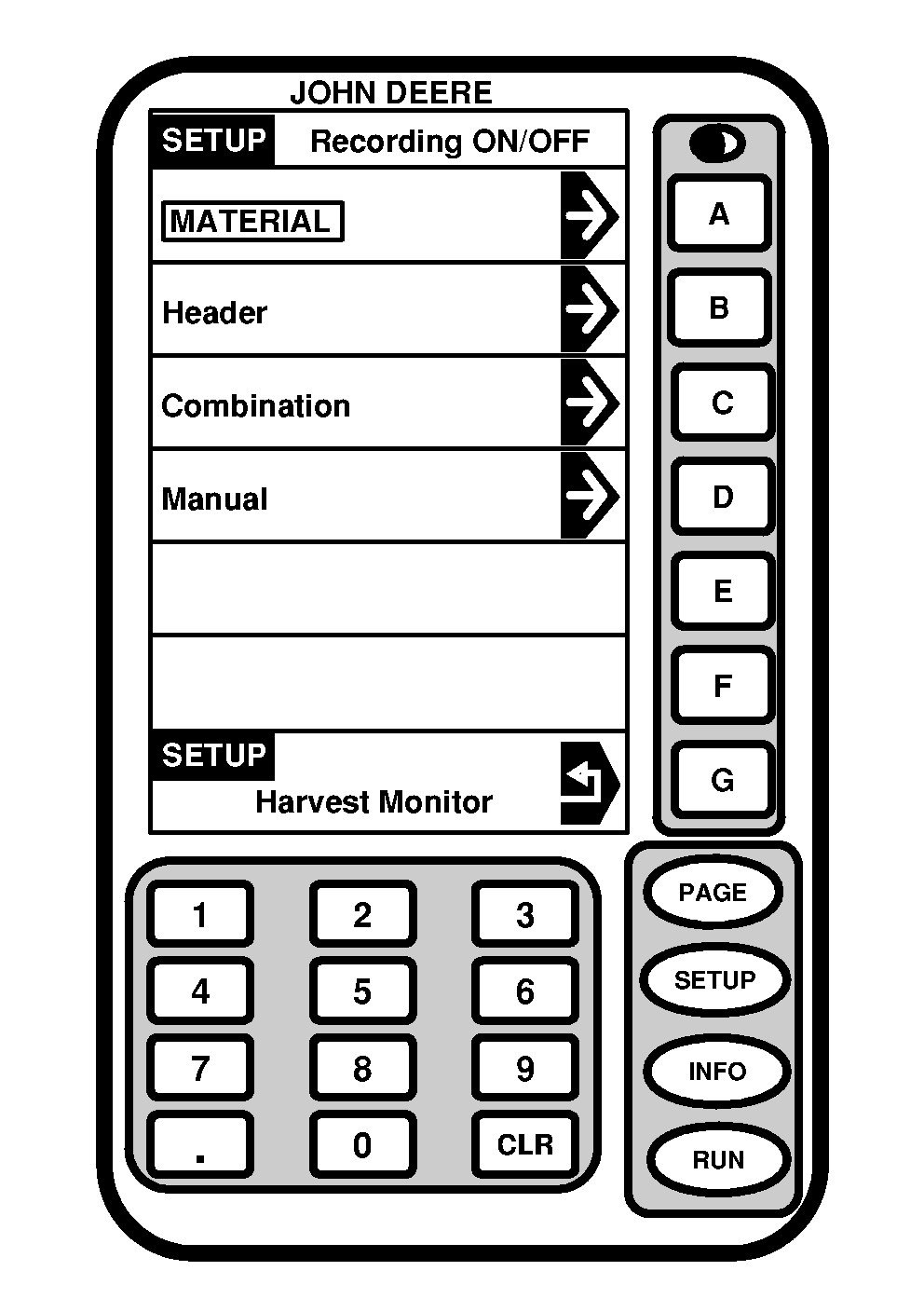
RecordingScreen: SETUP - RECORDING ON/OFF Press: SETUP >> HARVEST MONITOR >> RECORDING ON/OFF BY: NOTE: In light yield conditions, use header to control recording. Press RECORD button to save and set new Stop Height. At and above this height system will automatically stop recording yield data. Below this height recording data will start automatically provided all other conditions are met (fan on, units engaged and lowered, etc.). This height will be displayed as a percentage of picking unit travel (0% down, 10% up) and is found on SETUP - HARV MON - PAGE 1 screen. This screen allows the operator to setup the recording on/off using the follow methods:: Material-Flow of Cotton Header-Raise/Lower Picking Units Combination-Raise/Lower Picking Units and Material Flow Detected Manual-On/Off by operator from RUN page, |
|
OUO6050,00007AF -19-17JUN04-1/1 |