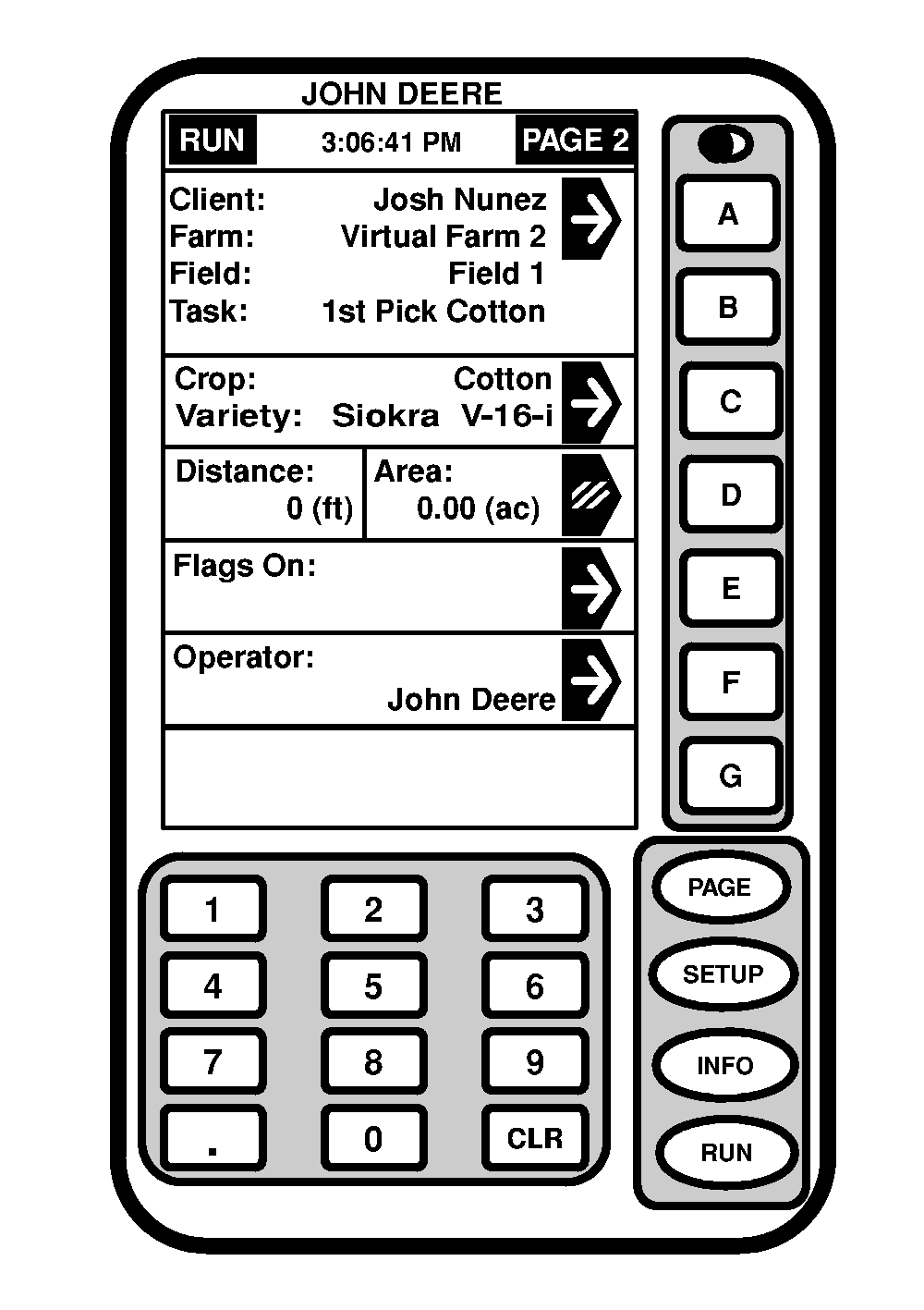
RUN - PAGE 2Screen: RUN - PAGE 2 Press: RUN >> PAGE Section A & B allows the Client, Farm, Field, & Task to be change from by one key press from the run page. Section C: Variety Locator ON Section means there are Variety locator files found for this field on the card. Variety locator files on the card will automatically change when a new variety is located while harvesting. Crop section and VL off will show if no variety locator information found on the card or if variety locator is disabled and not automatically change. Section D: Distance and Area. Section E: Flags (Point/Area) Section F: Operator A caution will be displayed in section G state a variety change.
|
|
OUO6050,00007B8 -19-20JUN04-1/1 |