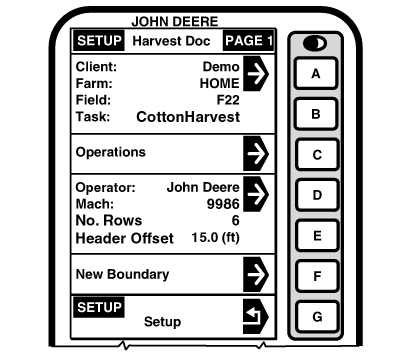
StartingScreen: SETUP - HARVEST DOC - PAGE 1 Press: SETUP >> HARVEST DOC This screen allows operator to setup following items:
NOTE: Client, Farms, Fields, Task, Varieties can be setup in JDOffice and saved to a PC card before starting Harvest, otherwise it can be setup in cab as a Custom Names (see SETUP - CUSTOM NAME section). Press CLIENT/FARM/FIELD/TASK button and select desired Client/Farm/Field/Task. |
|
OUO6050,000093A -19-11JUN04-1/1 |