Defining Operations
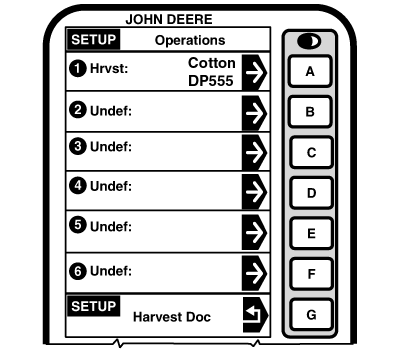
Screen: SETUP - OPERATIONS Press: SETUP >> HARVEST DOC >> OPERATIONS NOTE: Operations can be setup in JDOffice and saved to a PC card. This screen allows operator to:
Press OPERATION 1 button. |
|
OUO6050,000093D -19-23JUN04-1/2 |
|
|
|
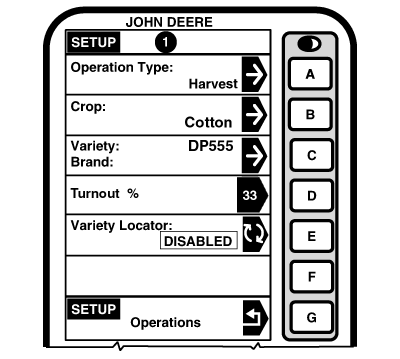
NOTE: Ensure that Operations 1 is set to Harvest. Up to six operations will be available for selection. SETUP - OPERATION 1 screen will allow operator to define:
|
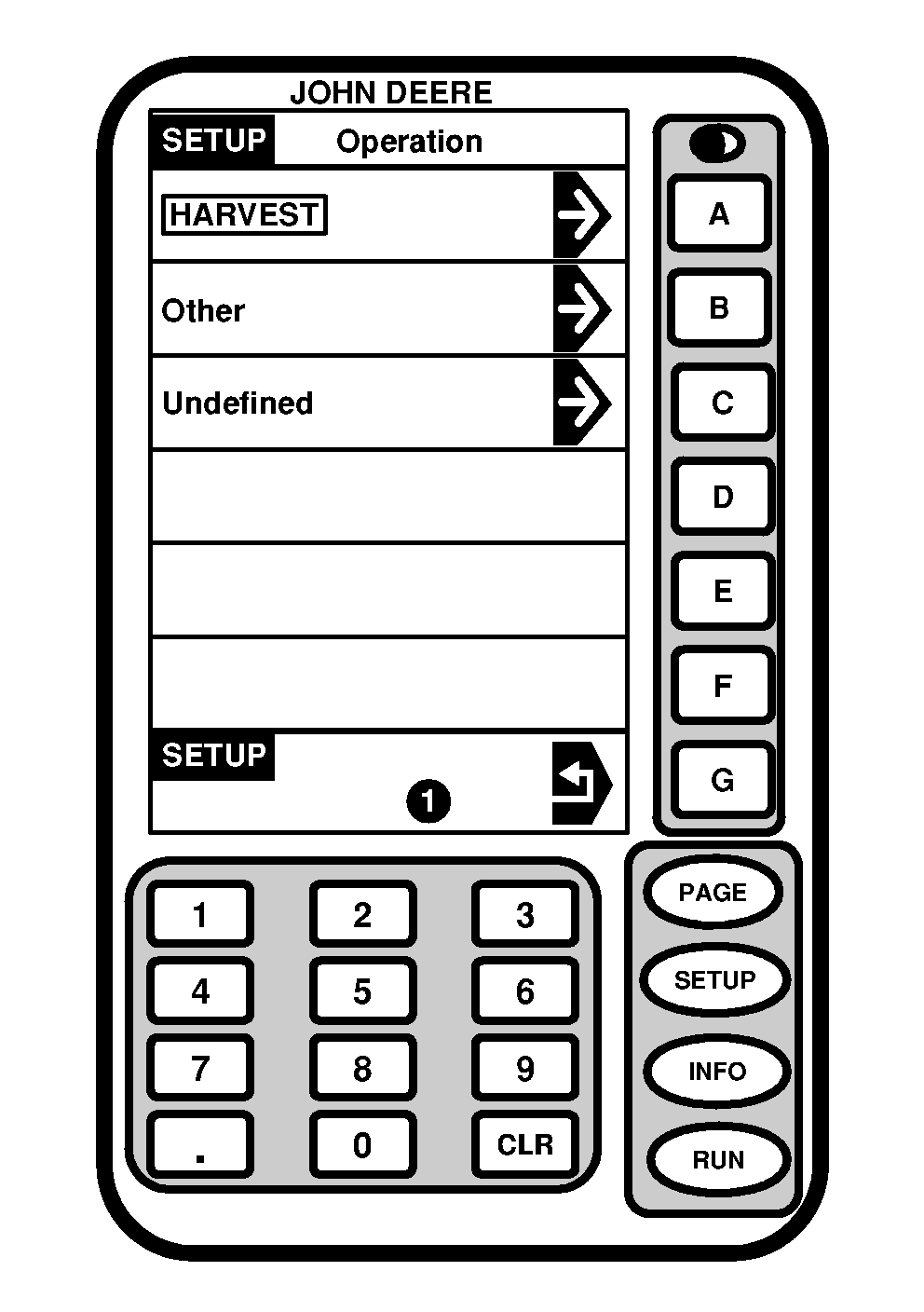
NOTE: Variety Locator, if ENABLE, will automatically select variety from PC card. Varieties need to be previously setup in JDOffice and saved to a PC card or mapped from previously recorded field data (i.e. Field Doc). Press OPERATION TYPE button and SETUP - OPERATIONS screen will appear. Select desired Operation Type. |
OUO6050,000093D -19-23JUN04-2/2 |