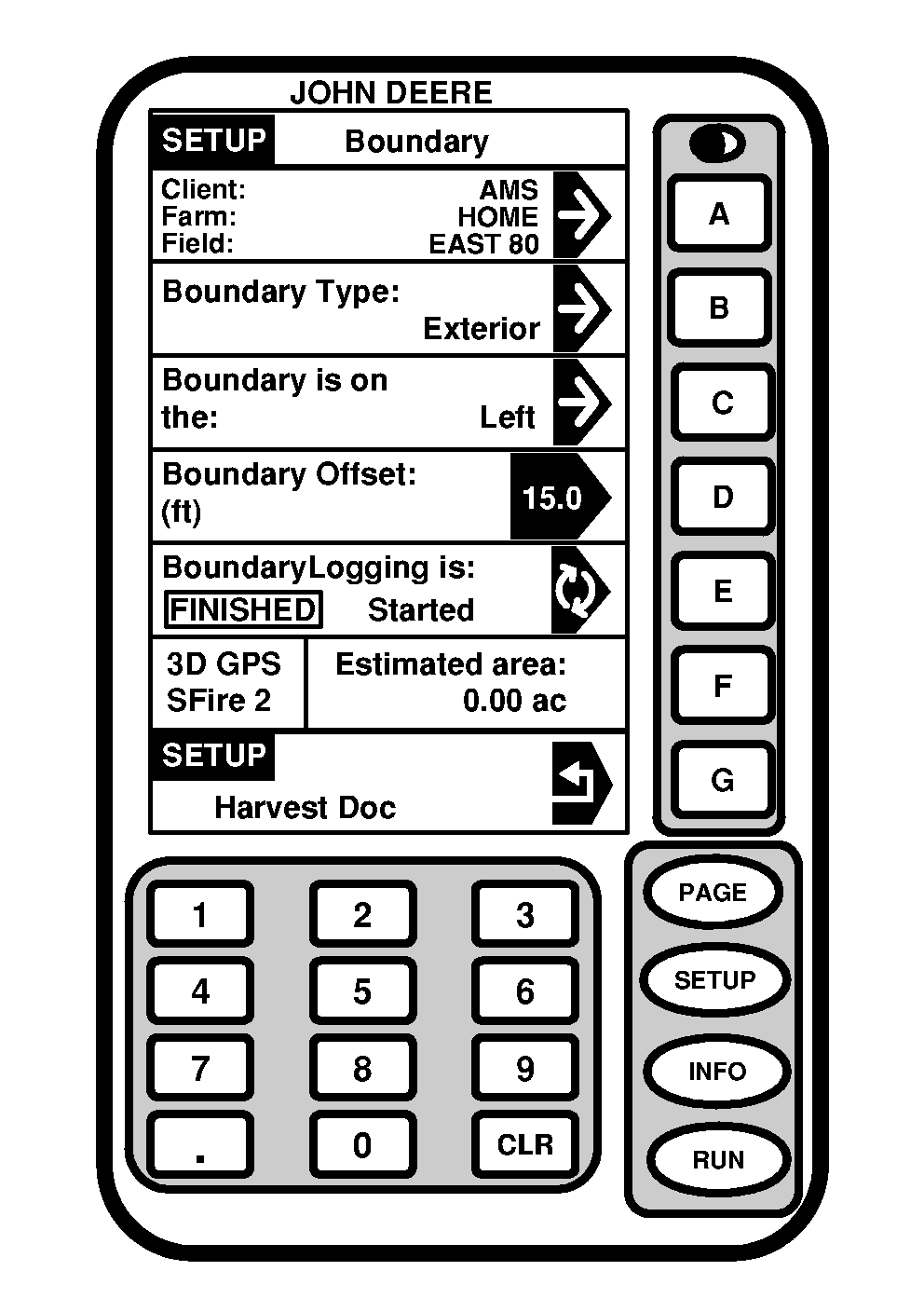
Creating New BoundaryScreen: SETUP - BOUNDARY Press: SETUP >> HARVEST DOC >> NEW BOUNDARY This screen allows operator to define:
|
|
OUO6050,000093E -19-10JUN04-1/3 |
|
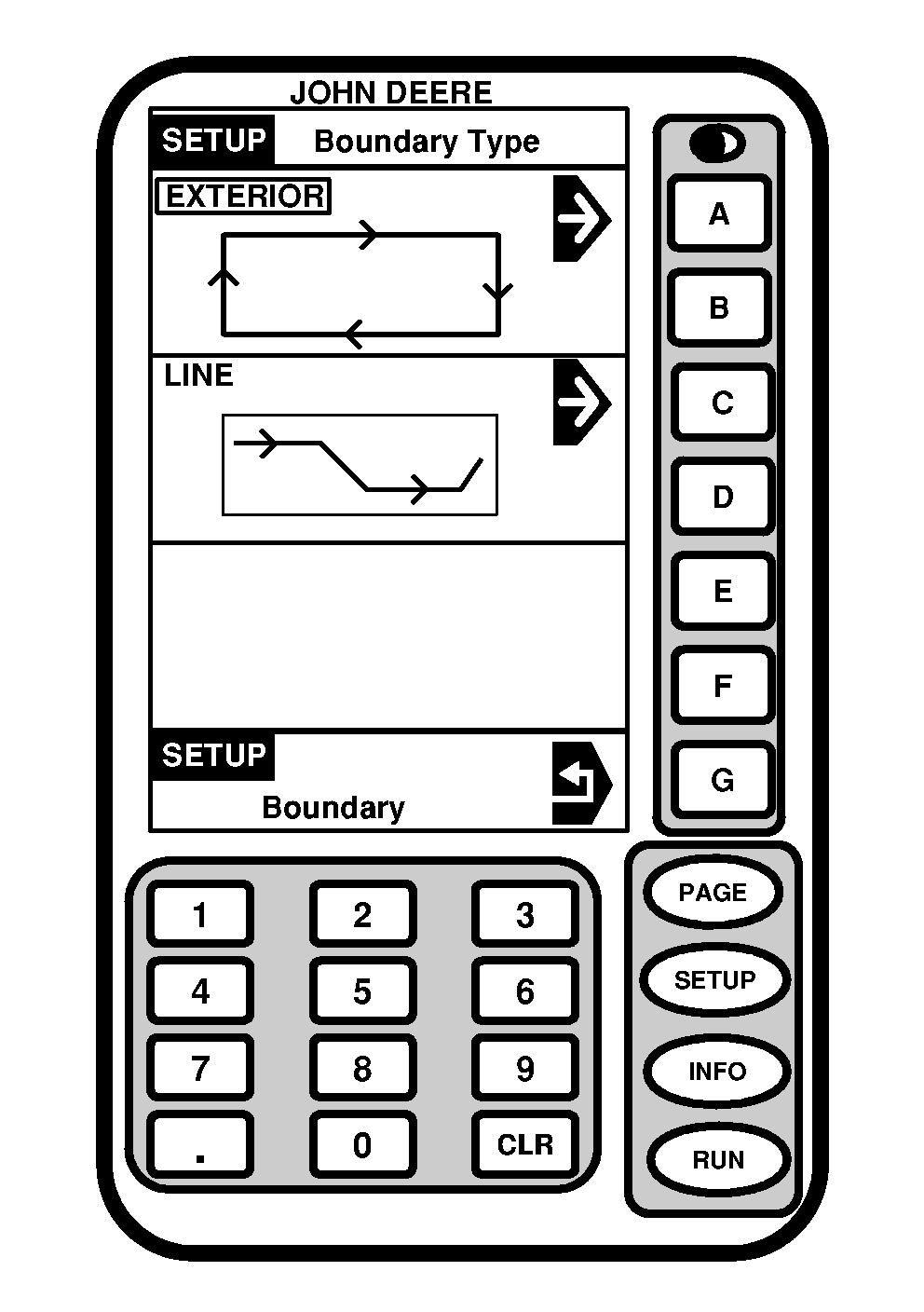
Screen: SETUP - BOUNDARY TYPE Press: SETUP >> HARVEST DOC >> NEW BOUNDARY >> BOUNDARY TYPE NOTE: Boundary Type selection:
This screen allows operator to select between exterior and line boundaries. Select desired boundary type. |
|
OUO6050,000093E -19-10JUN04-2/3 |
|
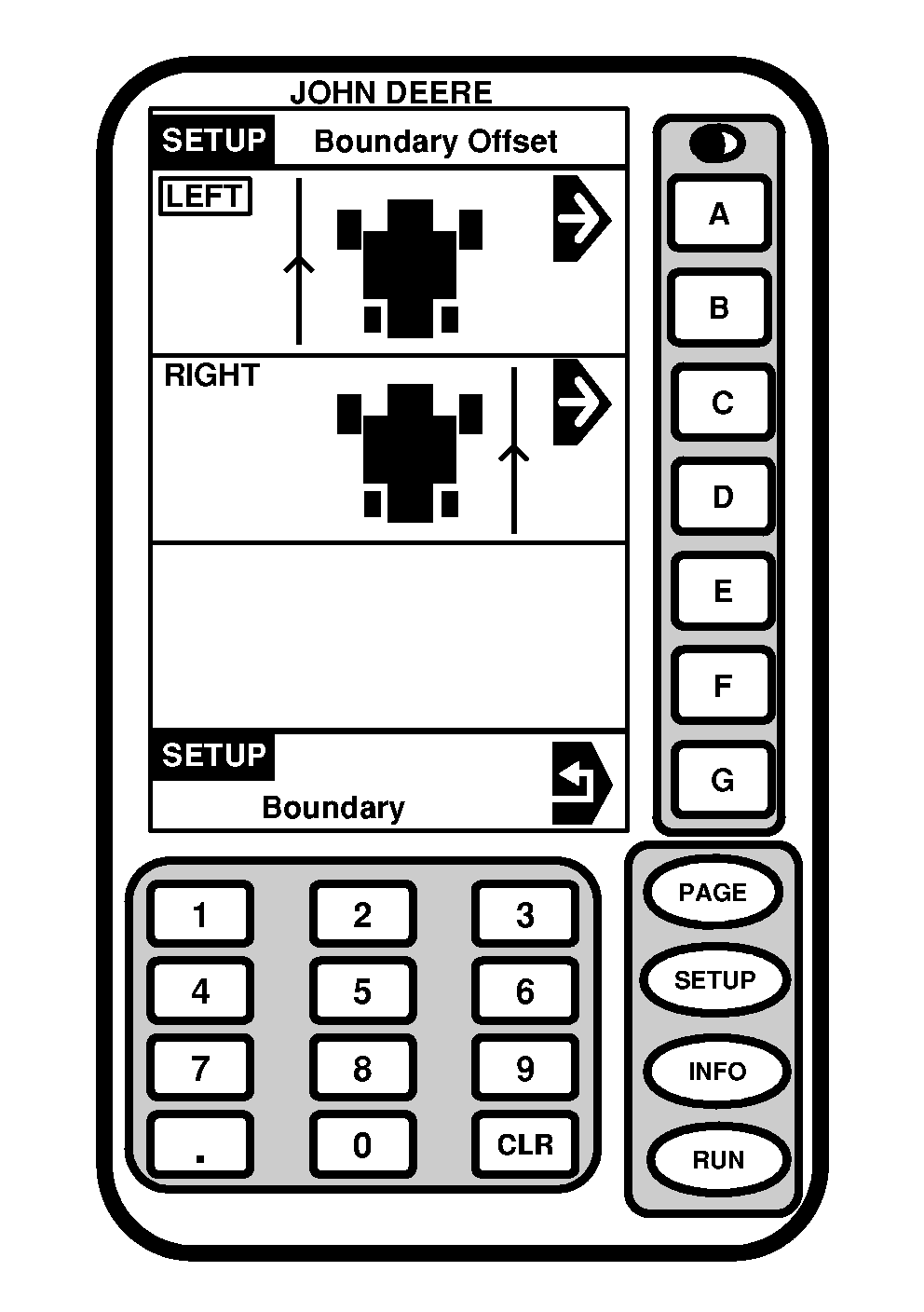
Screen: SETUP - BOUNDARY OFFSET Press: SETUP >> HARVEST DOC >> NEW BOUNDARY This screen allows operator to select desired location of boundary. |
|
OUO6050,000093E -19-10JUN04-3/3 |