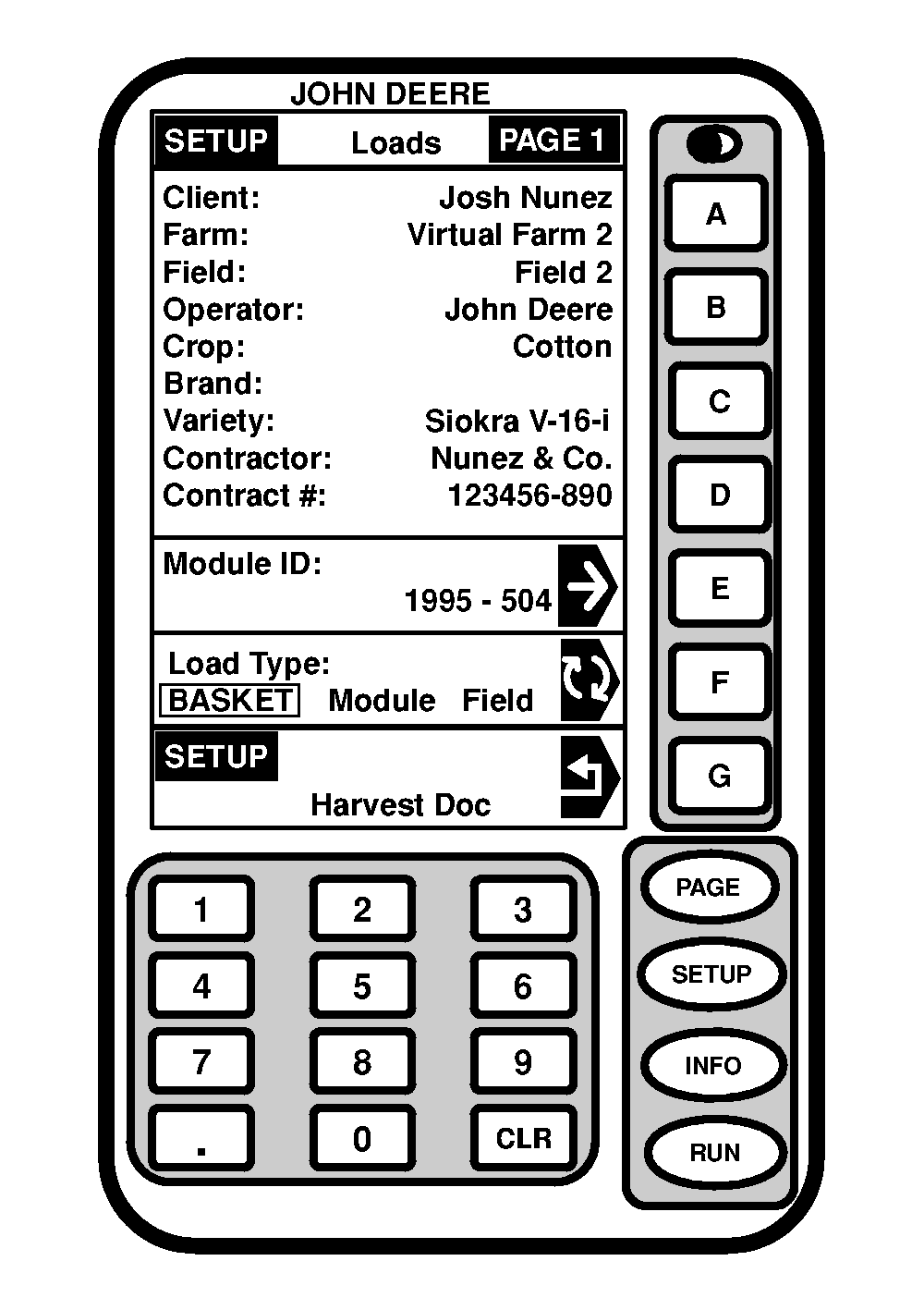
Defining LoadsScreen: SETUP - LOADS - PAGE 1 Press: SETUP >> HARVEST DOC >> PAGE >> LOADS NOTE: Contractor and Contract # can only be setup in JDOffice and saved to a PC card. This screen allows a operator to view/change:
|
|
OUO6050,0000943 -19-23JUN04-1/3 |
|
NOTE: Load destination can be setup in JDOffice and saved to a PC card or custom named. Press MODULE ID: button. Select desired module of load. Press LOAD TYPE button to toggle to desired selection:
|
|
OUO6050,0000943 -19-23JUN04-2/3 |
|
|
|
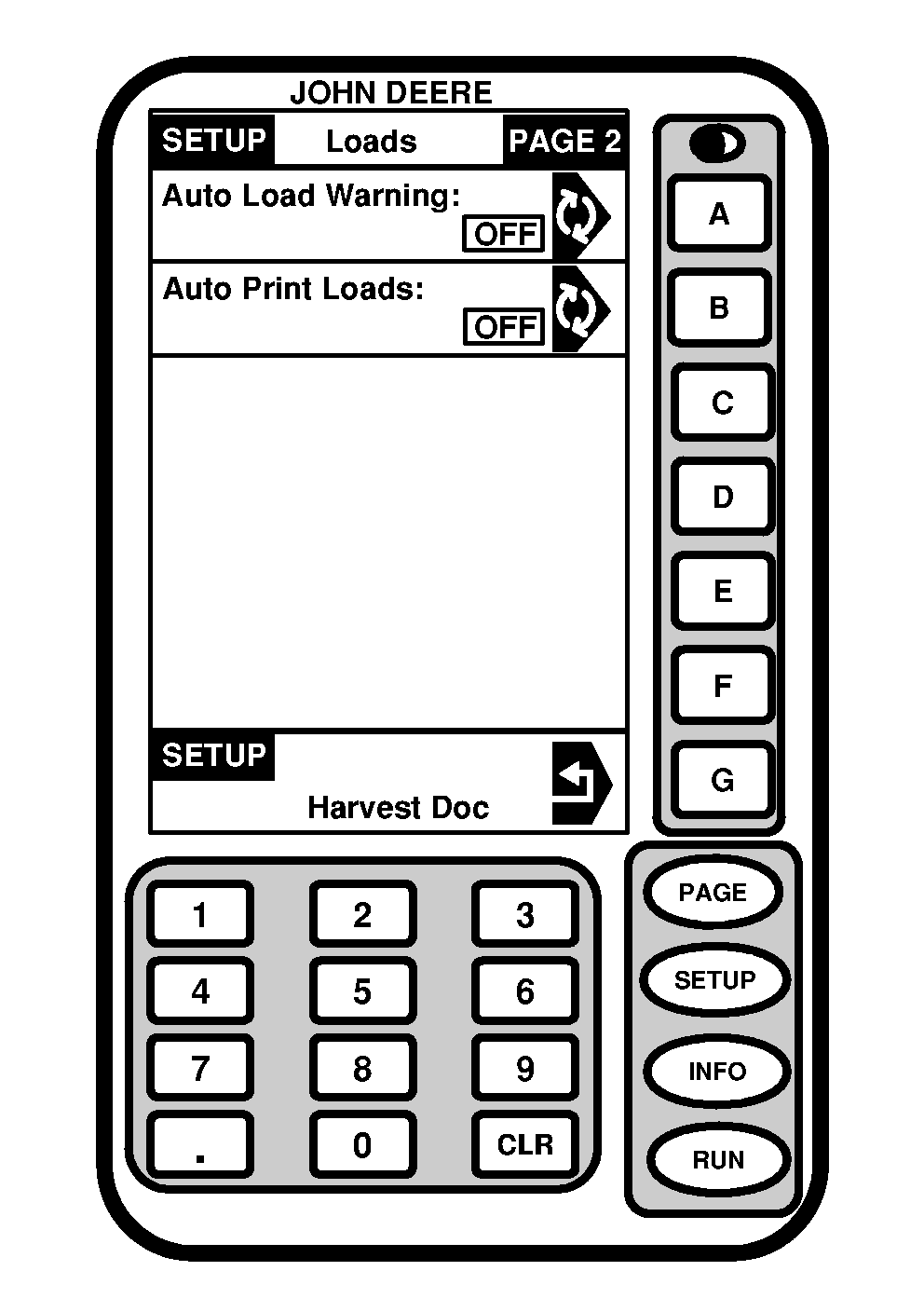
Screen: SETUP - LOADS - PAGE 2 Press: SETUP >> HARVEST DOC >> PAGE >> LOADS >> PAGE |
NOTE: Printer function is not used with Harvest Doc. This screen allows operator to select AUTO LOAD WARNING ON/OFF for load changes. |
OUO6050,0000943 -19-23JUN04-3/3 |