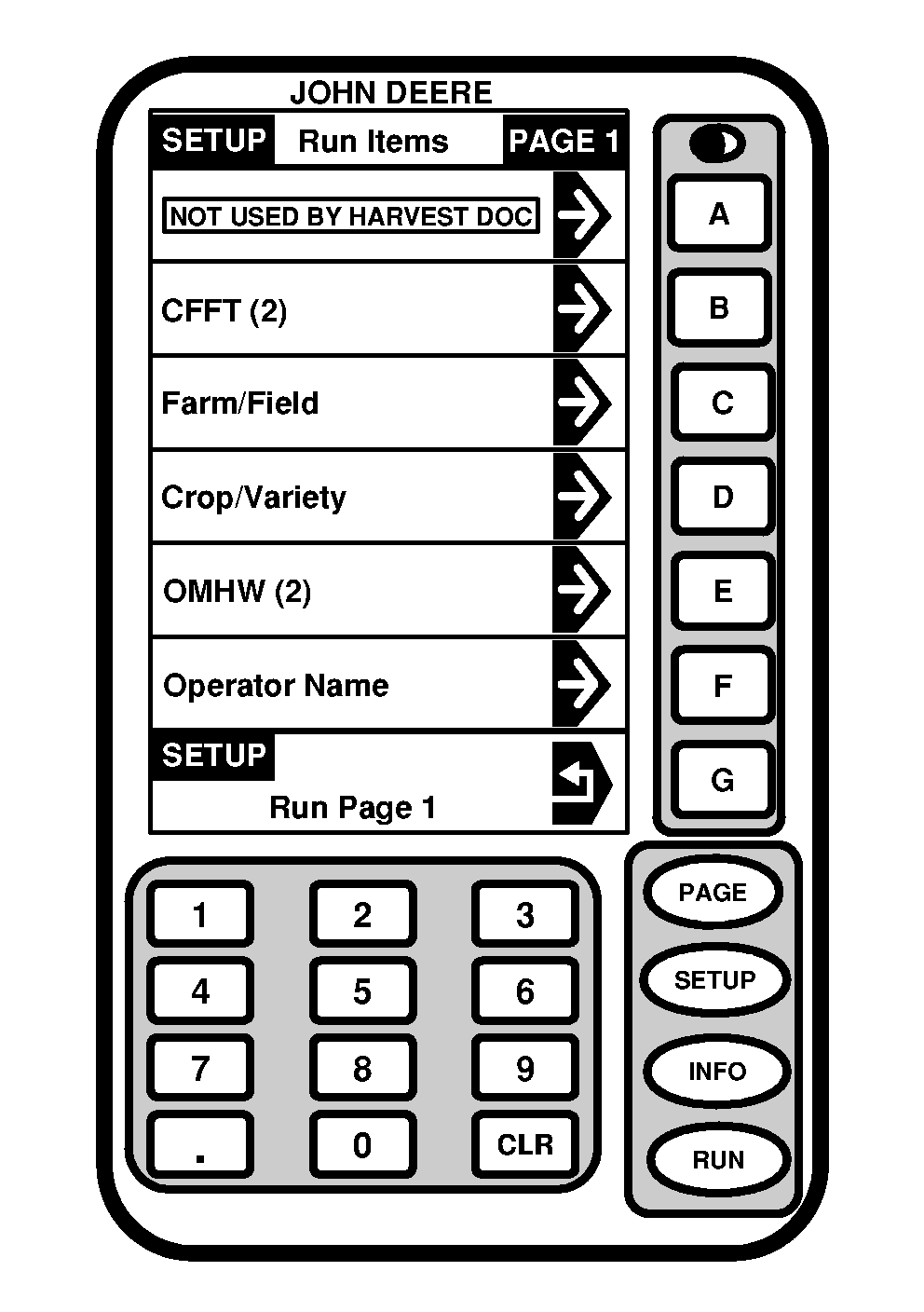
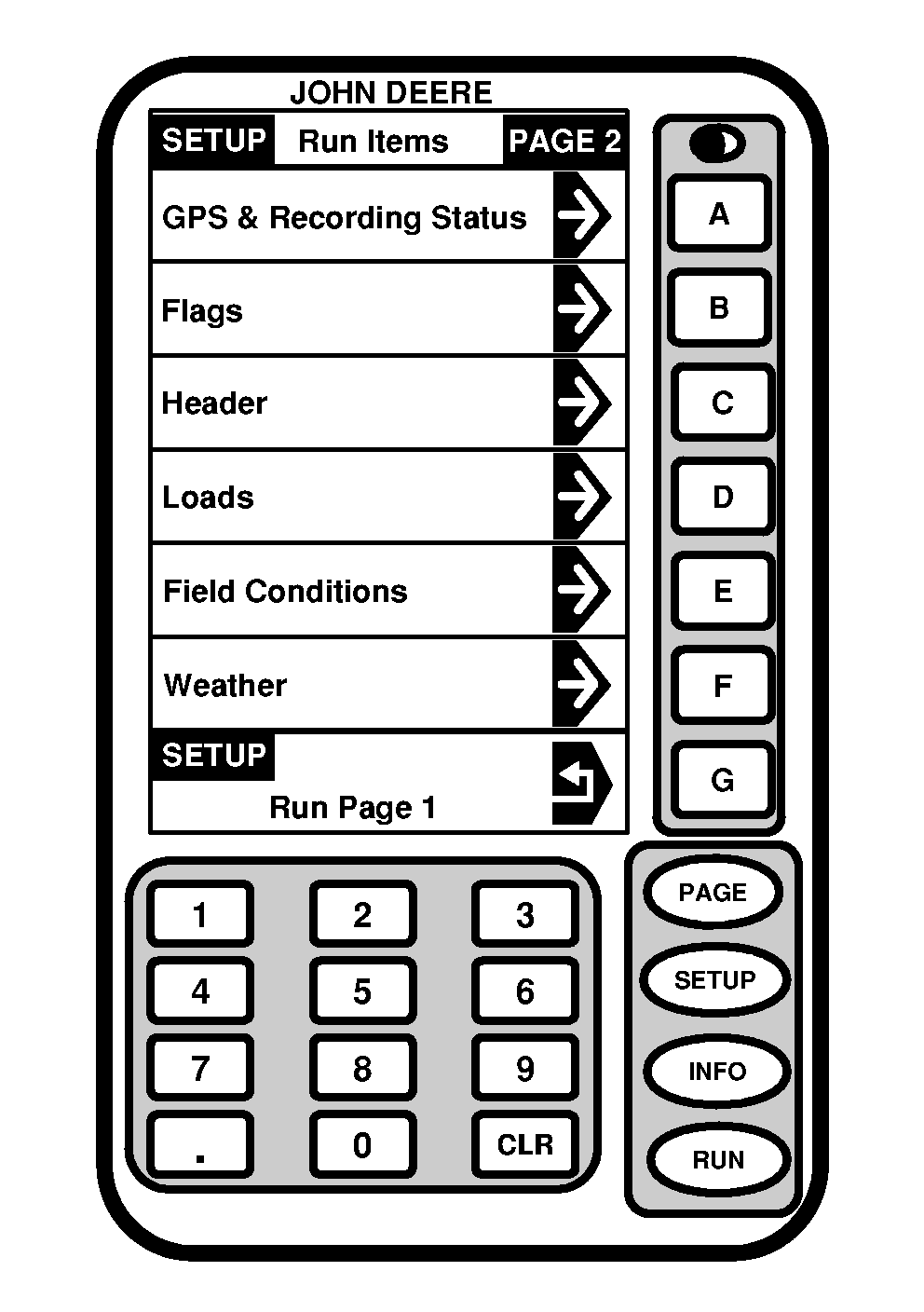
Viewing DefinitionsScreen: SETUP - RUN ITEMS - PAGE 1 Press: SETUP >> HARVEST DOC >> PAGE >> SETUP RUN PAGES This screen allows operator to view information for the following:
|
|
OUO6050,0001825 -19-07FEB06-1/2 |
|
|
|
NOTE: Press PAGE button on SETUP - RUN ITEMS - PAGE 1 screen to see other pages of run items. Any run item on any page can be moved to any cell used by Harvest Doc. Operator could have several pages, possibly five. Other John Deere systems which use GreenStar display (i.e. Parallel Tracking) may occupy certain cells on RUN ITEMS - PAGE 1 screens. Harvest Doc will display NOT USED in cells taken by other applications. |
SETUP - RUN ITEMS - PAGE 1 screen allows operator to select and arrange information that will be displayed on RUN pages. NOTE: Operator's choice will appear in SETUP - RUN ITEMS - PAGE 1 screen. Select any cell used by Harvest Doc on SETUP - RUN ITEMS - PAGE 1 screen, select desired information to display in that cell (press PAGE button if desired information is not displayed). |
OUO6050,0001825 -19-07FEB06-2/2 |