Implement Section States
|
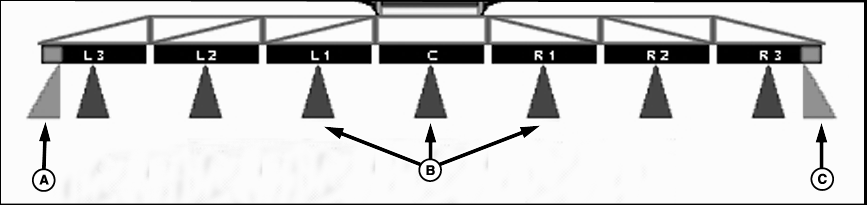
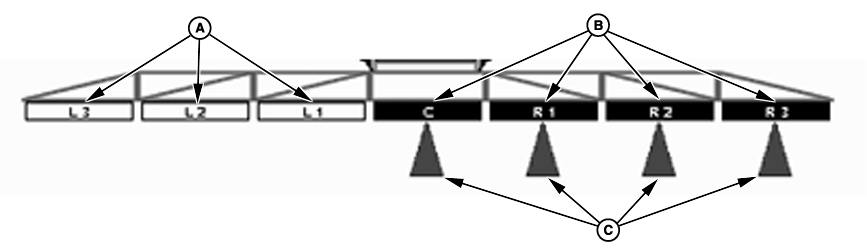
Implement sections can be in one of three states: Section on/off buttons arm or disarm one section at a time from left to right or right to left. The operator can also enable/disable sections with the switch box in the cab. Switch 1 represents the left most section and so forth. If fence row nozzles are configured, switches 9 and 10 will enable/disable the left and right fence row nozzles, respectively. Section and fence row nozzles have colored arrow indications under implement sections to show active status. |
Enabled sections have black fill color indication. Sections that are in the off state have white fill color indication. Active sections have blue fill color arrow indication under the section. Enabled fence row nozzles have purple fill colored indication. Active fence row nozzles will have purple fill color arrow indication under the implement section. Fence row nozzles will turn on/off with the corresponding outside section when enabled. |
JS56696,0000043 -19-05JUL07-1/2 |
|
JS56696,0000043 -19-05JUL07-2/2 |