Implement Selection
|
|
|
|
|
|
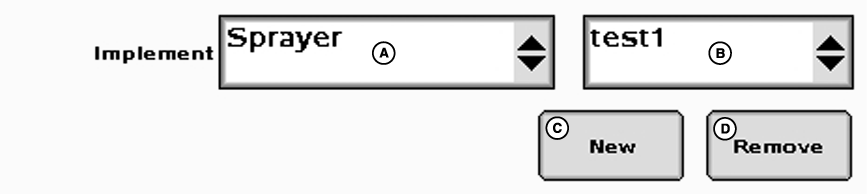
To enter equipment type: 1. Select the implement type from the drop-down on the left.2. Select implement name from drop-down on the right. If no name has been added yet: 1. Press new.2. Type new name on keypad. 3. Press enter. 4. Select your implement name from drop-down on the right. |
If equipment name is no longer needed: 1. Select implement name to be deleted from drop-down.2. Press remove. 3. Accept pop-up warning screen. NOTE: A maximum of three implement configurations/names may be saved for each implement type. |
JS56696,0000045 -19-05JUL07-1/1 |