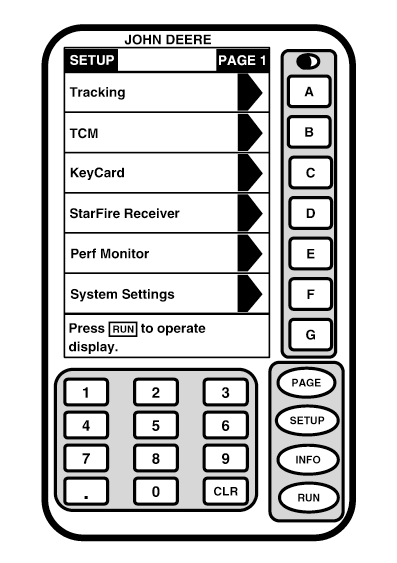
SETUPSETUP screens allows operator to change operating information. When SETUP button is pushed, a menu will appear. Press letter button next to menu item that requires change or SETUP button (See Setup-Guidance System section for details). If there are more selections than screen area available, a second page of selections is created. Press PAGE button to view additional selections. IMPORTANT: When setting up your components for Parallel Tracking or AutoTrac, see TCM and Receiver sections for additional setup information.
|
|
OUO6050,0001EF9 -19-29NOV06-1/1 |