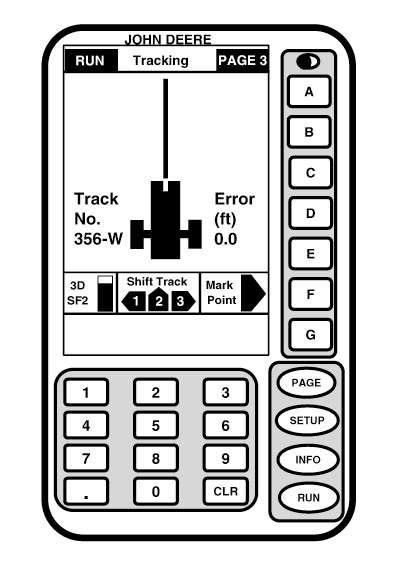
RUNRUN screens are basic operating screens. RUN screens are accessed by pressing RUN button. Pressing PAGE button toggles display between two available RUN screens. RUN screen can be customized by operator to display various tasks and operation. (See RUN Functions section for details.)
|
|
OUO6050,0001EFA -19-29NOV06-1/1 |