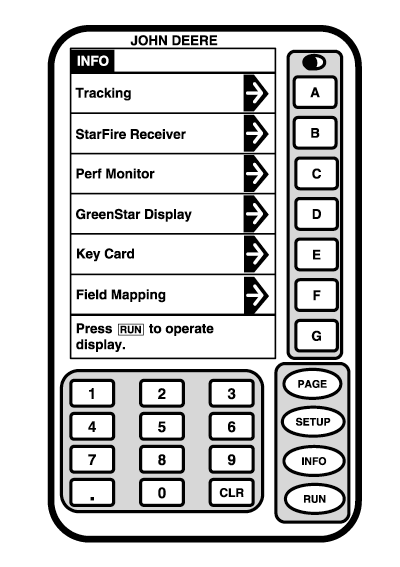
INFONOTE: Depending on number of programs loaded on KeyCard some selections may not appear on current page. Press PAGE button to access additional selections. INFO screen allows operator to view general information screens. Press INFO button for menu to appear. Press letter button next to menu item that you would like to view information on. IMPORTANT: When setting up your components for Parallel Tracking or AutoTrac, see TCM and Receiver sections for additional INFO information.
|
|
OUO6050,0001EFB -19-28SEP06-1/1 |