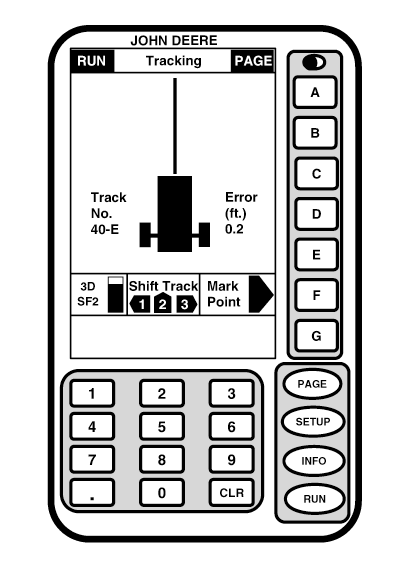
RUN - PAGE 1NOTE: If full page is selected on SETUP - TRACKING - PAGE 2 screen all Parallel Tracking information will be displayed on RUN - PAGE 3 screen. At power up display will show RUN - PAGE 1 screen if that mode was active when machine was powered down. If full page mode was in use when machine was powered down, when machine is powered up it will return to full page mode. User can select number of sections (one, two, three, or full page) allotted to a guidance system. (See SETUP section to change display size). IMPORTANT: KeyCard and Receiver accuracy levels (AutoTrac SF1, AutoTrac SF2) must match to run AutoTrac. An example of mismatched accuracy levels would be an SF2 receiver and an SF1 KeyCard. (See DIFFERENTIAL CORRECTION SETUP in the StarFire iTC section or SETUP - GPS - PAGE 1 in the Original StarFire Receiver section to set receiver accuracy to correspond with KeyCard accuracy.)
|
|
OUO6050,0001F0D -19-29NOV06-1/1 |