Activating System |
|
|
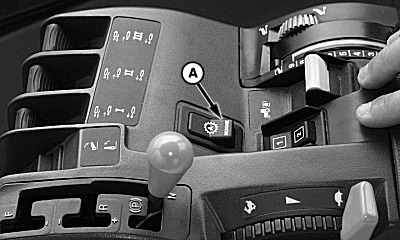
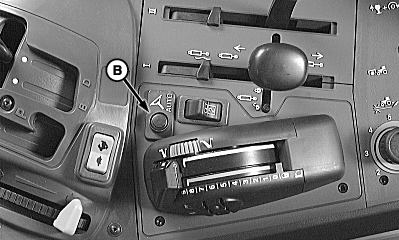
|
After system has been ENABLED, operator must manually change system to ACTIVE status when steering assistance is desired. NOTE: Activating AutoTrac will activate automatic power shift if it has been set. In 8020T, 9020T and wheel tractors, automatic power shift (APS) must be set up after enabling AutoTrac. If AutoTrac is enabled after automatic power shift has been set, APS must be reset. APS can be set either before or after enabling AutoTrac on 8010T, 8000T, and 9000T tractors. Press resume switch (A) or AUTO switch (B) to activate AutoTrac. This will initiate assisted steering. NOTE: Location of resume switch may vary depending upon which vehicle platform AutoTrac is being operated on. In order to activate system following criteria must be met:
|
|
 CAUTION:
While AutoTrac is active operator is responsible for steering at end of path and collision avoidance.
CAUTION:
While AutoTrac is active operator is responsible for steering at end of path and collision avoidance.
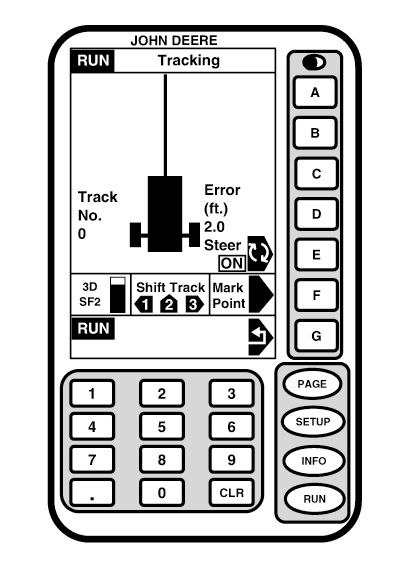
OUO6050,0001F1B -19-18OCT06-1/2 |
|
|
OUO6050,0001F1B -19-18OCT06-2/2 |