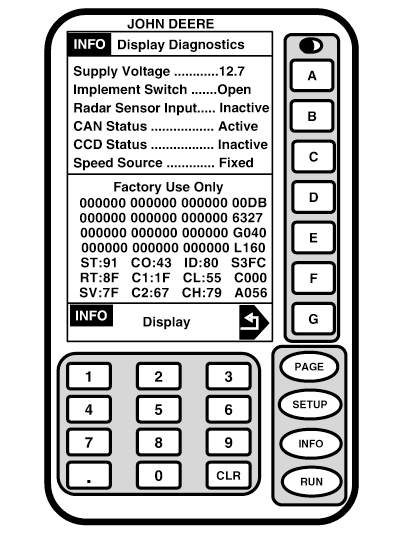
Display DiagnosticsScreen: INFO - DISPLAY DIAGNOSTICS Press: INFO >> GREENSTAR DISPLAY >> DISPLAY DIAGNOSTICS This screen shows detailed information about system. This information can be used to help troubleshoot system if a problem occurs.
|
|
OUO6050,0001F42 -19-18OCT06-1/1 |