Driving the CircleNOTE: If NOT DEFINED appears for Circle Center latitude and longitude, this means that a center has not been defined for that field yet. Follow steps below to setup Circle Center. 1.
Drive machine to desired starting location in field.
|
OUO6050,0002104 -19-25OCT06-1/3 |
|
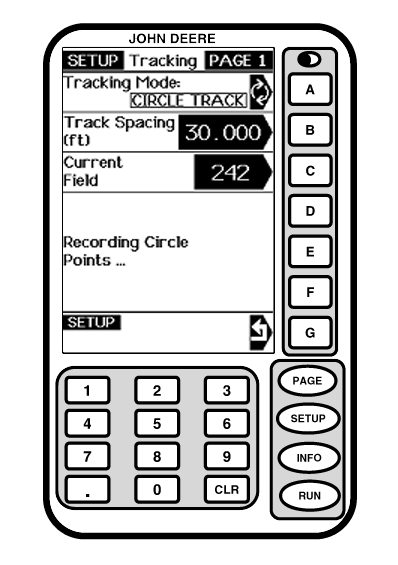
3. Drive desired circle. NOTE: It is required to drive over 1/2 of the circle before you can calculate the center. The more of the circle you drive the more accurate the circle center will be.
|
|
OUO6050,0002104 -19-25OCT06-2/3 |
|
4.
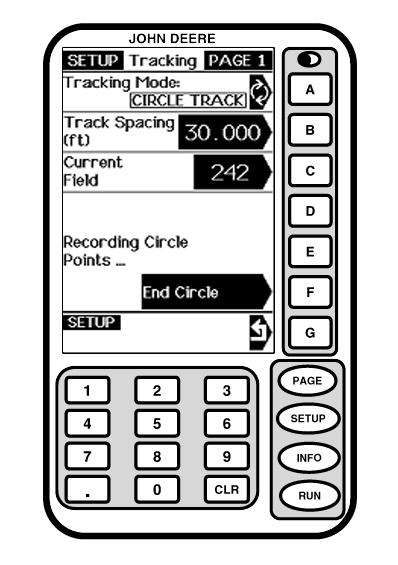
Press the "End Circle" button to complete the circle Track. This calculates the circle center.
|
|
OUO6050,0002104 -19-25OCT06-3/3 |